creativetimofficial/ui

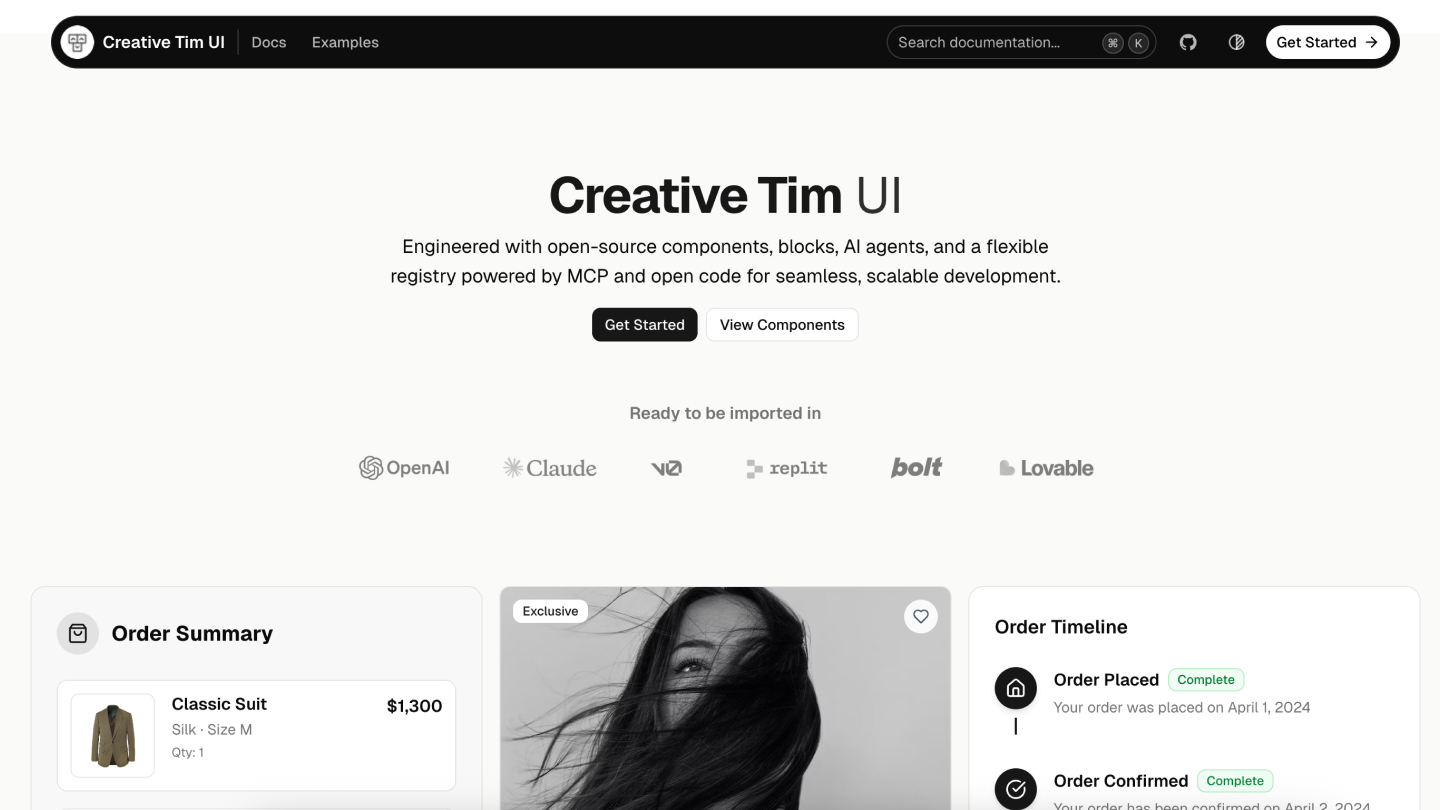
Indexed by TopGit from live GitHub metadata: creativetimofficial/ui has 12.0k stars, written primarily in TypeScript. Open-source components, blocks, and AI agents designed to speed up your workflow. Import them seamlessly into your favorite tools through Registry and MCPs.
Snapshot summary built from the project's own GitHub metadata — there's no written TopGit review yet. The page will update automatically when a full review is published.
TopGit writes full reviews for the most-starred, most-requested repositories. This page is a snapshot until then — see the READ ME tab for the original README in full.
Snapshot
Top contributors
Show top contributors
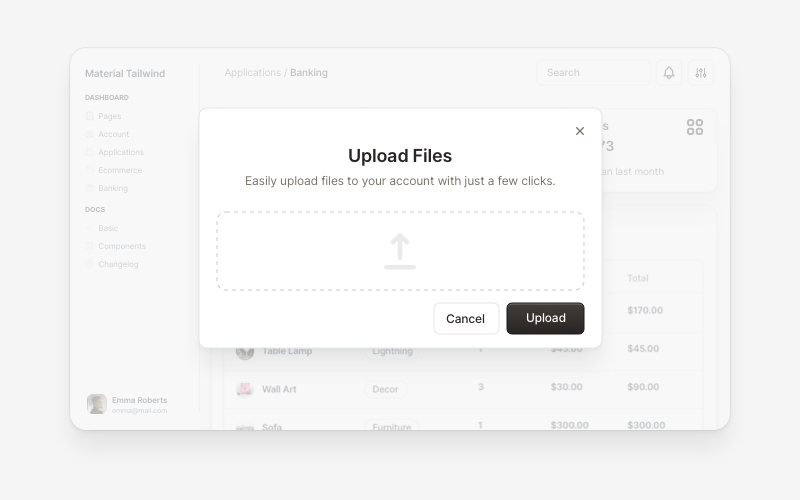
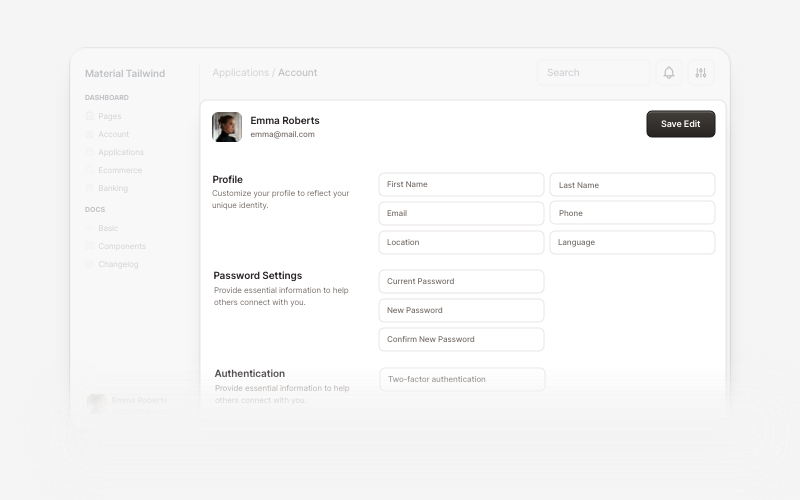
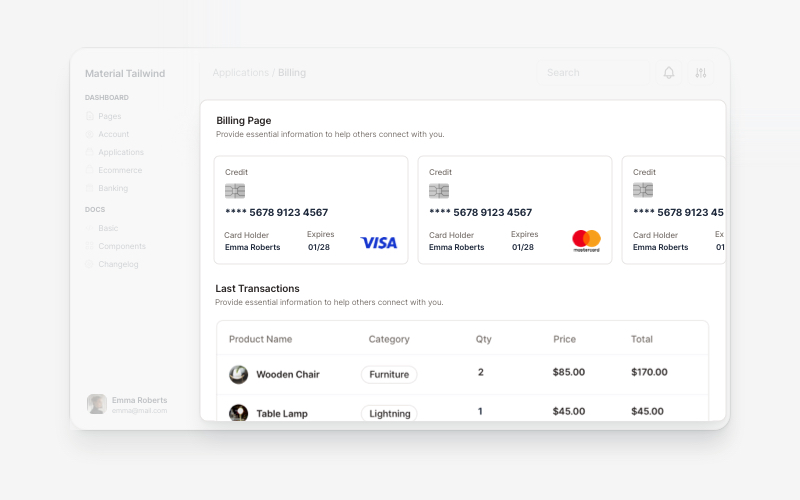

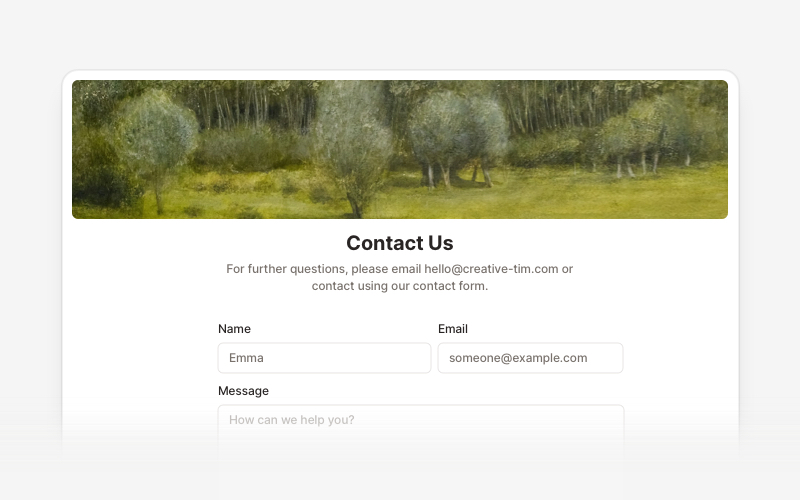
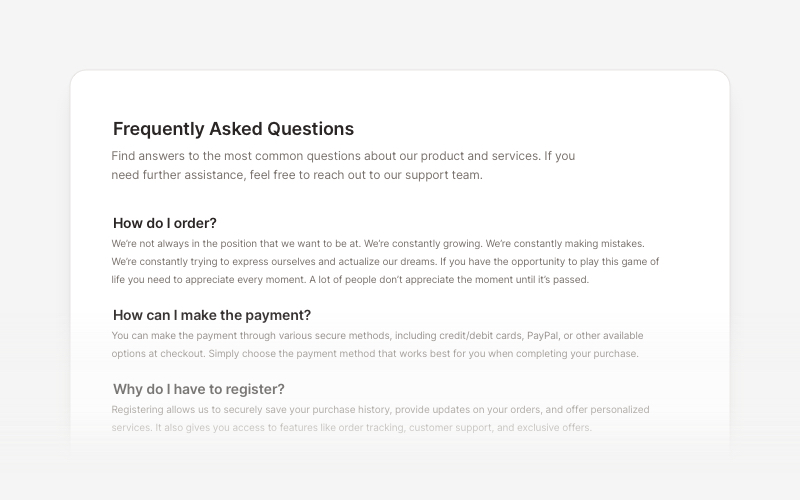

Related repositories
Quick answers
How active is development on creativetimofficial/ui?
The most recent commit recorded on creativetimofficial/ui was 5 months ago, based on the GitHub push timestamp. The repository has 4.8k forks — one of the better signals of community interest.
How many stars does creativetimofficial/ui have?
creativetimofficial/ui has 12.0k GitHub stars — refresh the page for the live number, or check github.com/creativetimofficial/ui. TopGit mirrors GitHub's count but does not claim minute-by-minute accuracy.
Is creativetimofficial/ui open source?
Yes — creativetimofficial/ui ships under the MIT license, which makes its source code freely readable (and, depending on license terms, forkable and reusable). Source: github.com/creativetimofficial/ui.
What topics is creativetimofficial/ui associated with?
GitHub's repository topics for creativetimofficial/ui: "admin", "blocks", "creative-tim", "creative-tim-blocks", "creative-tim-ui", "eleven-labs", "shadcn", "shadcn-ui", "ui-blocks", "vercel-deployment". TopGit's editorial category is open-source.
Where can I see creativetimofficial/ui in action?
The project maintains a homepage at https://www.creative-tim.com/ui. The README tab on this page also usually contains screenshots and a quickstart.
Where do I read more about creativetimofficial/ui?
This TopGit page is a snapshot — the READ ME tab shows the project's own README content (links stripped, images preserved). The GitHub repository at github.com/creativetimofficial/ui is the definitive source.
Read full README in the tab above.
Curious whether ui is right for you?
Let ChatGPT, Claude, or Perplexity look into it — click below and see what AI actually says about ui.