On GitHub, cruffenach/CRToast has picked up 4.1k stars, Objective-C. A modern iOS toast view that can fit your notification needs
Snapshot summary built from the project's own GitHub metadata — there's no written TopGit review yet. The page will update automatically when a full review is published.
WHY NO REVIEW YET
TopGit writes full reviews for the most-starred, most-requested repositories. This page is a snapshot until then — see the READ ME tab for the original README in full.
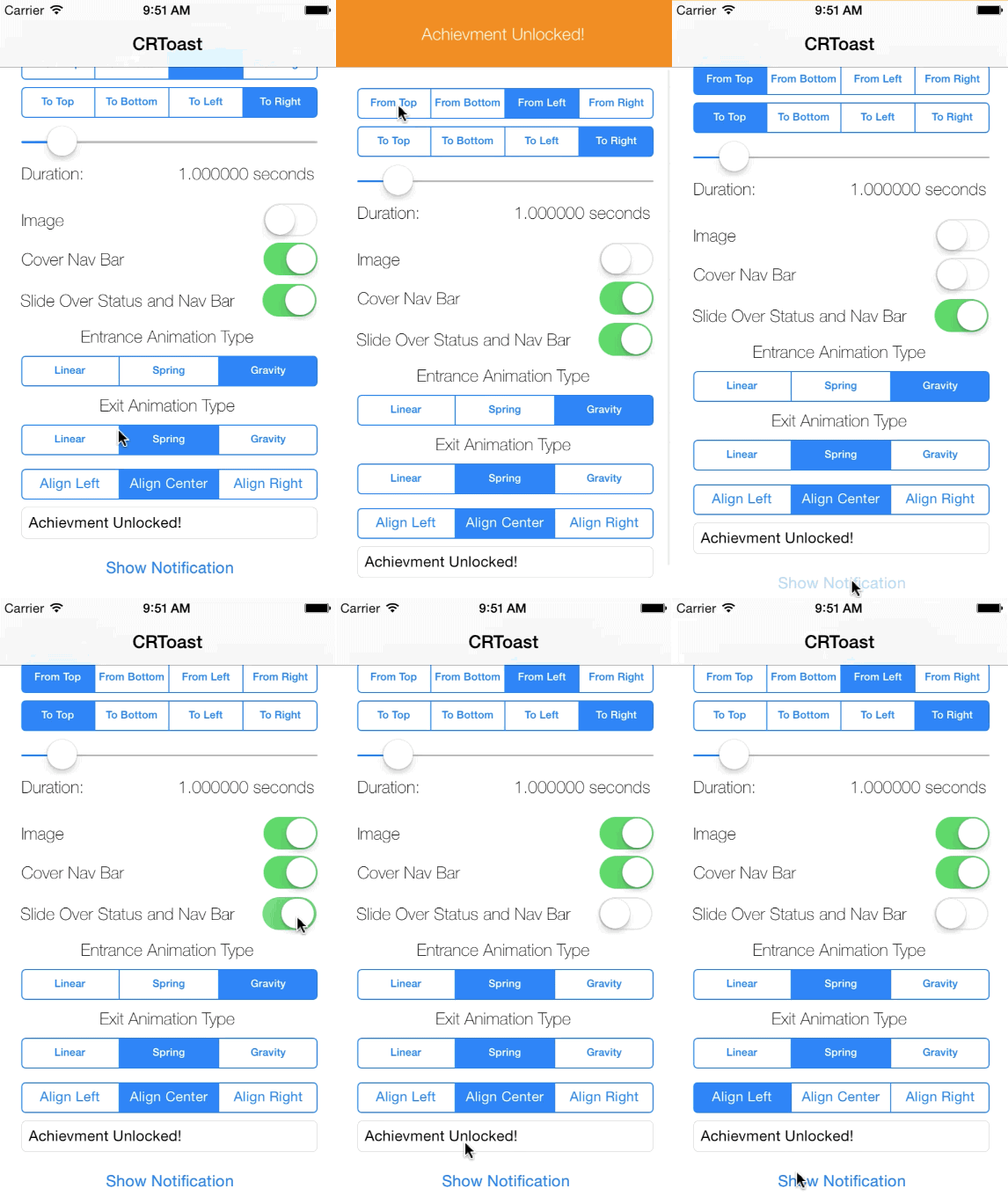
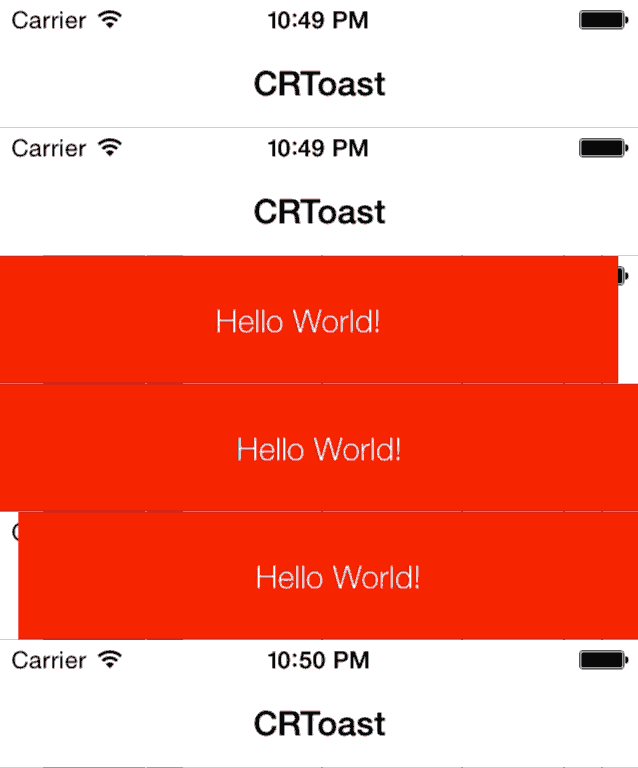
CRToast is a library that allows you to easily create notifications that appear on top of or by pushing out the status bar or navigation bar. CRToast was originally based on CWStatusBarNotification.
Requirements
CRToast uses ARC and requires iOS 7.0+. Works for iPhone and iPad.
Installation
CocoaPods
pod 'CRToast', '~> 0.0.7'
Carthage
github "cruffenach/CRToast"
Manual
Add the project or source files to your own project.
Usage
Notifications can be created through CRToastManager's showNotificationWithOptions:completionBlock: This will queue up a notification with the options specified. You provide options for your notification in a dictionary using the keys in CRToast.h
CRToast is very customizable. Taking a hint from UIStringDrawing's drawInRect:withAttributes: book, notifications are created with dictionaries filled with all their options.
Customizing Appearance
CRToast allows for setting of
Left aligned image
Title and Subtitle text with:
Text Color
Text Font
Text Alignment
Text Color
Text Shadow Color
Text Shadow Offset
Text Max Number of Lines
Customizing Animation
CRToast also allows for animation customization. This includes.
Animation Type (Linear, Spring or Gravity)
Animation Physics Coefficients (Spring Damping, Spring Initial Velocity, Gravity Magnitude)
Presentation Type (Slide over bars or push content out)
Status visibility (Status bar on top or below)
Direction (Enter and exit in any direction)
Enter, Stay on Screen and Exit Timing
Touch Interactions
CRToast allows for any notification to respond to different types of touch interactions (tap, swipe). Interaction responders can be set as defaults or on a per notification basis.
The types of interactions you can set up to respond to are:
You can set a collection of CRToastInteractionResponders as the object for the key kCRToastInteractionRespondersKey in defaults to have all notifications respond to a certain interaction, or on any given one to have the interaction responders just work for that one notification.
Persistent and Programmatically Dismissed Notifications
You can also dismiss the current notification at any time with
+ (void)dismissNotification:(BOOL)animated;
You can present notifications that must be dismissed by the user by passing @(DBL_MAX) for kCRToastTimeIntervalKey and setting up an interaction responder that will dismiss the notification.
Setting Defaults
There are sane defaults set for all properties, however you can set a default set of options for your application's notifications using CRToastManagers's setDefaultOptions:.
License
The MIT License (MIT)

Copyright (c) 2013 Collin Ruffenach

Permission is hereby granted, free of charge, to any person obtaining a copy
of this software and associated documentation files (the "Software"), to deal
in the Software without restriction, including without limitation the rights
to use, copy, modify, merge, publish, distribute, sublicense, and/or sell
copies of the Software, and to permit persons to whom the Software is
furnished to do so, subject to the following conditions:

The above copyright notice and this permission notice shall be included in
all copies or substantial portions of the Software.

THE SOFTWARE IS PROVIDED "AS IS", WITHOUT WARRANTY OF ANY KIND, EXPRESS OR
IMPLIED, INCLUDING BUT NOT LIMITED TO THE WARRANTIES OF MERCHANTABILITY,
FITNESS FOR A PARTICULAR PURPOSE AND NONINFRINGEMENT. IN NO EVENT SHALL THE
AUTHORS OR COPYRIGHT HOLDERS BE LIABLE FOR ANY CLAIM, DAMAGES OR OTHER
LIABILITY, WHETHER IN AN ACTION OF CONTRACT, TORT OR OTHERWISE, ARISING FROM,
OUT OF OR IN CONNECTION WITH THE SOFTWARE OR THE USE OR OTHER DEALINGS IN
THE SOFTWARE.
The most recent commit recorded on cruffenach/CRToast was 20 days ago, based on the GitHub push timestamp. The repository has 454 forks — one of the better signals of community interest.
How many stars does cruffenach/CRToast have?
cruffenach/CRToast has 4.1k GitHub stars — refresh the page for the live number, or check github.com/cruffenach/CRToast. TopGit mirrors GitHub's count but does not claim minute-by-minute accuracy.
Is cruffenach/CRToast open source?
Yes — cruffenach/CRToast ships under the MIT license, which makes its source code freely readable (and, depending on license terms, forkable and reusable). Source: github.com/cruffenach/CRToast.
What is cruffenach/CRToast?
cruffenach/CRToast (cruffenach/CRToast) is a Objective-C project on GitHub. From the project's own README: A modern iOS toast view that can fit your notification needs
Where do I read more about cruffenach/CRToast?
This TopGit page is a snapshot — the READ ME tab shows the project's own README content (links stripped, images preserved). The GitHub repository at github.com/cruffenach/CRToast is the definitive source.
Read full README in the tab above.
Is CRToast worth your time?
ChatGPT, Claude and Perplexity can all read this page. Ask one of them what it makes of CRToast.

 /CRToast