Snapshot of denysdovhan/vacuum-card: 1.3k★, TypeScript. Vacuum cleaner card for Home Assistant Lovelace UI
Snapshot summary built from the project's own GitHub metadata — there's no written TopGit review yet. The page will update automatically when a full review is published.
WHY NO REVIEW YET
TopGit writes full reviews for the most-starred, most-requested repositories. This page is a snapshot until then — see the READ ME tab for the original README in full.
Vacuum cleaner card for Home Assistant Lovelace UI
By default, Home Assistant does not provide any card for controlling vacuum cleaners. This card displays the state and allows to control your robot.
Installing
💡 Tip: If you like this project, consider giving me a tip for the time I spent building this project:
HACS
This card is available in HACS (Home Assistant Community Store).
Just search for Vacuum Card in plugins tab.
Manual
Download vacuum-card.js file from the latest-release.
Put vacuum-card.js file into your config/www folder.
Add reference to vacuum-card.js in Lovelace. There's two way to do that:
Using UI:Configuration → Lovelace Dashboards → Resources Tab → Click Plus button → Set Url as /local/vacuum-card.js → Set Resource type as JavaScript Module.
Note: If you do not see the Resources Tab, you will need to enable Advanced Mode in your User Profile
Using YAML: Add following code to lovelace section.
An entity_id within the sensor domain to display battery state and icon.
map
string
Optional
An entity_id within the camera domain, for streaming live vacuum map.
map_refresh
integer
5
Update interval for map camera in seconds
image
string
default
Path to image of your vacuum cleaner. Better to have png or svg.
show_name
boolean
true
Show friendly name of the vacuum.
show_status
boolean
true
Show status of the vacuum.
show_toolbar
boolean
true
Show toolbar with actions.
compact_view
boolean
false
Compact view without image.
stats
object
Optional
Custom per state stats for your vacuum cleaner
actions
object
Optional
Override default actions behavior with service invocations.
shortcuts
array
Optional
List of shortcuts shown at the right bottom part of the card with custom actions for your vacuum cleaner.
stats object
You can use any attribute of vacuum or even any entity by entity_id to display by stats section. You can also combine attribute with entity_id to extract an attribute value of specific entity:
Name
Type
Default
Description
entity_id
string
Optional
An entity_id with state, i.e. sensor.vacuum.
attribute
string
Optional
Attribute name of the stat, i.e. filter_left.
value_template
string
Optional
Jinja2 template returning a value. value variable represents the entity_id or attribute state.
unit
string
Optional
Unit of measure, i.e. hours.
subtitle
string
Optional
Friendly name of the stat, i.e. Filter.
actions object
You can defined service invocations to override default actions behavior. Available actions to override are start, pause, resume, stop, locate and return_to_base.
Name
Type
Default
Description
service
string
Optional
A service to call, i.e. script.clean_bedroom.
service_data
object
Optional
service_data for service call
shortcuts object
You can defined custom scripts for custom actions i.e cleaning specific room and add them to this card with shortcuts option.
Name
Type
Default
Description
name
string
Optional
Friendly name of the action, i.e. Clean bedroom.
service
string
Optional
A service to call, i.e. script.clean_bedroom.
target
object
Optional
A HassServiceTarget, to define a target for the current service call.
icon
string
Optional
Any icon for action button.
service_data
object
Optional
service_data for service call
Theming
This card can be styled by changing the values of these CSS properties (globally or per-card via card-mod):
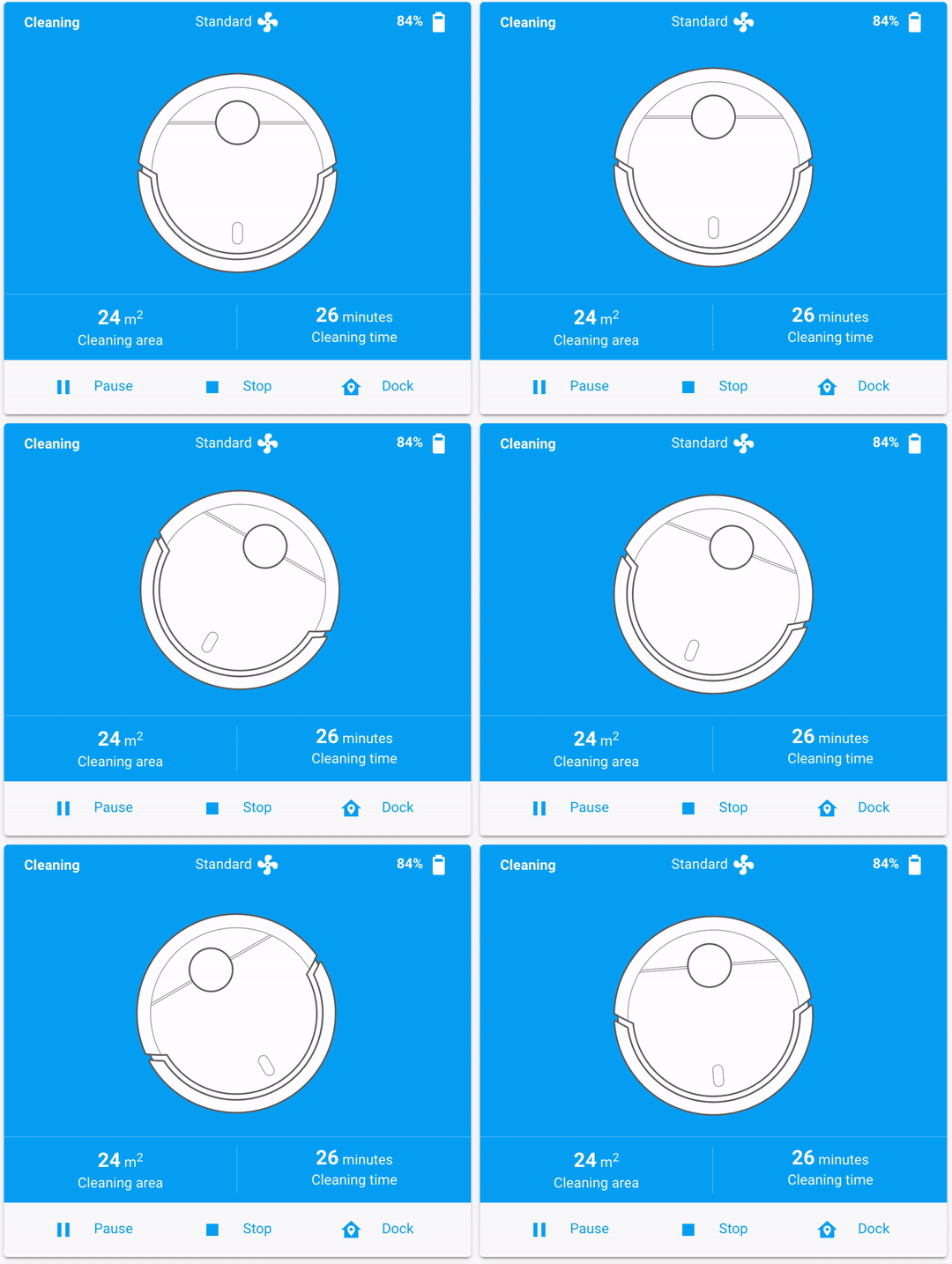
I've added some animations for this card to make it alive. Animations are applied only for image property. Here's how they look like:
Cleaning
Docking
Supported languages
This card supports translations. Please, help to add more translations and improve existing ones. Here's a list of supported languages:
English
Українська (Ukrainian)
Deutsch (German)
Français (French)
Italiano (Italian)
Nederlands (Dutch)
Polski (Polish)
Русский (Russian)
Español (Spanish)
Čeština (Czech)
Magyar (Hungarian)
עִבְרִית (Hebrew)
Português (Portuguese)
Português Brasileiro (Brazilian Portuguese)
Svenska (Swedish)
Norsk bokmål (Norwegian)
Norsk nynorsk (Norwegian)
Dansk (Danish)
한국어 (Korean)
Suomi (Finnish)
Català (Catalan)
正體中文 (Traditional Chinese)
Việt Nam (Vietnamese)
Lietuvių (Lithuanian)
Română (Romanian)
Slovensky (Slovak)
简体中文 (Simplified Chinese)
日本語 (Japanese)
Srpski (Serbian - Latin)
Српски (Serbian - Cyrillic)
Your language?
Supported models
This card relies on basic vacuum services, like pause, start, stop, return_to_base, etc. It should work with any robot vacuum, however I can physically test it only with my own robot vacuum.
If this card works with your vacuum cleaner, please open a PR and your model to the list.
denysdovhan/vacuum-card has 1.3k GitHub stars — refresh the page for the live number, or check github.com/denysdovhan/vacuum-card. TopGit mirrors GitHub's count but does not claim minute-by-minute accuracy.
Is denysdovhan/vacuum-card open source?
Yes — denysdovhan/vacuum-card ships under the MIT license, which makes its source code freely readable (and, depending on license terms, forkable and reusable). Source: github.com/denysdovhan/vacuum-card.
What is denysdovhan/vacuum-card?
denysdovhan/vacuum-card (denysdovhan/vacuum-card) is a TypeScript project on GitHub. From the project's own README: Vacuum cleaner card for Home Assistant Lovelace UI
Where can I see denysdovhan/vacuum-card in action?
The project maintains a homepage at https://denysdovhan.com/smart-home. The README tab on this page also usually contains screenshots and a quickstart.
Where do I read more about denysdovhan/vacuum-card?
This TopGit page is a snapshot — the READ ME tab shows the project's own README content (links stripped, images preserved). The GitHub repository at github.com/denysdovhan/vacuum-card is the definitive source.
Read full README in the tab above.
Curious whether vacuum-card is right for you?
Let ChatGPT, Claude, or Perplexity look into it — click below and see what AI actually says about vacuum-card.

 /vacuum-card