dm77/barcodescanner is tracked by TopGit as an open-source project, with 5.4k stars on GitHub, written primarily in Java. Barcode Scanner Libraries for Android
Snapshot summary built from the project's own GitHub metadata — there's no written TopGit review yet. The page will update automatically when a full review is published.
WHY NO REVIEW YET
TopGit writes full reviews for the most-starred, most-requested repositories. This page is a snapshot until then — see the READ ME tab for the original README in full.
This project is no longer maintained. When I first started this project in late 2013 there were very few libraries to help with barcode scanning on Android. But the situation today is much different. We have lots of great libraries based on ZXing and there is also barcode scanning API in Google's MLKit (https://github.com/googlesamples/mlkit). So given the options I have decided to stop working on this project.
Introduction
Android library projects that provides easy to use and extensible Barcode Scanner views based on ZXing and ZBar.
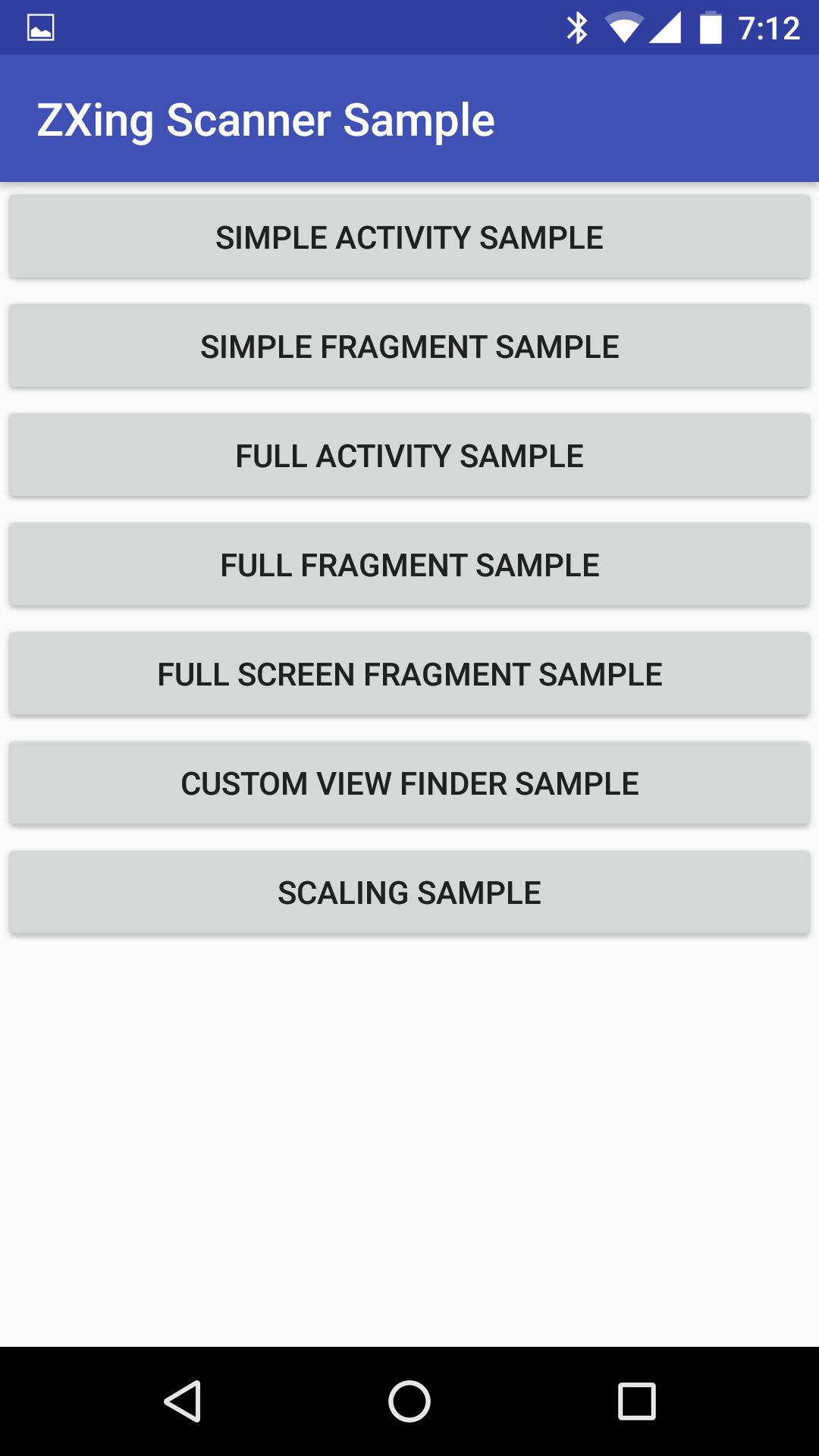
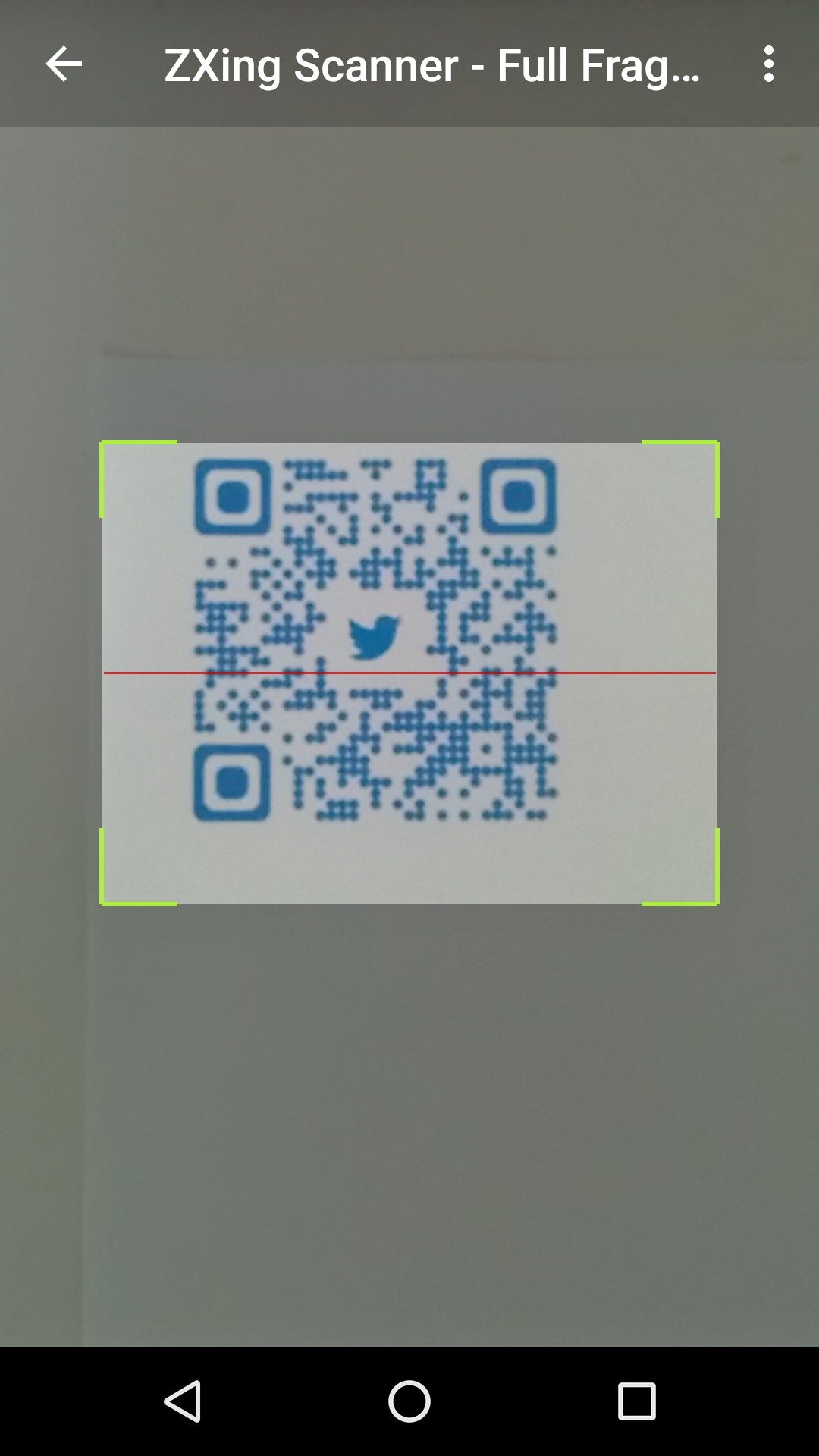
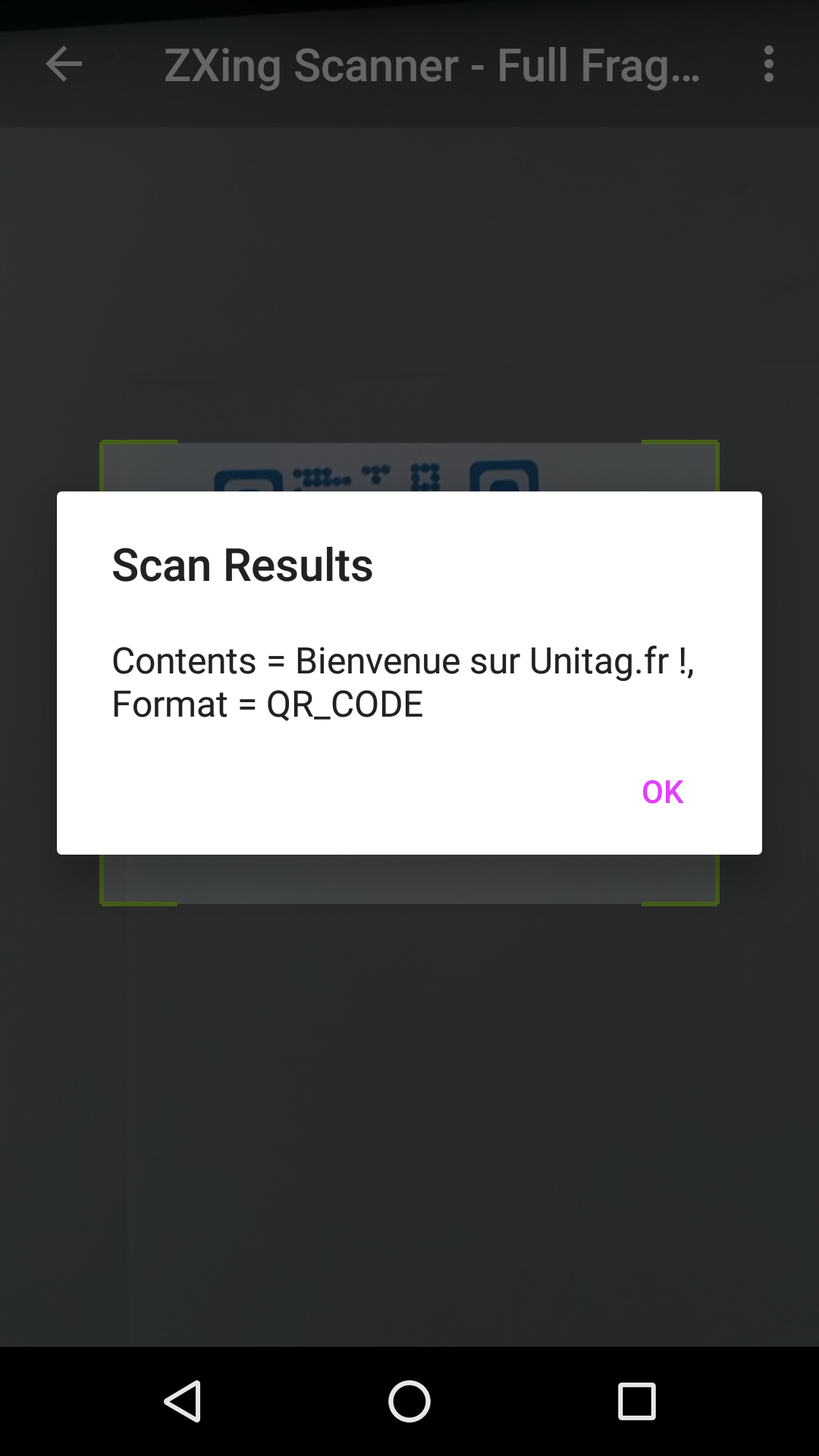
Screenshots
Minor BREAKING CHANGE in 1.8.4
Version 1.8.4 introduces a couple of new changes:
Open Camera and handle preview frames in a separate HandlerThread (#1, #99): Though this has worked fine in my testing on 3 devices, I would advise you to test on your own devices before blindly releasing apps with this version. If you run into any issues please file a bug report.
Do not automatically stopCamera after a result is found #115: This means that upon a successful scan only the cameraPreview is stopped but the camera is not released. So previously if your code was calling mScannerView.startCamera() in the handleResult() method, please replace that with a call to mScannerView.resumeCameraPreview(this);
ZXing
Installation
Add the following dependency to your build.gradle file.
public class SimpleScannerActivity extends Activity implements ZXingScannerView.ResultHandler {
    private ZXingScannerView mScannerView;

    @Override
    public void onCreate(Bundle state) {
        super.onCreate(state);
        mScannerView = new ZXingScannerView(this);   // Programmatically initialize the scanner view
        setContentView(mScannerView);                // Set the scanner view as the content view
    }

    @Override
    public void onResume() {
        super.onResume();
        mScannerView.setResultHandler(this); // Register ourselves as a handler for scan results.
        mScannerView.startCamera();          // Start camera on resume
    }

    @Override
    public void onPause() {
        super.onPause();
        mScannerView.stopCamera();           // Stop camera on pause
    }

    @Override
    public void handleResult(Result rawResult) {
        // Do something with the result here
        Log.v(TAG, rawResult.getText()); // Prints scan results
        Log.v(TAG, rawResult.getBarcodeFormat().toString()); // Prints the scan format (qrcode, pdf417 etc.)

        // If you would like to resume scanning, call this method below:
        mScannerView.resumeCameraPreview(this);
    }
}
Please take a look at the zxing-sample project for a full working example.
Advanced Usage
Take a look at the FullScannerActivity.java or FullScannerFragment.java classes to get an idea on advanced usage.
Interesting methods on the ZXingScannerView include:
Specify front-facing or rear-facing cameras by using the void startCamera(int cameraId); method.
For HUAWEI mobile phone like P9, P10, when scanning using the default settings, it won't work due to the
"preview size", please adjust the parameter as below:
mScannerView = (ZXingScannerView) findViewById(R.id.zx_view);

// this paramter will make your HUAWEI phone works great!
mScannerView.setAspectTolerance(0.5f);
public class SimpleScannerActivity extends Activity implements ZBarScannerView.ResultHandler {
    private ZBarScannerView mScannerView;

    @Override
    public void onCreate(Bundle state) {
        super.onCreate(state);
        mScannerView = new ZBarScannerView(this);    // Programmatically initialize the scanner view
        setContentView(mScannerView);                // Set the scanner view as the content view
    }

    @Override
    public void onResume() {
        super.onResume();
        mScannerView.setResultHandler(this); // Register ourselves as a handler for scan results.
        mScannerView.startCamera();          // Start camera on resume
    }

    @Override
    public void onPause() {
        super.onPause();
        mScannerView.stopCamera();           // Stop camera on pause
    }

    @Override
    public void handleResult(Result rawResult) {
        // Do something with the result here
        Log.v(TAG, rawResult.getContents()); // Prints scan results
        Log.v(TAG, rawResult.getBarcodeFormat().getName()); // Prints the scan format (qrcode, pdf417 etc.)

        // If you would like to resume scanning, call this method below:
        mScannerView.resumeCameraPreview(this);
    }
}
Please take a look at the zbar-sample project for a full working example.
Advanced Usage
Take a look at the FullScannerActivity.java or FullScannerFragment.java classes to get an idea on advanced usage.
Interesting methods on the ZBarScannerView include:
TopGit's last sync did not record any GitHub topics for dm77/barcodescanner. GitHub topics appear in the right sidebar of a repository page; that's the authoritative place to check.
How active is development on dm77/barcodescanner?
The most recent commit recorded on dm77/barcodescanner was 6.4 years ago, based on the GitHub push timestamp. The repository has 1.4k forks — one of the better signals of community interest.
How many stars does dm77/barcodescanner have?
dm77/barcodescanner has 5.4k GitHub stars — refresh the page for the live number, or check github.com/dm77/barcodescanner. TopGit mirrors GitHub's count but does not claim minute-by-minute accuracy.
What is dm77/barcodescanner?
dm77/barcodescanner (dm77/barcodescanner) is a Java project on GitHub. From the project's own README: Barcode Scanner Libraries for Android
What language is dm77/barcodescanner written in?
dm77/barcodescanner is written primarily in Java. GitHub's language field is based on the largest share of bytes in the default branch.
Read full README in the tab above.
Curious whether barcodescanner is right for you?
Let ChatGPT, Claude, or Perplexity look into it — click below and see what AI actually says about barcodescanner.

 /barcodescanner