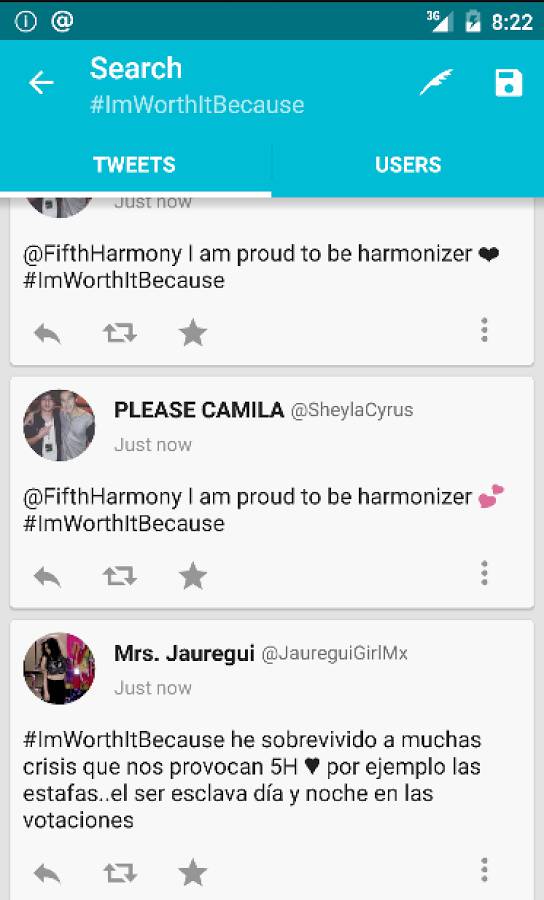
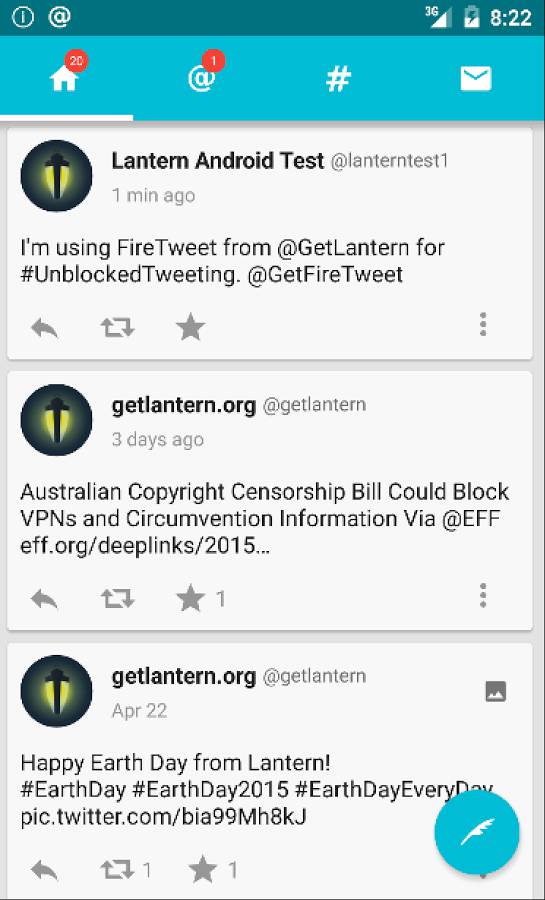
269 GitHub stars and counting — getlantern/firetweet is a Java project TopGit is tracking across repositories on the platform. FireTweet for Android powered by Lantern
Snapshot summary built from the project's own GitHub metadata — there's no written TopGit review yet. The page will update automatically when a full review is published.
WHY NO REVIEW YET
TopGit writes full reviews for the most-starred, most-requested repositories. This page is a snapshot until then — see the READ ME tab for the original README in full.
FireTweet is an Android app powered by Lantern that gives direct unblocked
access to Twitter from anywhere in the world.
You can download the latest build of FireTweet
here.
Building Firetweet
Building from Android Studio
Prerequisites
Android Studio
git
Download the most recent copy of the Firetweet's source code using git:
mkdir -p ~/AndroidstudioProjects
cd ~/AndroidstudioProjects
git clone https://github.com/getlantern/firetweet.git
In the welcome screen choose the "Open an existing Android Studio" option and
select the firetweet folder you just checked out with git.
Wait until Android Studio finishes importing the project.
After a few minutes you'll end up with a blank workspace, click the 1. Project tab from the left side of the screen and make sure the combo box near
the play button says firetweet.
If you want to test Firetweet on an Android emulator or into a real device,
just click the play button and choose on which device you want to deploy
Lantern. If you want to test this on an emulator make sure you're using the ARM
architecture.
To build FireTweet select the Make Project action from the Build menu.
This will create a ./firetweet/build/outputs/apk/firetweet-fdroid-debug.apk
file that you can install on an android device with the help of adb:
Building from the Command Line (beta, for development only)
Prerequisites
Java Development Kit 1.7
Git
Building, installing and running
Build the Debug target:
make build-debug
Install it:
make install
Run the app on the device from the command line:
make run
By default, all three tasks will be run in order with:
make
How is Lantern included in Firetweet?
We created a really small version of Lantern that can be compiled for Android
phones and used by Android apps. This library is bundled with Firetweet, you
can always find the latest version of the library
here.
If you prefer to build this binary blob for yourself you may check out the
Lantern building instructions, in
particular the "Creating libgojni.so" section.
VirtualBox Android development images
Why use a Virtualbox image instead of the Android Emulator or a real device?
There are several reasons for doing so. When comparing with the Android Emulator, the main reason is that Virtualbox is faster. It virtualizes the x86 architecture, which introduces less overhead than full ARM emulation. When comparing with a real device, there are also reasons for using Virtualbox instead:
On-screen development. This might be useful for remote pair programming or visual testing.
Screen size customization.
Easier build and bug reproducibility.
One thing to note is that the majority of Android devices use the ARM architecture. Virtualbox relies on the x86 architecture instead. However, the emulation feature called Houdini binary translation allows for instruction translation, which means that we can run native ARM code on our x86 emulator.
The Android x86 images are based on this project: http://www.android-x86.org/
You can find the latest image here
Installing on the VirtualBox image
Make sure that port forwarding is set from 5555 (host) to 5555 (guest) for the main network interface.
Run the Virtualbox image.
Connect with ADB
adb connect localhost:5555
Check that the device is properly connected
adb devices
Run make (it will compile, upload and run the app on VirtualBox)
make
Development notes
Screen orientation
Press F12 two times in less than 2 seconds = Rotate 90º to the LEFT.
Press F11 two times in less than 2 seconds = Rotate 90º to the RiGHT.
Press F10 two times in less than 2 seconds = Rotate 180º.
Press F9 two times in less than 2 seconds = Normal view 0/360º.
Screen size
Using the kernel VGA configuration option:
When in GRUB, hit 'e' to edit the first entry, then 'e' again to edit the first line. Append the text 'vga=ask' at the end of the boot line. Choose any of the display sizes, but the depth must be 16.
Using an app (recommended):
Use the app called Resolution Changer and activate the resolution overriding. There is no need to reboot after this.
Misc
For better UI integration, disable mouse integration (Host+I)
Certain apps, including Firetweet reorient the screen. This will remap the mouse coordinates and motion, which will drive you crazy! First try rotating setting the screen orientation to landscape. Then, you can try also setting a screen size with Resolution Changer to a new height/width that inverts these values.
Open Source
FireTweet was forked from Twidere, an Open Source client for Twitter.
This program is free software: you can redistribute it and/or modify
it under the terms of the GNU General Public License as published by
the Free Software Foundation, either version 3 of the License, or
(at your option) any later version.
This program is distributed in the hope that it will be useful,
but WITHOUT ANY WARRANTY; without even the implied warranty of
MERCHANTABILITY or FITNESS FOR A PARTICULAR PURPOSE. See the
GNU General Public License for more details.
You should have received a copy of the GNU General Public License
along with this program. If not, see http://www.gnu.org/licenses/.
How active is development on getlantern/firetweet?
The most recent commit recorded on getlantern/firetweet was 4.8 years ago, based on the GitHub push timestamp. The repository has 69 forks — one of the better signals of community interest.
How many stars does getlantern/firetweet have?
getlantern/firetweet has 269 GitHub stars — refresh the page for the live number, or check github.com/getlantern/firetweet. TopGit mirrors GitHub's count but does not claim minute-by-minute accuracy.
Is getlantern/firetweet open source?
TopGit's metadata for getlantern/firetweet does not record a license. Most public repositories on GitHub ARE open source, but the exact terms vary — verify by opening the LICENSE file directly.
What is getlantern/firetweet?
getlantern/firetweet (getlantern/firetweet) is a Java project on GitHub. From the project's own README: FireTweet for Android powered by Lantern
Where do I read more about getlantern/firetweet?
This TopGit page is a snapshot — the READ ME tab shows the project's own README content (links stripped, images preserved). The GitHub repository at github.com/getlantern/firetweet is the definitive source.
Read full README in the tab above.
Want a second opinion on firetweet?
Ask an AI that can read this page — one click and you get its take on firetweet.