Please for the love of god do not install GrassClipper into a path in OneDrive
! NOTICE !
The previously mentioned new launcher: Cultivation has been "released"!
If you are experiencing problems with GrassClipper, we encourage you to try and checkout the new launcher.
GrassClipper
EN | PL | ID
Experimental Grasscutter launcher for easily switching between Official and Private servers
Download Here! (Supports Windows 8+)
*Note: some translations are outdated, so if random English text appears or an option seems misleading, this is why. If you notice an issue like this, feel free to make a pull request!
Table of Contents
- Setup (for users)
- Setup (for development)
- TODO
- Common Problems
- Proxy Installation not Opening/Failing
- White Screen Fix
- Error 502
- Error 4206
- Infinite CMD Windows
- Broken Discord/Youtube
- No internet
- Languages and Translation Credits
- Screenshots
Setup (for Users)
- Download the zip file
- Extract the zip file somewhere
- Run
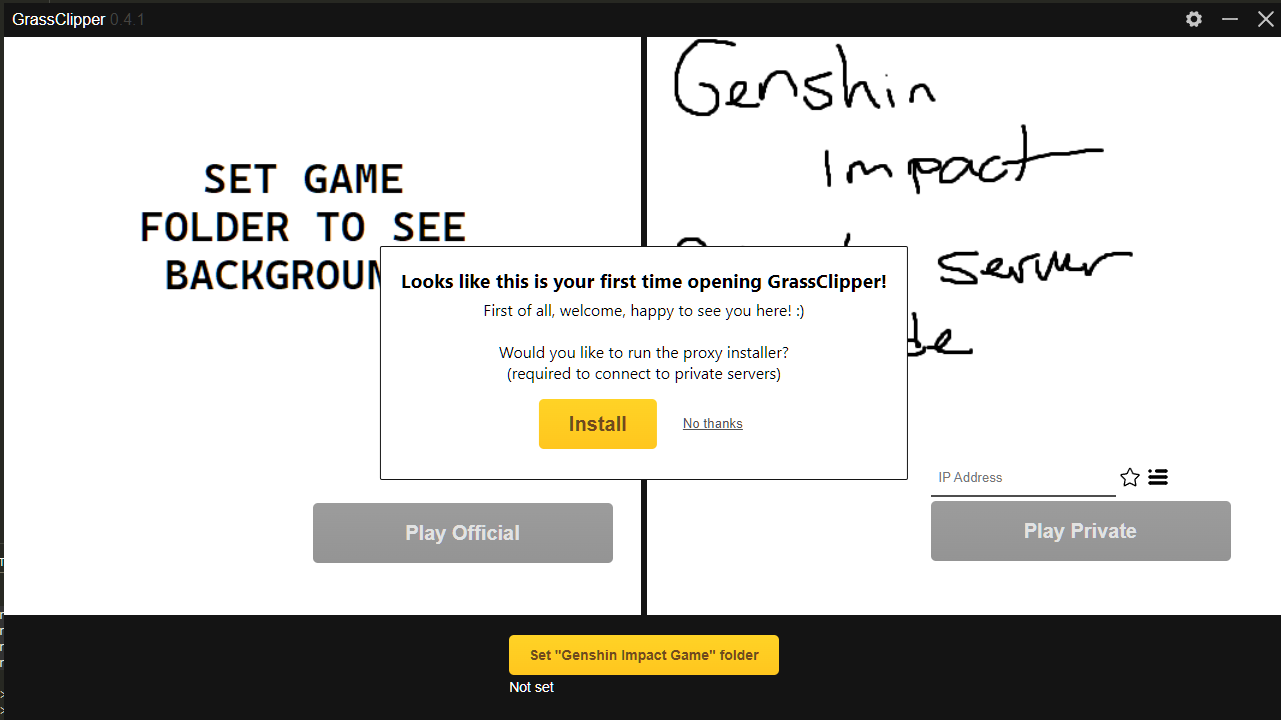
GrassClipper.exe, install the proxy server, and set your game folder!
Setup (for Development)
- Clone the repository
- Ensure you have NodeJS installed.
- Install the
neu CLI tool: npm install -g @neutralinojs/neu
- Install the dependencies:
setup_win.cmd
- Compile and run:
- For testing:
npm run dev
- For production:
npm run build
TODO
- Interface/internals
- Proxy service
Having problems?
Below are some scenarios you may encounter and their solutions.
Manual Proxy Installation
If you having trouble installing the proxy server, you can also install it manually. To do so:
- Create a folder if it does not exist named
ext in the GrassClipper folder.
- Download and extract the contents of this file into the
ext folder
- Double click
mitmdump.exe and allow it to run for a few seconds to generate the certificate
- Run this command as Administrator:
certutil -addstore root "%USERPROFILE%\.mitmproxy\mitmproxy-ca-cert.cer"
- Use GrassClipper like normal!
White Screen Fix
Encountering a white screen? Ensure WebView2 is installed
You may also want to run this command as administrator:
CheckNetIsolation.exe LoopbackExempt -a -n="Microsoft.Win32WebViewHost_cw5n1h2txyewy"
If you have Chinese characters in your file path, this may crash it too! I am working on a fix.
You can also try running in Windows 8 compatitbility mode.
If all else fails, you can run GrassClipper in chrome or browser mode. To do so:
- Create a shortcut to
GrassClipper.exe
- Right click the shortcut, click
properties
- In the
Target box, at the very end, add --mode=chrome or --mode=browser
chrome only works if you have Chrome installed, and will create a Chrome windowbrower will, you guessed it, open GrassClipper in your default browser
- Click
Ok
- Run GrassClipper using this shortcut from now on!
Error 502
You may be using the wrong port, ensure your port in GrassClipper is either 443 or nothing (not 0, but literally nothing)
-
If you are running a local server, ensure the local server is running. Otherwise, ensure the server you are connecting to is actually running.
-
If you are able, use the development branch of Grasscutter. It is known to work better with GrassClipper.
If you are still getting an error 502 when attempting to log in to your own server, open your Grasscutter config and add the following to the DispatchServer section:
"PublicPort": YOUR_PORT
where YOUR_PORT is the same port you use as the Port value already. This will probably be 443.
Error 4206
Ensure you have the correct keystore.p12 file that comes with your branch (stable or development). Also ensure the password is set properly in Grasscutters config.json (blank for stable, "123456" for development).
Infinite CMD Windows
If you are getting infinite CMD windows for any of the scripts (such as the proxy installation, or private server start), ensure you have UAC (user access control) set to any option that requires asking. Ensure your user account can open things as Admin.
My Discord is not letting me send messages or load images/My Youtube is acting strange!
Discord/YouTube (plus surely some others) does not seem to be a fan of the proxy server. You may need to disable it by either closing mitmdump or by disabling your proxy in the Windows proxy settings.
I have no internet after closing everything/restarting my PC!
The launcher most likely did not close correctly, and was unable to clean your proxy settings back to what they were. Disable your proxy in the Windows proxy settings.
Available Languages and Translation Credits
Thank you to everyone who has provided translations! <3
- ZH - nuoxianCN, Scirese & MrAru
- ZH-TW - Kimi & KormiMeiko
- PT-BR - na.na & actuallyeunha
- VIE - labalityowo & lunaticwhat
- ID - Iqrar99 & nautilust
- FR - linsorak & memetrollsXD
- ES - memetrollsXD
- ND - memetrollsXD
- RU - fitiskin
- TR - lilmayofuksu
- JP - conochy
- HD - Arikatsu
- PL - zakhil-dev
- TH - ongsalt
- KO - tsukiroku
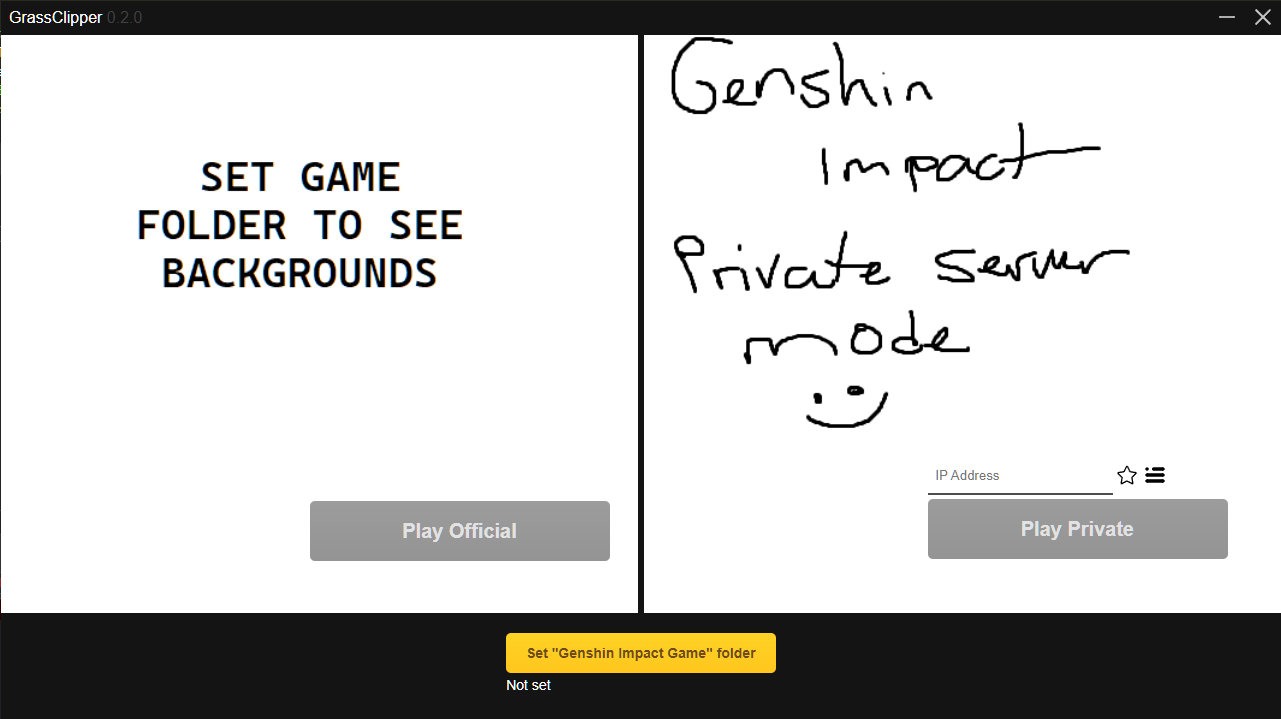
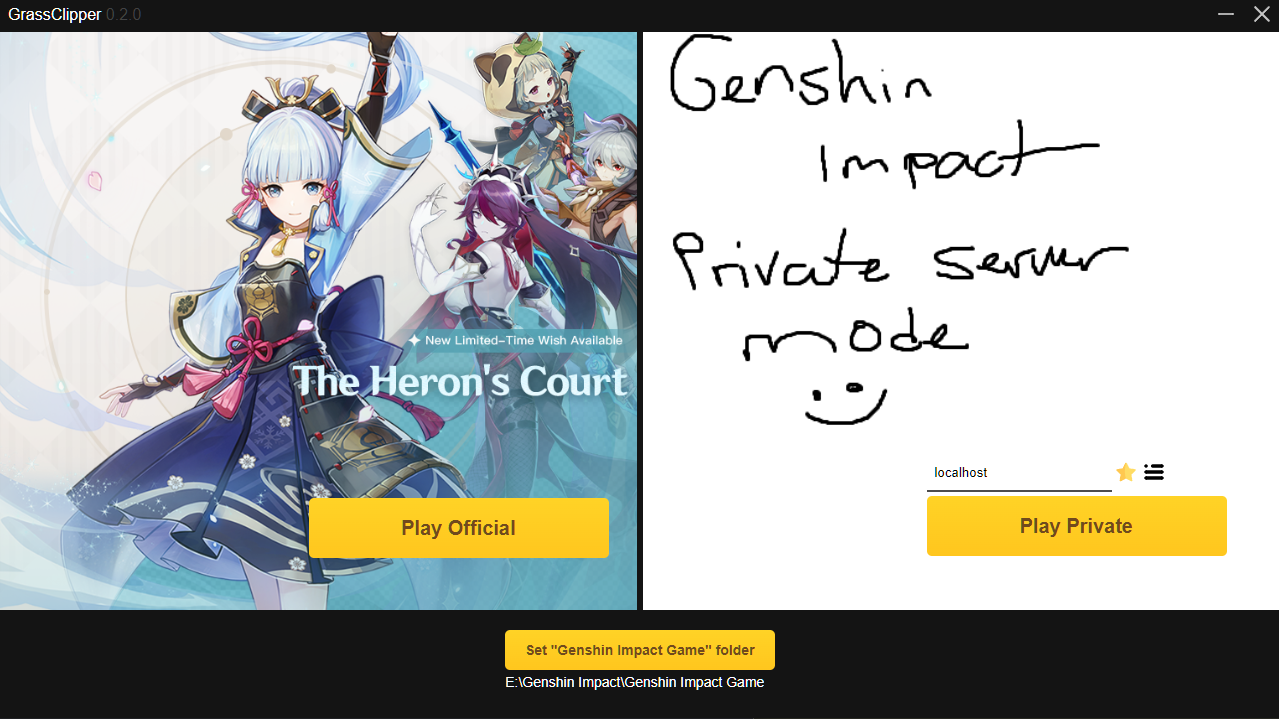
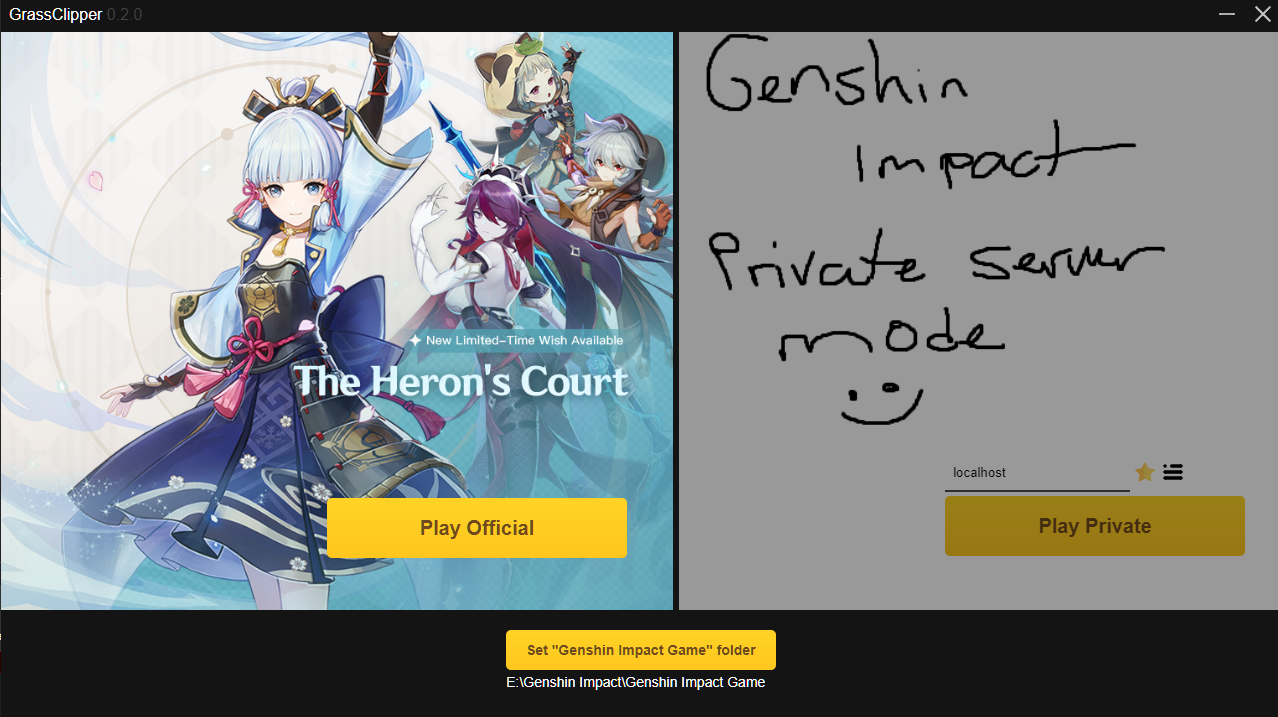
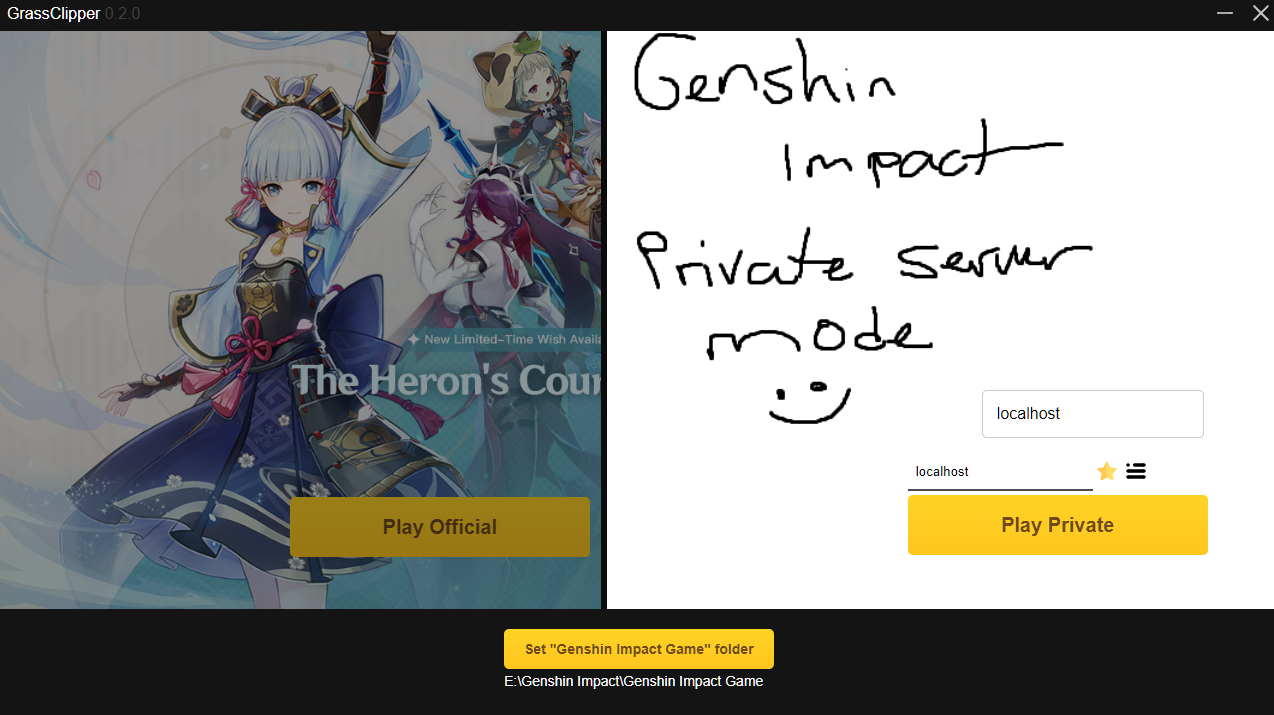
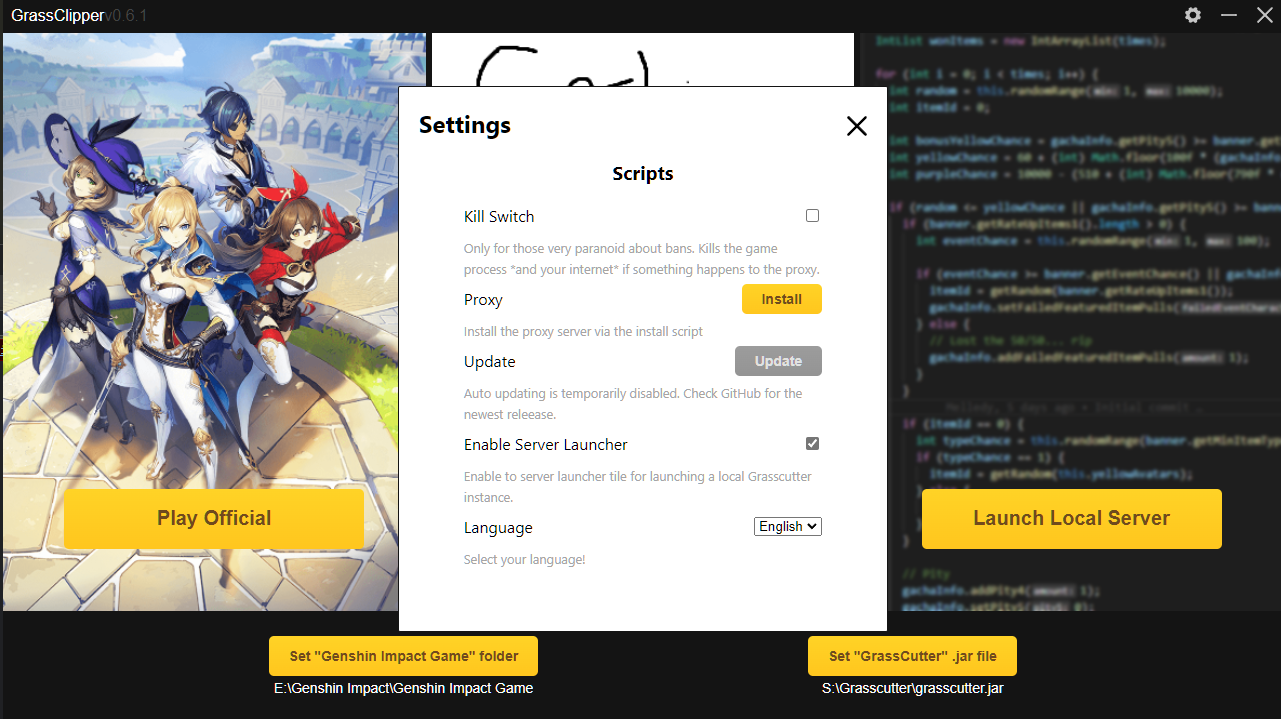
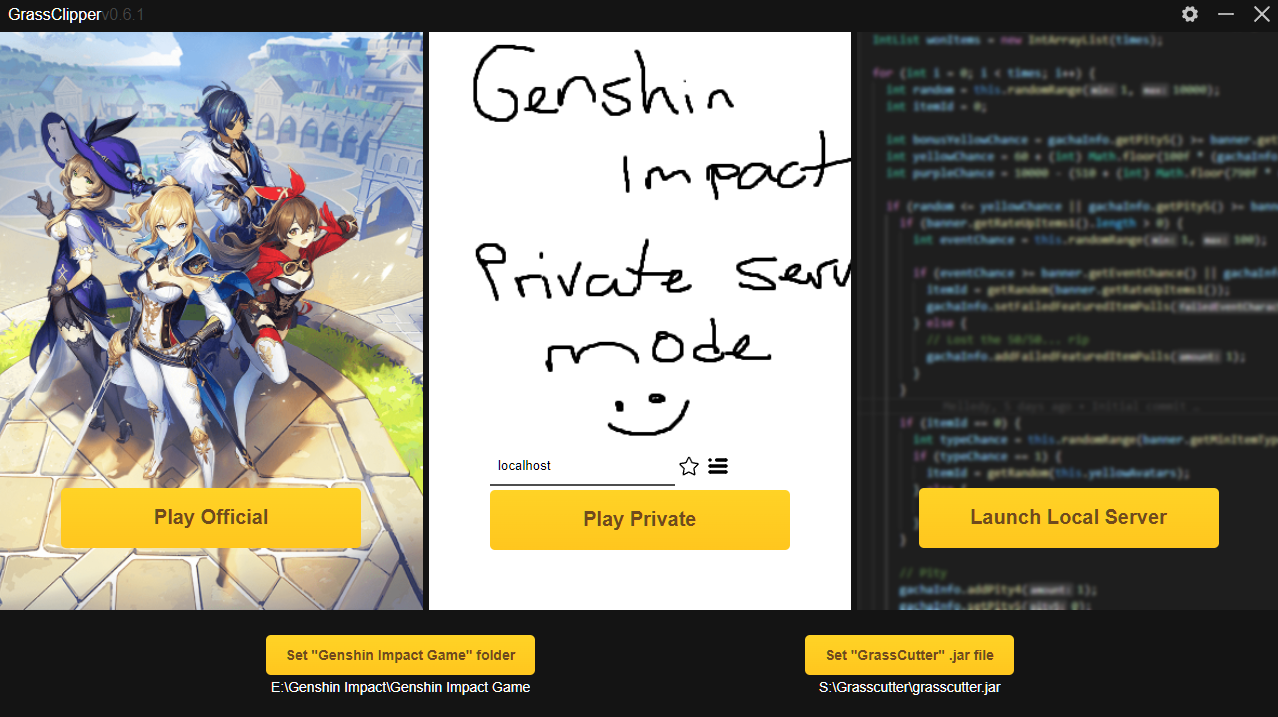
Screenshots