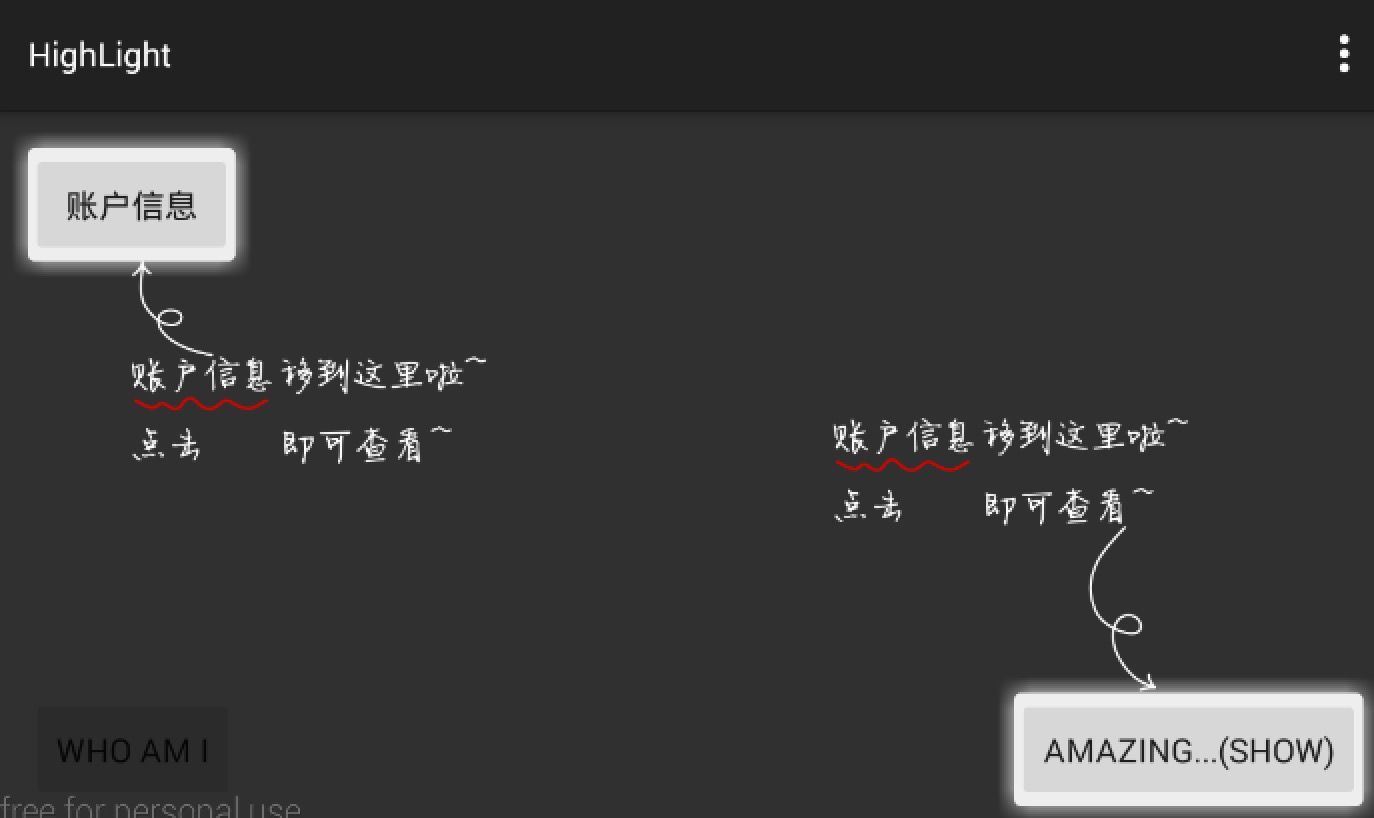
3.2k GitHub stars and counting — hongyangAndroid/Highlight is a Java project TopGit is tracking across repositories on the platform. 一个用于app指向性功能高亮的库
Snapshot summary built from the project's own GitHub metadata — there's no written TopGit review yet. The page will update automatically when a full review is published.
WHY NO REVIEW YET
TopGit writes full reviews for the most-starred, most-requested repositories. This page is a snapshot until then — see the READ ME tab for the original README in full.
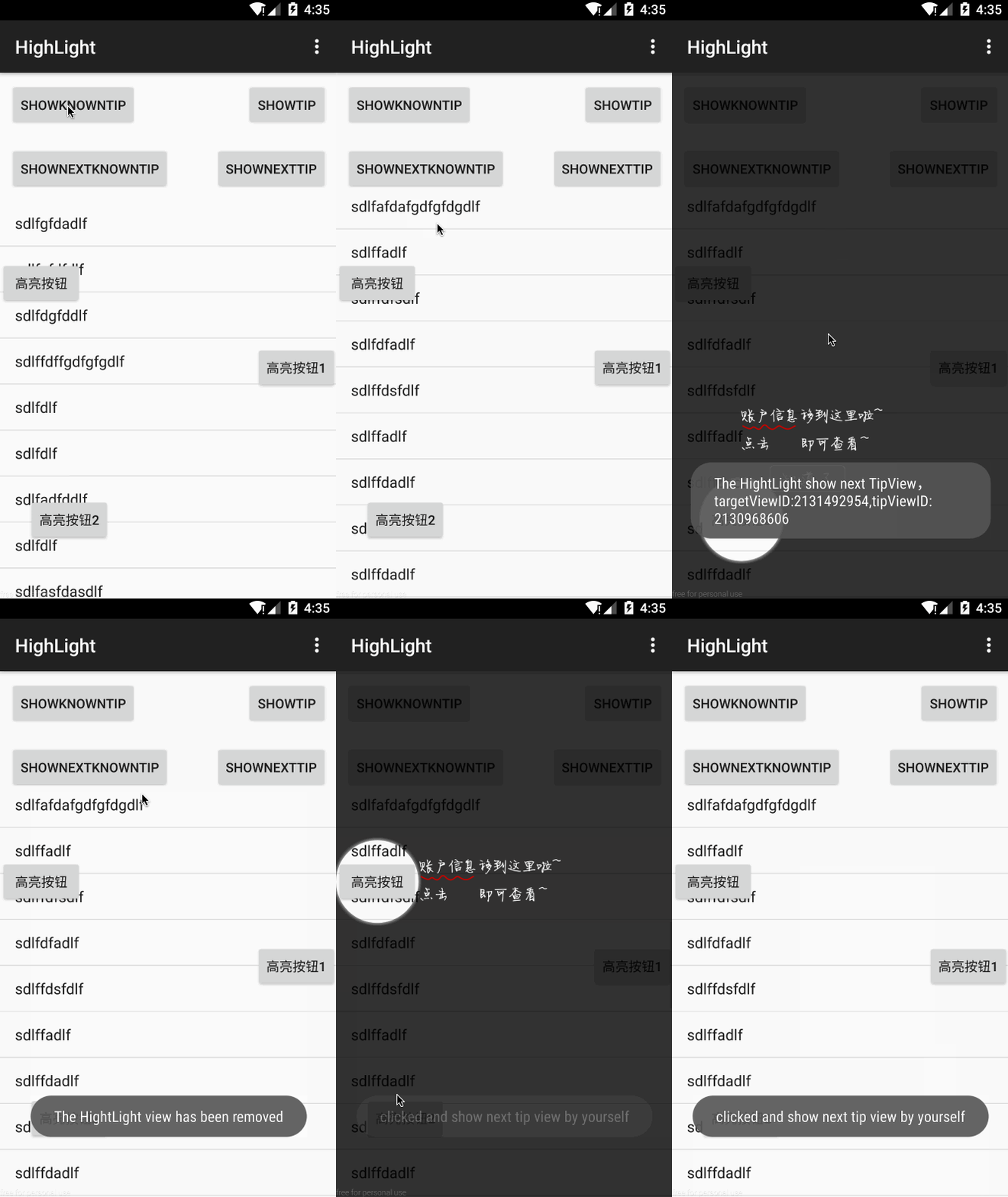
Enable next mode and invoke show() method then invoke next() method in HighLight to display tip view in order till remove itself
调用enableNext()开启next模式并显示,然后调用next()方法显示下一个提示布局 直到删除自己
1. 开启next模式并显示
    /**
     * 显示 next模式 我知道了提示高亮布局
     * @param view id为R.id.iv_known的控件
     * @author [email protected]
     */
    public  void showNextKnownTipView(View view)
    {
        mHightLight = new HighLight(MainActivity.this)//
                .autoRemove(false)//设置背景点击高亮布局自动移除为false 默认为true
//                .intercept(false)//设置拦截属性为false 高亮布局不影响后面布局的滑动效果
                .intercept(true)//拦截属性默认为true 使下方ClickCallback生效
                .enableNext()//开启next模式并通过show方法显示 然后通过调用next()方法切换到下一个提示布局,直到移除自身
//                .setClickCallback(new HighLight.OnClickCallback() {
//                    @Override
//                    public void onClick() {
//                        Toast.makeText(MainActivity.this, "clicked and remove HightLight view by yourself", Toast.LENGTH_SHORT).show();
//                        remove(null);
//                    }
//                })
                .anchor(findViewById(R.id.id_container))//如果是Activity上增加引导层,不需要设置anchor
                .addHighLight(R.id.btn_rightLight,R.layout.info_known,new OnLeftPosCallback(45),new RectLightShape(0,0,15,0,0))//矩形去除圆角
                .addHighLight(R.id.btn_light,R.layout.info_known,new OnRightPosCallback(5),new BaseLightShape(TypedValue.applyDimension(TypedValue.COMPLEX_UNIT_DIP,5,getResources().getDisplayMetrics()), TypedValue.applyDimension(TypedValue.COMPLEX_UNIT_DIP,5,getResources().getDisplayMetrics()),0) {
                    @Override
                    protected void resetRectF4Shape(RectF viewPosInfoRectF, float dx, float dy) {
                        //缩小高亮控件范围
                        viewPosInfoRectF.inset(dx,dy);
                    }

                    @Override
                    protected void drawShape(Bitmap bitmap, HighLight.ViewPosInfo viewPosInfo) {
                        //custom your hight light shape 自定义高亮形状
                        Canvas canvas = new Canvas(bitmap);
                        Paint paint = new Paint(Paint.ANTI_ALIAS_FLAG);
                        paint.setDither(true);
                        paint.setAntiAlias(true);
                        //blurRadius必须大于0
                        if(blurRadius>0){
                            paint.setMaskFilter(new BlurMaskFilter(blurRadius, BlurMaskFilter.Blur.SOLID));
                        }
                        RectF rectF = viewPosInfo.rectF;
                        canvas.drawOval(rectF, paint);
                    }
                })
                .addHighLight(R.id.btn_bottomLight,R.layout.info_known,new OnTopPosCallback(),new CircleLightShape())
                .addHighLight(view,R.layout.info_known,new OnBottomPosCallback(10),new OvalLightShape(5,5,20))
                .setOnRemoveCallback(new HighLightInterface.OnRemoveCallback() {//监听移除回调
                    @Override
                    public void onRemove() {
                        Toast.makeText(MainActivity.this, "The HightLight view has been removed", Toast.LENGTH_SHORT).show();

                    }
                })
                .setOnShowCallback(new HighLightInterface.OnShowCallback() {//监听显示回调
                    @Override
                    public void onShow(HightLightView hightLightView) {
                        Toast.makeText(MainActivity.this, "The HightLight view has been shown", Toast.LENGTH_SHORT).show();
                    }
                }).setOnNextCallback(new HighLightInterface.OnNextCallback() {
                    @Override
                    public void onNext(HightLightView hightLightView, View targetView, View tipView) {
                        // targetView 目标按钮 tipView添加的提示布局 可以直接找到'我知道了'按钮添加监听事件等处理
                        Toast.makeText(MainActivity.this, "The HightLight show next TipView,targetViewID:"+(targetView==null?null:targetView.getId())+",tipViewID:"+(tipView==null?null:tipView.getId()), Toast.LENGTH_SHORT).show();
                    }
                });
        mHightLight.show();
    }
Does hongyangAndroid/Highlight have a project website?
No homepage URL was recorded for hongyangAndroid/Highlight in TopGit's last sync. The README tab above frequently contains screenshots and demo links, or check the repository description on GitHub.
Does hongyangAndroid/Highlight have any tags?
TopGit's last sync did not record any GitHub topics for hongyangAndroid/Highlight. GitHub topics appear in the right sidebar of a repository page; that's the authoritative place to check.
How active is development on hongyangAndroid/Highlight?
The most recent commit recorded on hongyangAndroid/Highlight was 4.9 years ago, based on the GitHub push timestamp. The repository has 582 forks — one of the better signals of community interest.
Is hongyangAndroid/Highlight open source?
Yes — hongyangAndroid/Highlight ships under the Apache-2.0 license, which makes its source code freely readable (and, depending on license terms, forkable and reusable). Source: github.com/hongyangAndroid/Highlight.
What license does hongyangAndroid/Highlight use?
hongyangAndroid/Highlight is released under the Apache-2.0 license. Always verify the LICENSE file directly on GitHub for the authoritative terms — license strings can be edited out of sync with a project's actual stance.
Where do I read more about hongyangAndroid/Highlight?
This TopGit page is a snapshot — the READ ME tab shows the project's own README content (links stripped, images preserved). The GitHub repository at github.com/hongyangAndroid/Highlight is the definitive source.
Read full README in the tab above.
Want a second opinion on Highlight?
Ask an AI that can read this page — one click and you get its take on Highlight.

 /Highlight