jdx/hk is one of the open-source repositories TopGit tracks, currently at 1.3k stars, written primarily in Rust. git hooks and project lints
Snapshot summary built from the project's own GitHub metadata — there's no written TopGit review yet. The page will update automatically when a full review is published.
WHY NO REVIEW YET
TopGit writes full reviews for the most-starred, most-requested repositories. This page is a snapshot until then — see the READ ME tab for the original README in full.
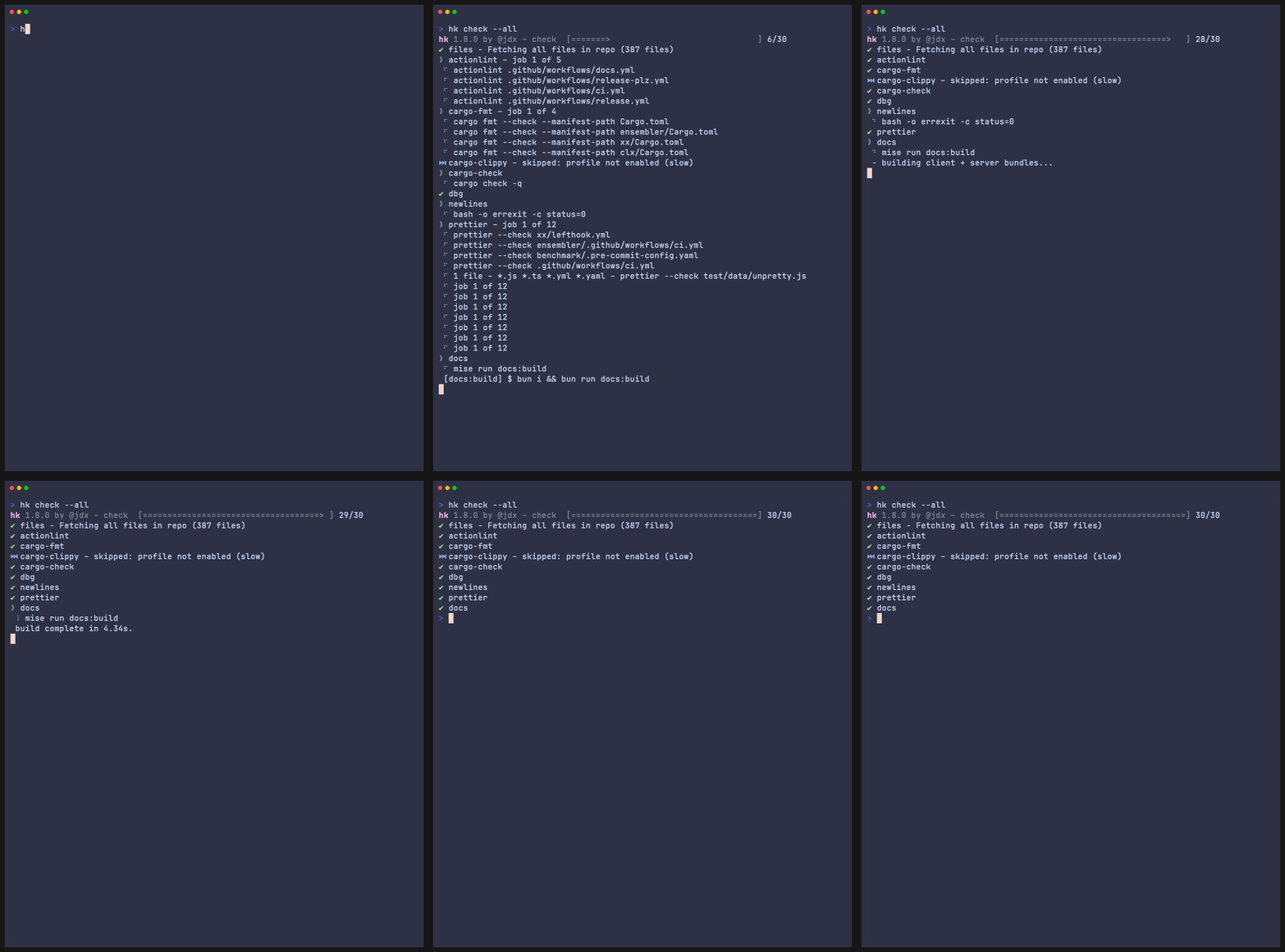
hk runs linters and fixers in parallel. Read/write file locks keep them from colliding when steps touch the same files, so concurrency within a run doesn't cost you correctness. Steps configured with stomp skip the locks, and separate hk processes don't share them. Use the same steps in Git hooks, from your terminal, and in CI.
Get started · Documentation · Built-in linters · CLI reference
Quick start
Install with mise, then run these commands inside your repository:
mise use hk
hk init
hk install
hk check --all
hk init detects project tools and generates hk.pkl. Review the selected linters and make sure their executables are available on PATH; hk configures how to run them, but does not install them. Use hk init --interactive to choose tools yourself.
On Git 2.54+, you can run hk install --global once to enable hk across repositories. Installed hooks exit silently in projects without an hk configuration. See installation options for older Git versions and mise environments.
You can also install hk with brew install hk or cargo install hk --locked. The default Pkl evaluator is built into hk; a separate Pkl installation is optional.
A configuration you can share
This example uses hk’s built-in whitespace utilities, so it needs no additional linter:
Top-level steps is the recommended starting point: hk supplies check, fix, and pre-commit hooks using these steps. It is optional; you can also define steps only inside explicit hooks. See hook defaults.
Add tools such as Builtins.oxfmt, Builtins.eslint, or Builtins.ruff, or define your own steps.
Everyday commands
Command
Use it to
hk check
Check modified files
hk fix
Apply available fixes to modified files
hk check --all
Check the repository, including in CI
hk check --plan
Preview selected files and steps without running them
hk check --why oxfmt
Explain why a step will run or be skipped
By convention, checks do not modify files. hk fix leaves fixes unstaged unless you pass --stage. The default pre-commit hook stashes unstaged work, fixes and stages changes, then restores the unstaged work. Review git diff and git diff --cached. Learn about hooks and partial commits.
Why hk?
Coordinate concurrent tools. File locks protect overlapping steps; diff and file-list checks reduce the work that needs exclusive access.
Both skills ship in the skills/ directory of each release archive. hk's packslip manifest points
to those directories, so compatible installers can use the bundled instructions without a separate
repository download. Making them available to an agent is
opt-in; see mise's skills documentation.
Contributing
See the contributing guide for development setup, tests, and review expectations. hk is released under the MIT license.
Yes — jdx/hk ships under the MIT license, which makes its source code freely readable (and, depending on license terms, forkable and reusable). Source: github.com/jdx/hk.
What is jdx/hk?
jdx/hk (jdx/hk) is a Rust project on GitHub. From the project's own README: git hooks and project lints
Where do I read more about jdx/hk?
This TopGit page is a snapshot — the READ ME tab shows the project's own README content (links stripped, images preserved). The GitHub repository at github.com/jdx/hk is the definitive source.
Read full README in the tab above.
Still deciding about hk?
One click hands the question to an AI along with this page — see what it says about hk.

 /hk