Jguer/yay is one of the open-source repositories TopGit tracks, currently at 13.7k stars, written primarily in Go. Yet another Yogurt - An AUR Helper written in Go
Snapshot summary built from the project's own GitHub metadata — there's no written TopGit review yet. The page will update automatically when a full review is published.
WHY NO REVIEW YET
TopGit writes full reviews for the most-starred, most-requested repositories. This page is a snapshot until then — see the READ ME tab for the original README in full.
If you're using Manjaro or another distribution that packages yay
you can simply install yay using pacman (as root):
pacman -S --needed git base-devel yay
[!WARNING]
distributions sometimes lag updating yay on their repositories.
First Use
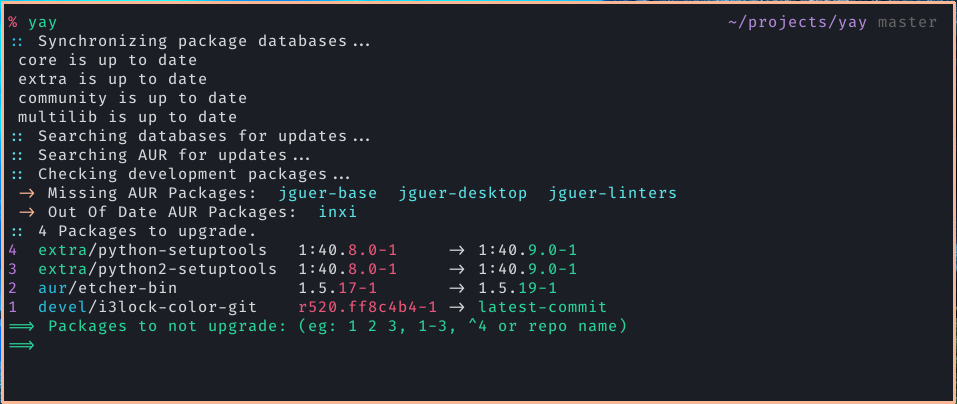
Development packages upgrade
Use yay -Y --gendb to generate a development package database for *-git
packages that were installed without yay.
This command should only be run once.
yay -Syu --devel will then check for development package updates
Use yay -Y --devel --save to make development package updates permanently
enabled (yay and yay -Syu will then always check dev packages)
Examples of Custom Operations
Command
Description
yay
Alias to yay -Syu.
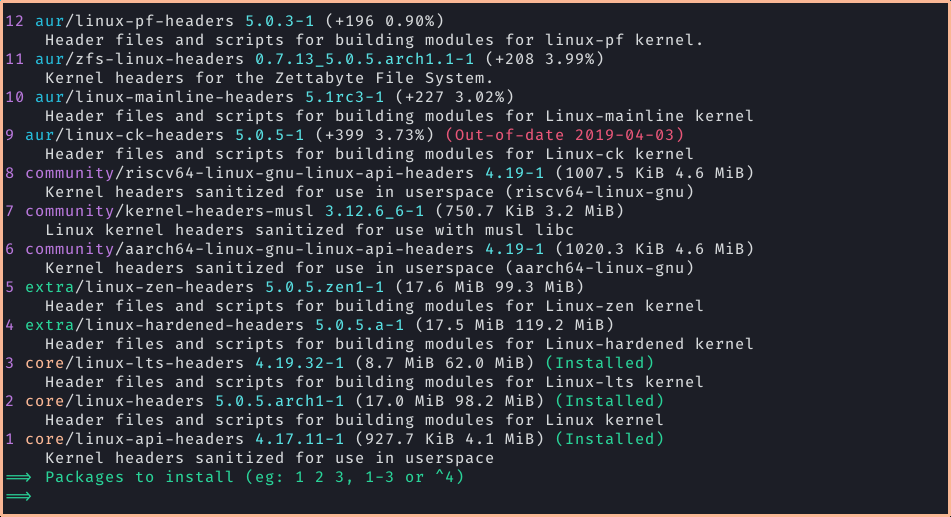
yay <Search Term>
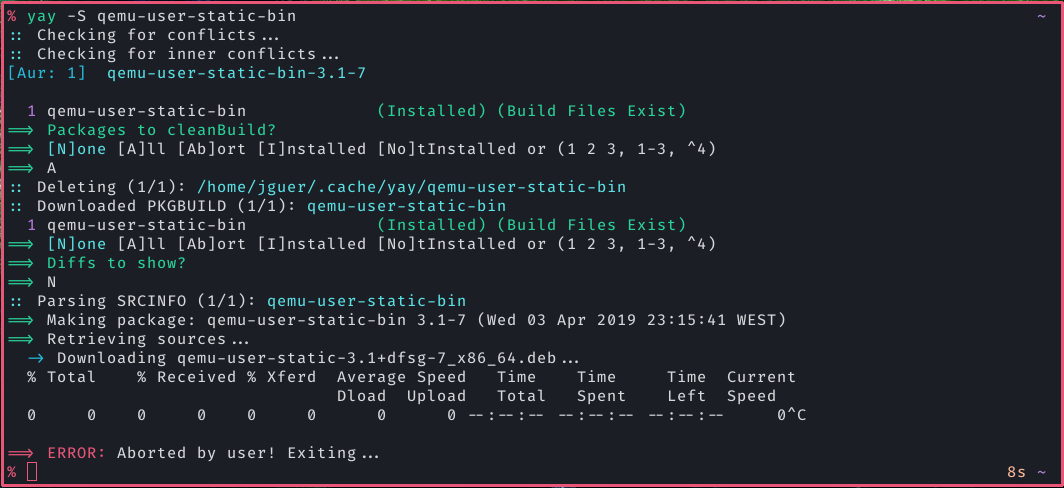
Present package-installation selection menu.
yay -Bi <dir>
Install dependencies and build a local PKGBUILD.
yay -G <AUR Package>
Download PKGBUILD from ABS or AUR. (yay v12.0+)
yay -Gp <AUR Package>
Print to stdout PKGBUILD from ABS or AUR.
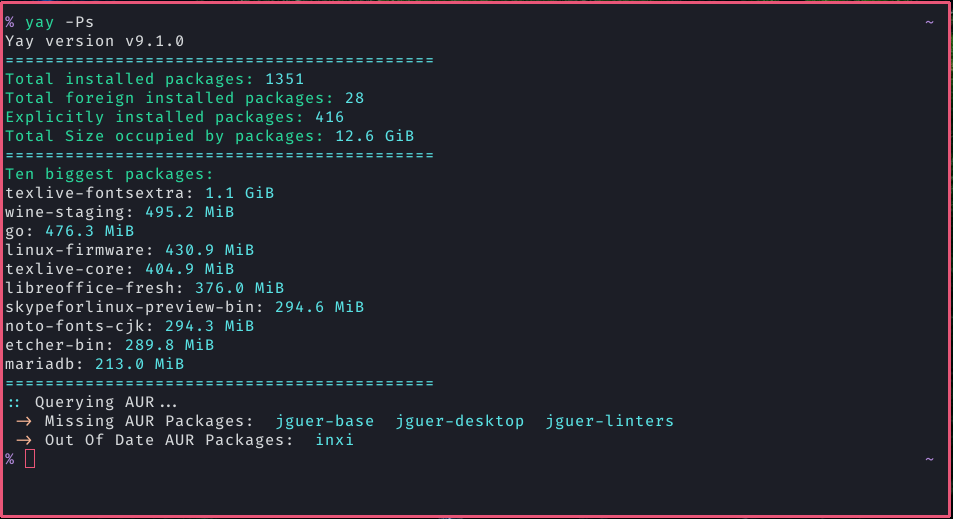
yay -Ps
Print system statistics.
yay -Syu --devel
Perform system upgrade, but also check for development package updates.
yay -Wu <AUR Package>
Unvote for package (Requires setting AUR_USERNAME and AUR_PASSWORD environment variables) (yay v11.3+)
yay -Wv <AUR Package>
Vote for package (Requires setting AUR_USERNAME and AUR_PASSWORD environment variables). (yay v11.3+)
yay -Y --combinedupgrade --save
Make combined upgrade the default mode.
yay -Y --gendb
Generate development package database used for devel update.
yay -Yc
Clean unneeded dependencies.
Frequently Asked Questions
yay does not display colored output. How do I fix it?
Make sure you have the Color option in your /etc/pacman.conf
(see issue #123).
How do I change the pager used for PKGBUILD diffs?
Diffs for all selected packages are collected and shown in a single pager
session. Set pager in config.json or yay.opt.pager in init.lua, or
set PAGER to override the default (less, or cat if less is unavailable).
Example: yay.opt.pager = "delta" or export PAGER=less.
yay is not asking me to edit PKGBUILDS, and I don't like the diff menu! What can I do?
yay --editmenu --diffmenu=false --save
How can I tell yay to act only on AUR packages, or only on repo packages?
yay -{OPERATION} --auryay -{OPERATION} --repo
A Flagged Out Of Date AUR Packages message is displayed. Why doesn't yay update them?
This message does not mean that updated AUR packages are available. It means
the packages have been flagged out of date on the AUR, but
their maintainers have not yet updated the PKGBUILDs
(see outdated AUR packages).
yay doesn't install dependencies added to a PKGBUILD during installation.
yay resolves all dependencies ahead of time. You are free to edit the
PKGBUILD in any way, but any problems you cause are your own and should not be
reported unless they can be reproduced with the original PKGBUILD.
I know my -git package has updates but yay doesn't offer to update it
yay uses a hash cache for development packages. Normally it is updated at the end of the package install with the message Found git repo.
If you transition between aur helpers and did not install the devel package using yay at some point, it is possible it never got added to the cache. yay -Y --gendb will fix the current version of every devel package and start checking from there.
I want to help out!
Check CONTRIBUTING.md for more information.
Support
All support related to yay should be requested via GitHub issues. Since yay is not
officially supported by Arch Linux, support should not be sought out on the
forums, AUR comments or other official channels.
A broken AUR package should be reported as a comment on the package's AUR page.
A package may only be considered broken if it fails to build with makepkg.
Reports should be made using makepkg and include the full output as well as any
other relevant information. Never make reports using yay or any other external
tools.
The most recent commit recorded on Jguer/yay was 12 days ago, based on the GitHub push timestamp. The repository has 420 forks — one of the better signals of community interest.
How many stars does Jguer/yay have?
Jguer/yay has 13.7k GitHub stars — refresh the page for the live number, or check github.com/Jguer/yay. TopGit mirrors GitHub's count but does not claim minute-by-minute accuracy.
What language is Jguer/yay written in?
Jguer/yay is written primarily in Go. GitHub's language field is based on the largest share of bytes in the default branch.
This TopGit page is a snapshot — the READ ME tab shows the project's own README content (links stripped, images preserved). The GitHub repository at github.com/Jguer/yay is the definitive source.
Read full README in the tab above.
Want a second opinion on yay?
Ask an AI that can read this page — one click and you get its take on yay.
 /yay
/yay