Indexed by TopGit from live GitHub metadata: mjmlio/vscode-mjml has 219 stars, written primarily in TypeScript. MJML preview, lint, compile for Visual Studio Code.
Snapshot summary built from the project's own GitHub metadata — there's no written TopGit review yet. The page will update automatically when a full review is published.
WHY NO REVIEW YET
TopGit writes full reviews for the most-starred, most-requested repositories. This page is a snapshot until then — see the READ ME tab for the original README in full.
This is a fork of original @attilabuti VSC extension : https://github.com/attilabuti/vscode-mjml
MJML preview, lint, compile for Visual Studio Code.
Features
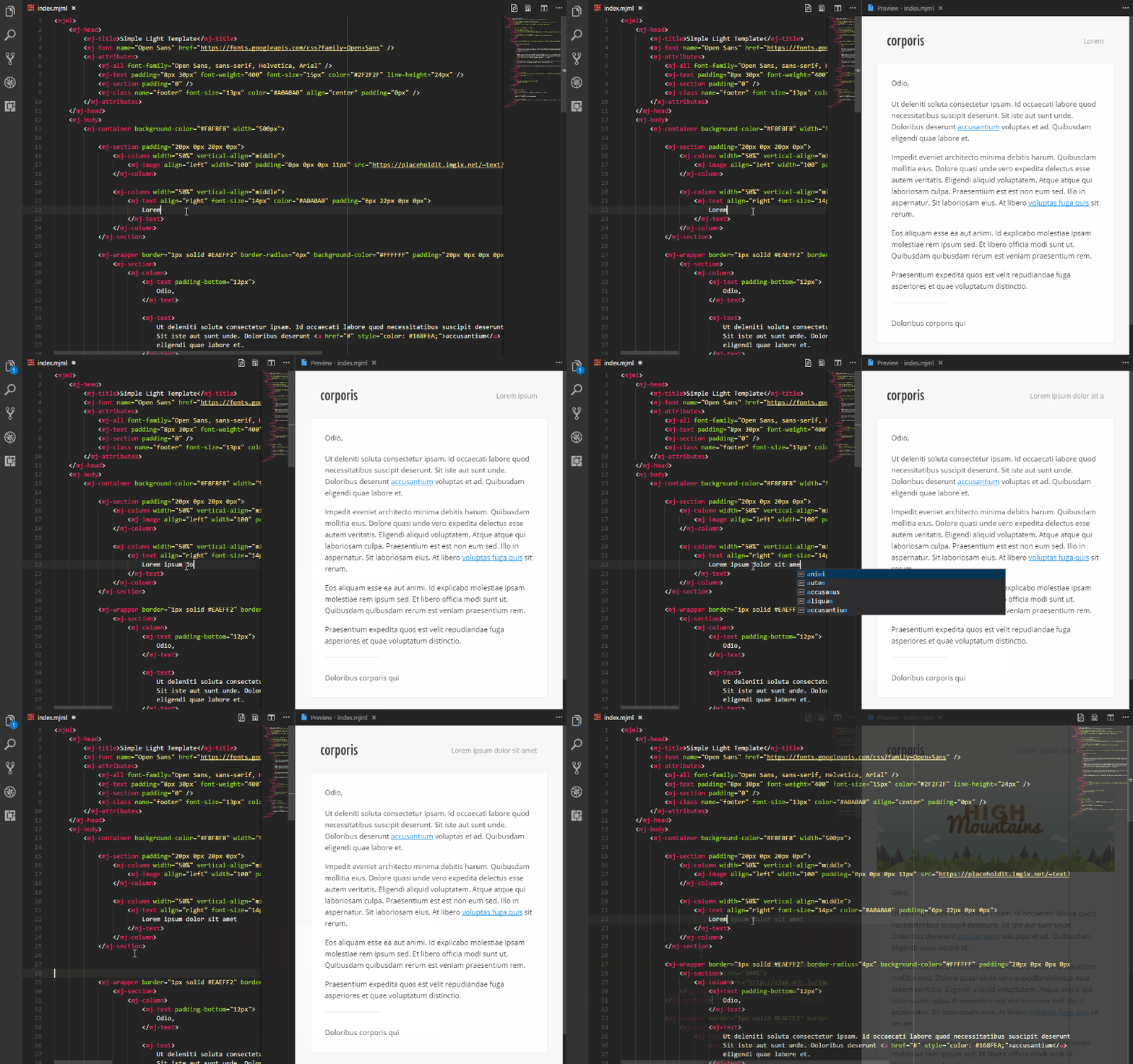
Live preview for MJML files. Preview updates as you type.
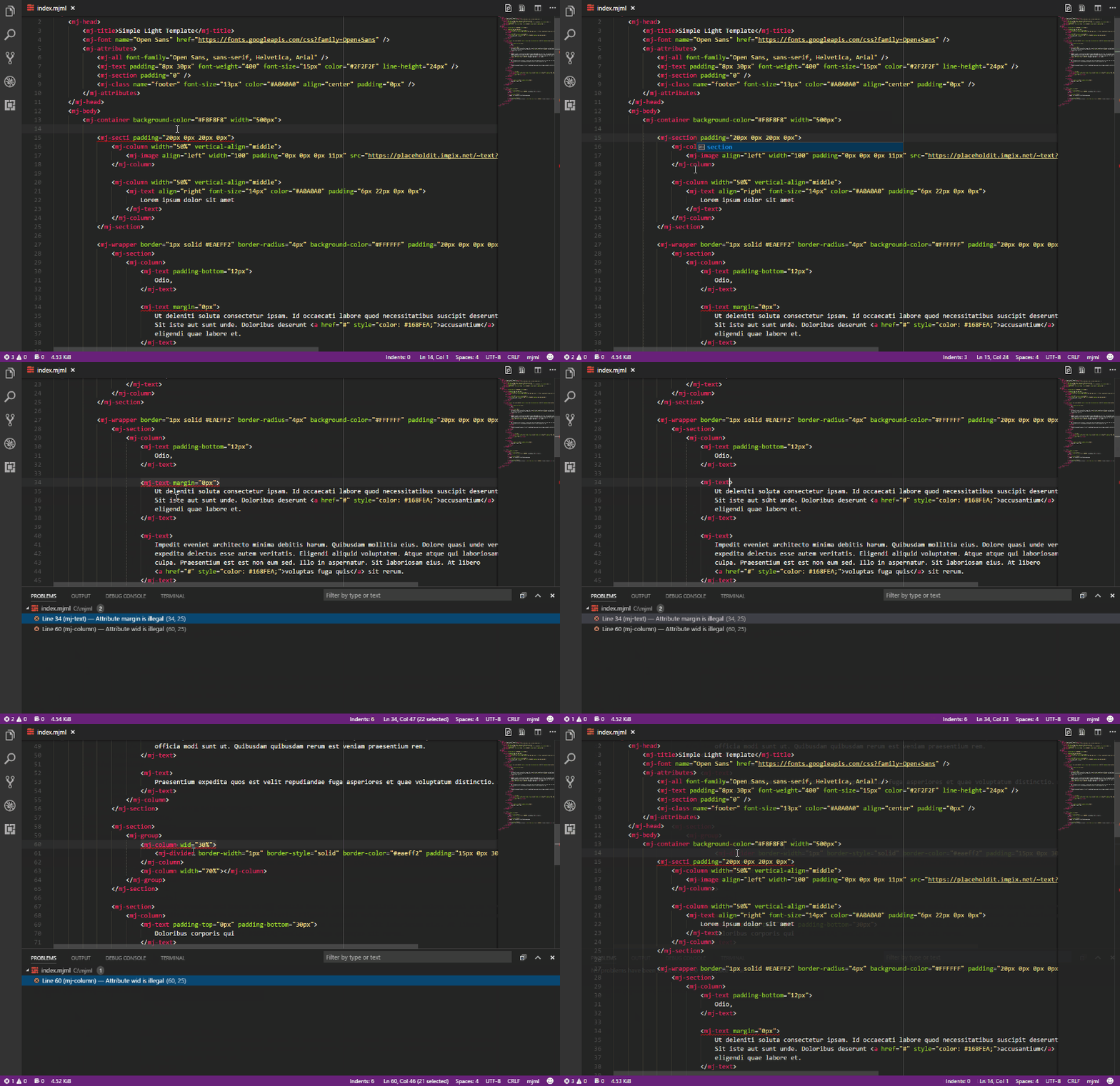
Inline errors (squiggle underlines). Linter based on atom-linter-mjml.
Export HTML file from MJML.
Copy the result HTML to clipboard.
Send email with Nodemailer or Mailjet.
Code snippets for MJML. Based on mjml-syntax.
Fetch official templates. Based on email-templates.
Beautify MJML code.
MJML syntax highlight. Based on mjml-syntax.
Built-in MJML documentation with Try it live support.
It looks like this
Installation
Press F1, type ext install vscode-mjml.
Usage
Start command palette (with Ctrl+Shift+P or F1) and start typing MJML.
Available commands
The following command is available:
MJML: Beautify or Format Document Beautify MJML code.
MJML: Copy HTML Copy the result HTML to clipboard.
MJML: Export HTML Export HTML file from MJML.
MJML: Open Preview to the Side Opens a preview in a column alongside the current document.
MJML: Send Email Send email with Nodemailer or Mailjet.
MJML: Template Fetch official templates.
MJML: Documentation open the MJML documentation.
MJML: Search in MJML documentation search for the selected mj-element in the MJML documentation.
MJML: Version Shows the version of MJML.
Settings
Name
Default
Description
mjml.autoClosePreview
true
Automatically close preview when all open MJML documents have been closed.
mjml.allowIncludes
false
Enable mj-include processing. Disabled by default for security.
mjml.autoPreview
false
Automatically update preview when switching between MJML documents.
mjml.beautify
{}
Prettier options for beautifying MJML. (Priority: .prettierrc > mjml.beautify > defaults). See Prettier options.
mjml.beautifyHtmlOutput
false
Beautify HTML output. (Works when mjml.minifyHtmlOutput aren't enabled.)
mjml.exportType
.html
Specifies the file type of the output file.
mjml.includePath
[]
Additional directories to allow for <mj-include> lookups when mjml.allowIncludes is enabled. Supports absolute paths, or paths relative to the workspace root.
mjml.keepComments
true
Keep custom comments in HTML output when exporting MJML files.
mjml.lintEnable
true
Enable/disable MJML linter (requires restart).
mjml.lintWhenTyping
true
Whether the linter is run on type or on save.
mjml.mailer
mailjet
Send email with Nodemailer or Mailjet. Possible values are 'nodemailer' and 'mailjet'. See examples of Nodemailer config
mjml.mailFromName
Sender name.
mjml.mailjetAPIKey
Mailjet API Key.
mjml.mailjetAPISecret
Mailjet API Secret.
mjml.mailRecipients
Comma separated list of recipients email addresses.
mjml.mailSender
Sender email address. (Mailjet: must be a verified sender.)
mjml.mailSubject
Email subject.
mjml.minifyHtmlOutput
true
Minify HTML output.
mjml.mjmlConfigPath
The path or directory of the .mjmlconfig (or .mjmlconfig.js) file (for custom components use)
mjml.nodemailer
{}
Nodemailer configuration. Please see the Nodemailer documentation for more information.
mjml.preserveFocus
true
Preserve focus of Text Editor after preview open.
mjml.previewBackgroundColor
#FFFFFF
Preview background color.
mjml.showSaveDialog
false
Show the save as dialog instead of input box.
mjml.switchOnSeparateFileChange
true
Automatically switch previews when editing a different file.
mjml.templateGallery
false
Show the template gallery instead of quick pick.
mjml.templateGalleryAutoClose
true
Automatically close template gallery when selecting a template.
mjml.updateWhenTyping
true
Update preview when typing.
Include security settings (mjml.allowIncludes and mjml.includePath)
MJML 5 disables include processing by default for security.
Set mjml.allowIncludes to true to enable <mj-include> processing.
Keep mjml.allowIncludes as false (default) to ignore all includes.
Use mjml.includePath to allow includes outside the current template base path.
When includes are enabled:
Includes in the same folder (or subfolders) as the current MJML file are allowed.
Includes outside that folder are denied unless the target folder is listed in mjml.includePath.
mjml.includePath accepts absolute paths or workspace-relative paths.
Yes — mjmlio/vscode-mjml ships under the MIT license, which makes its source code freely readable (and, depending on license terms, forkable and reusable). Source: github.com/mjmlio/vscode-mjml.
What is mjmlio/vscode-mjml?
mjmlio/vscode-mjml (mjmlio/vscode-mjml) is a TypeScript project on GitHub. From the project's own README: MJML preview, lint, compile for Visual Studio Code.
What license does mjmlio/vscode-mjml use?
mjmlio/vscode-mjml is released under the MIT license. Always verify the LICENSE file directly on GitHub for the authoritative terms — license strings can be edited out of sync with a project's actual stance.
Where can I see mjmlio/vscode-mjml in action?
The project maintains a homepage at https://marketplace.visualstudio.com/items?itemName=mjmlio.vscode-mjml. The README tab on this page also usually contains screenshots and a quickstart.
Where do I read more about mjmlio/vscode-mjml?
This TopGit page is a snapshot — the READ ME tab shows the project's own README content (links stripped, images preserved). The GitHub repository at github.com/mjmlio/vscode-mjml is the definitive source.
Read full README in the tab above.
Curious whether vscode-mjml is right for you?
Let ChatGPT, Claude, or Perplexity look into it — click below and see what AI actually says about vscode-mjml.

 /vscode-mjml