A look at PhilJay/ios-charts: 26 stars on GitHub, written primarily in Swift. An iOS port of the beautiful MPAndroidChart. - Beautiful charts for iOS apps!
Snapshot summary built from the project's own GitHub metadata — there's no written TopGit review yet. The page will update automatically when a full review is published.
WHY NO REVIEW YET
TopGit writes full reviews for the most-starred, most-requested repositories. This page is a snapshot until then — see the READ ME tab for the original README in full.
Okay so there's this beautiful library called MPAndroidChart by Philipp Jahoda which has become very popular amongst Android developers, and in the meanwhile there's no decent charting solution for iOS.
I've chosen to write it in Swift as it can be highly optimized by the compiler, and can be used in both Swift and ObjC project. The demo project is written in ObjC to demonstrate how it works.
An amazing feature of this library now, for Android, iOS, tvOS and OSX, is the time it saves you when developing for both platforms, as the learning curve is singleton- it happens only once, and the code stays very similar so developers don't have to go around and re-invent the app to produce the same output with a different library. (And that's not even considering the fact that there's not really another good choice out there currently...)
Usage
In order to correctly compile:
Drag the Charts.xcodeproj to your project
Go to your target's settings, hit the "+" under the "Embedded Binaries" section, and select the Charts.framework
Temporary workaround: Xcode 6.3.1 has a bug, where you have to build your project once before actually writing the @import line. So hit "Build" now!
@import Charts
When using Swift in an ObjC project:
You need to import your Bridging Header. Usually it is "YourProject-Swift.h", so in ChartsDemo it's "ChartsDemo-Swift.h". Do not try to actually include "ChartsDemo-Swift.h" in your project :-)
Under "Build Options", mark "Embedded Content Contains Swift Code"
When using Realm.io:
Note that the Realm framework is not linked with Charts - it is only there for optional bindings. Which means that you need to have the framework in your project, and in a compatible version to whatever is compiled with Charts. We will do our best to always compile against the latest version.
If you want to compile for iOS 7:
Drag the code itself (.swift files) to your project. As sadly, Swift currently does not support compiling Frameworks for iOS 7.
Make sure that the files are added to the Target membership.
Troubleshooting
Can't compile?
Please note the difference between installing a compiled framework from CocoaPods or Carthage, and copying the source code.
If you are using Realm, please also #import <ChartsRealm/ChartsRealm.h>
If you are compiling the source code and want to use Realm, please make sure to include the code from ChartsRealm project.
Please read the Usage section again.
Search in the issues
Try to politely ask in the issues section
Other problems / feature requests
Search in the issues
Try to politely ask in the issues section
CocoaPods Install
Add pod 'Charts' to your Podfile. "Charts" is the name of the library.
For Realm support you can specify the subspec in your Podfile as follows:
pod 'Charts/Realm'
Note:pod 'ios-charts' is not the correct library, and refers to a different project by someone else.
Plotting data directly from Realm.io mobile database
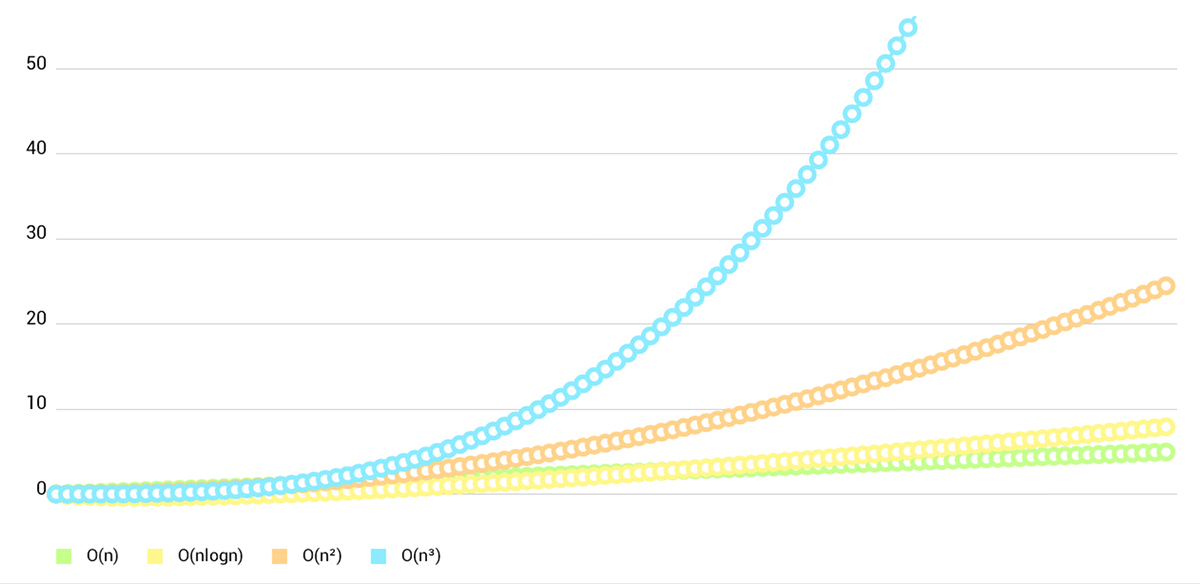
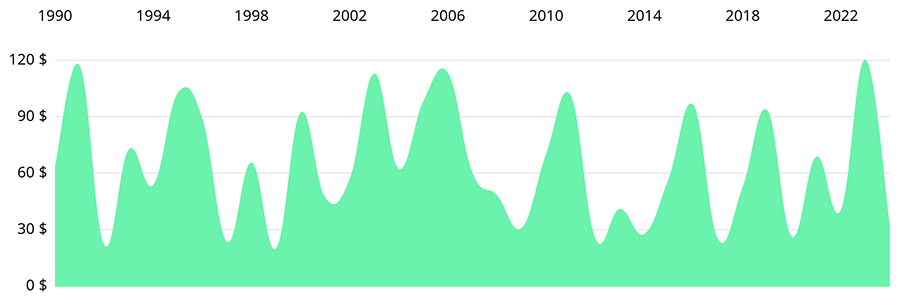
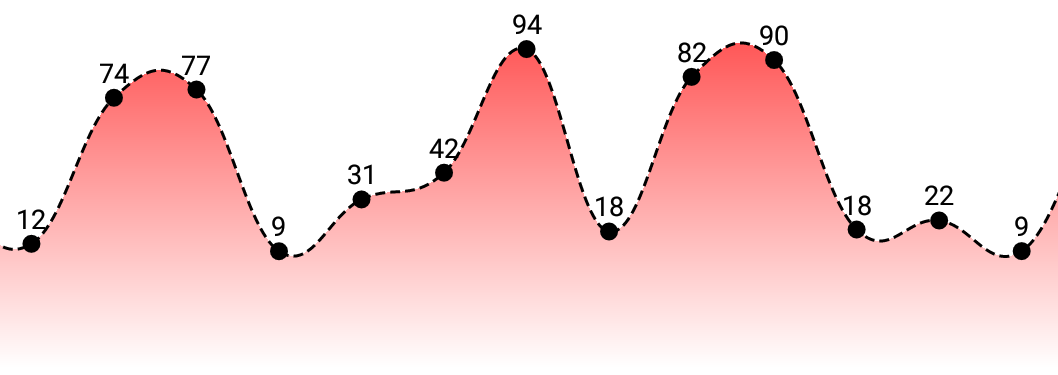
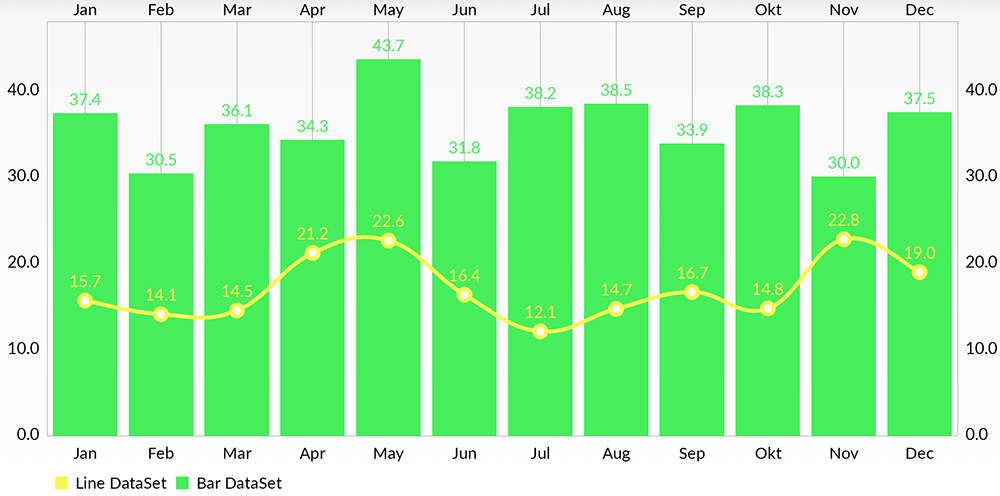
Chart types:
Screenshots are currently taken from the original repository, as they render exactly the same :-)
LineChart (with legend, simple design)
LineChart (with legend, simple design)
LineChart (cubic lines)
LineChart (gradient fill)
Combined-Chart (bar- and linechart in this case)
BarChart (with legend, simple design)
BarChart (grouped DataSets)
Horizontal-BarChart
PieChart (with selection, ...)
ScatterChart (with squares, triangles, circles, ... and more)
CandleStickChart (for financial data)
BubbleChart (area covered by bubbles indicates the value)
RadarChart (spider web chart)
Documentation
Currently there's no need for documentation for the iOS/tvOS/OSX version, as the API is 95% the same as on Android.
You can read the official MPAndroidChart documentation here: Wiki
Or you can see the ChartsDemo project and learn the how-tos from it.
Special Thanks
Goes to @liuxuan30, @petester42 and @AlBirdie for new features, bugfixes, and lots and lots of involvement in our open-sourced community! You guys are a huge help to all of those coming here with questions and issues, and I couldn't respond to all of those without you.
License
Copyright 2016 Daniel Cohen Gindi & Philipp Jahoda
Licensed under the Apache License, Version 2.0 (the "License");
you may not use this file except in compliance with the License.
You may obtain a copy of the License at
http://www.apache.org/licenses/LICENSE-2.0
Unless required by applicable law or agreed to in writing, software
distributed under the License is distributed on an "AS IS" BASIS,
WITHOUT WARRANTIES OR CONDITIONS OF ANY KIND, either express or implied.
See the License for the specific language governing permissions and
limitations under the License.
No homepage URL was recorded for PhilJay/ios-charts in TopGit's last sync. The README tab above frequently contains screenshots and demo links, or check the repository description on GitHub.
Does PhilJay/ios-charts have any tags?
TopGit's last sync did not record any GitHub topics for PhilJay/ios-charts. GitHub topics appear in the right sidebar of a repository page; that's the authoritative place to check.
How active is development on PhilJay/ios-charts?
The most recent commit recorded on PhilJay/ios-charts was 10.4 years ago, based on the GitHub push timestamp. The repository has 5 forks — one of the better signals of community interest.
How many stars does PhilJay/ios-charts have?
PhilJay/ios-charts has 26 GitHub stars — refresh the page for the live number, or check github.com/PhilJay/ios-charts. TopGit mirrors GitHub's count but does not claim minute-by-minute accuracy.
What language is PhilJay/ios-charts written in?
PhilJay/ios-charts is written primarily in Swift. GitHub's language field is based on the largest share of bytes in the default branch.
What license does PhilJay/ios-charts use?
PhilJay/ios-charts is released under the Apache-2.0 license. Always verify the LICENSE file directly on GitHub for the authoritative terms — license strings can be edited out of sync with a project's actual stance.
Where do I read more about PhilJay/ios-charts?
This TopGit page is a snapshot — the READ ME tab shows the project's own README content (links stripped, images preserved). The GitHub repository at github.com/PhilJay/ios-charts is the definitive source.
Read full README in the tab above.
Want a second opinion on ios-charts?
Ask an AI that can read this page — one click and you get its take on ios-charts.
 /ios-charts





 (You can buy me a beer, or you can buy me dinner :-)
 ) Pod-Documentation