Snapshot of sahat/requirejs-library: 238★, JavaScript. Skeleton project for building javascript libraries using Require.js
Snapshot summary built from the project's own GitHub metadata — there's no written TopGit review yet. The page will update automatically when a full review is published.
WHY NO REVIEW YET
TopGit writes full reviews for the most-starred, most-requested repositories. This page is a snapshot until then — see the READ ME tab for the original README in full.
The project depends on Bower and Gulp.js. Assuming
you already have Node.js installed on your system, run the following command:
sudo npm install -g gulp bower
Next, clone the repository and install project dependencies:
# Fetch only the latest commits.
git clone --depth=1 [email protected]:sahat/requirejs-library.git

cd requirejs-library

bower install
npm install
With Bower you get the following libraries:
Almond - A replacement AMD loader for RequireJS, providing the minimal AMD API footprint.
Require.js - Used as an asynchronous module loader.
Jasmine - Popular BDD testing framework.
Mocha - Another great testing framework.
Chai - BDD/TDD assertion library (used with Mocha).
And with npm you get the following packages:
Gulp - Ultra-fast JavaScript task runner.
Require.js - Used as an optimization tool that lets you to compile a single, minified JavaScript file.
Karma - Awesome JavaScript test runner.
Usage
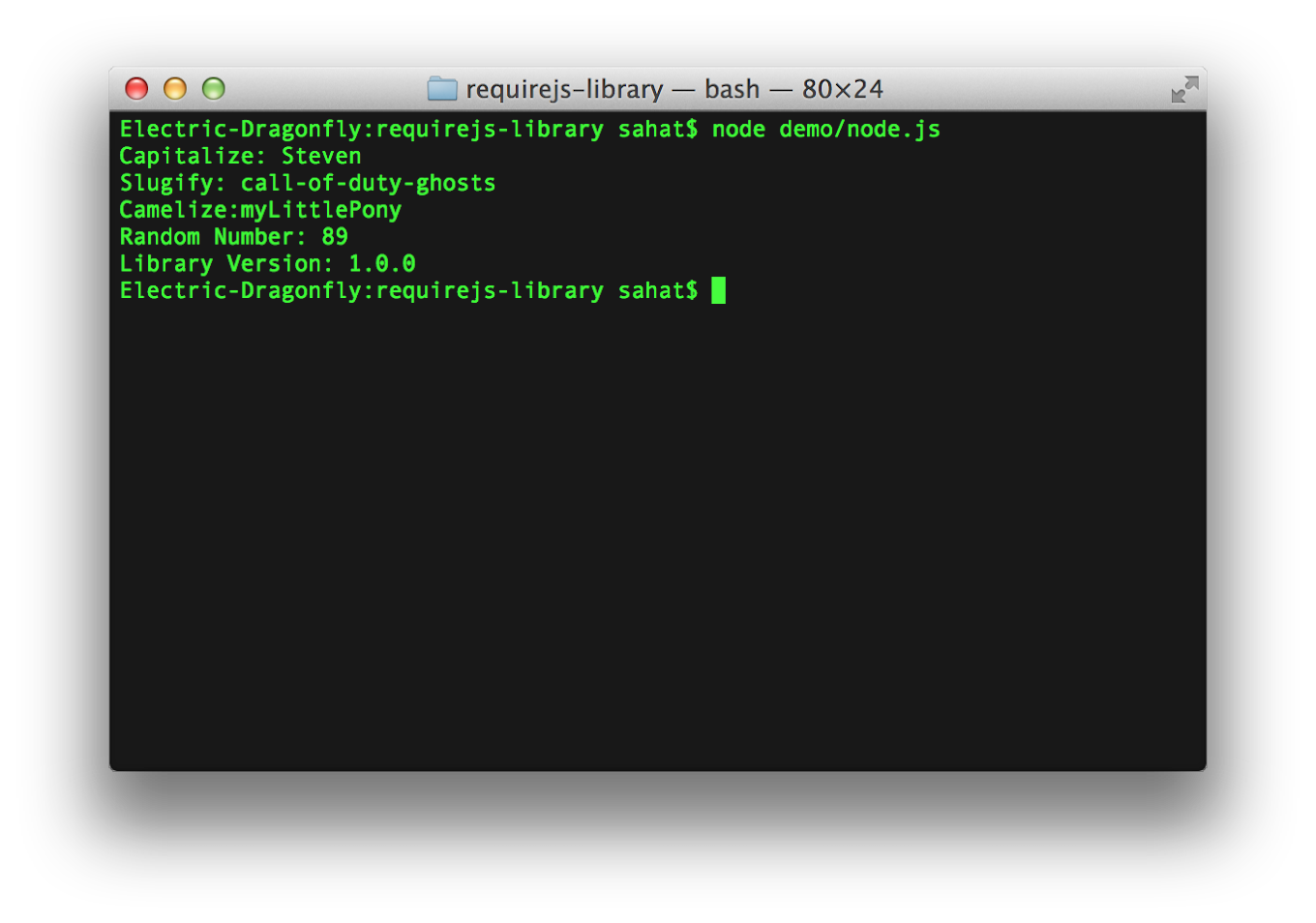
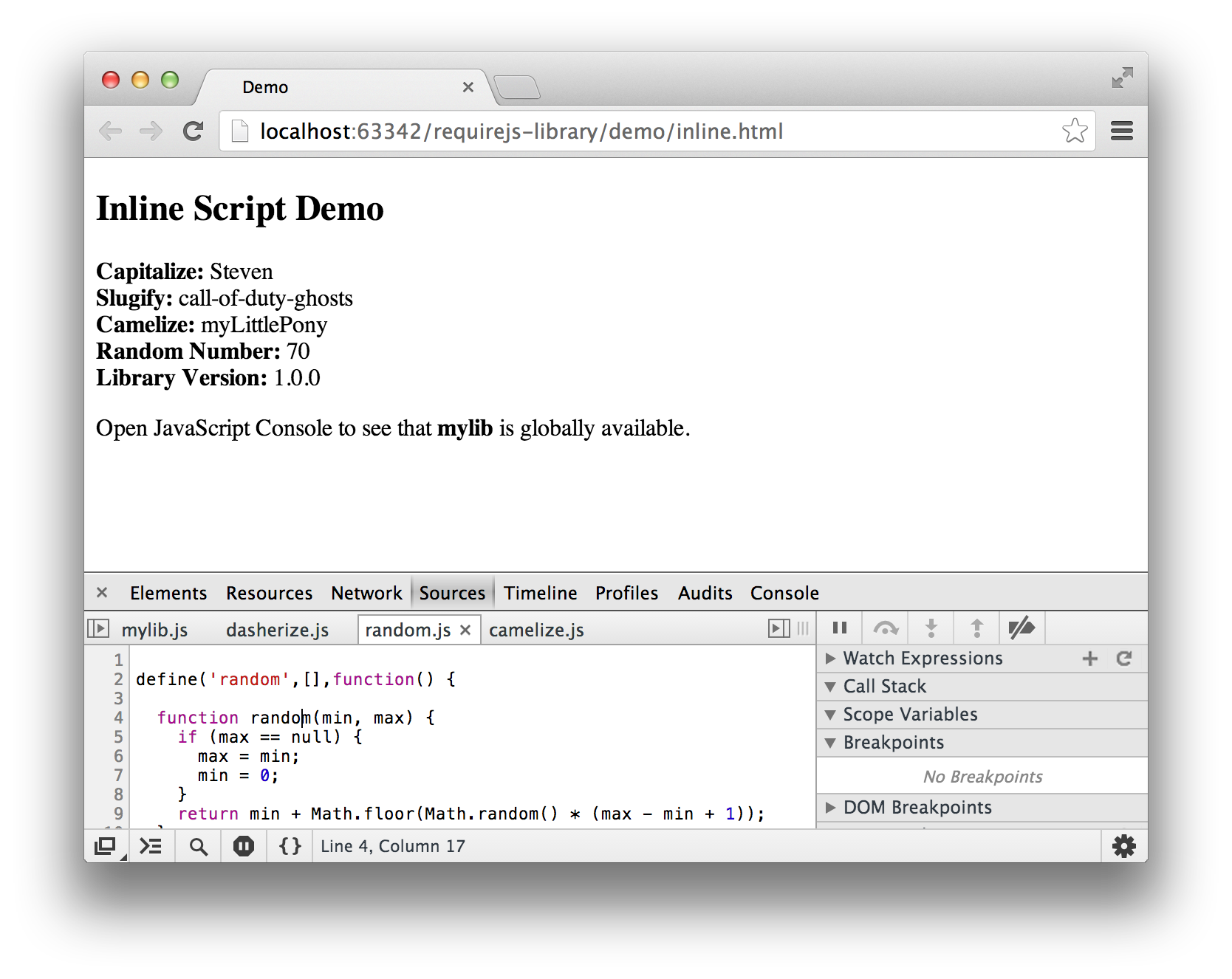
This library is flexible enough to work as an inline <script> declaration,
Require.js module, or in this case as a Node.js module:
You can run all demos right away out of the box, but if you have changed any of the src files, simply run the
following command to re-build the library and start watching for changes:
gulp
Source Maps
Require.js optimizer comes with a built-in support to generate source maps. It is already enabled in gulpfile
by default, but feel free to disable source maps. Refer to this article
to enable source maps in Google Chrome, if you haven't already done so.
Tests
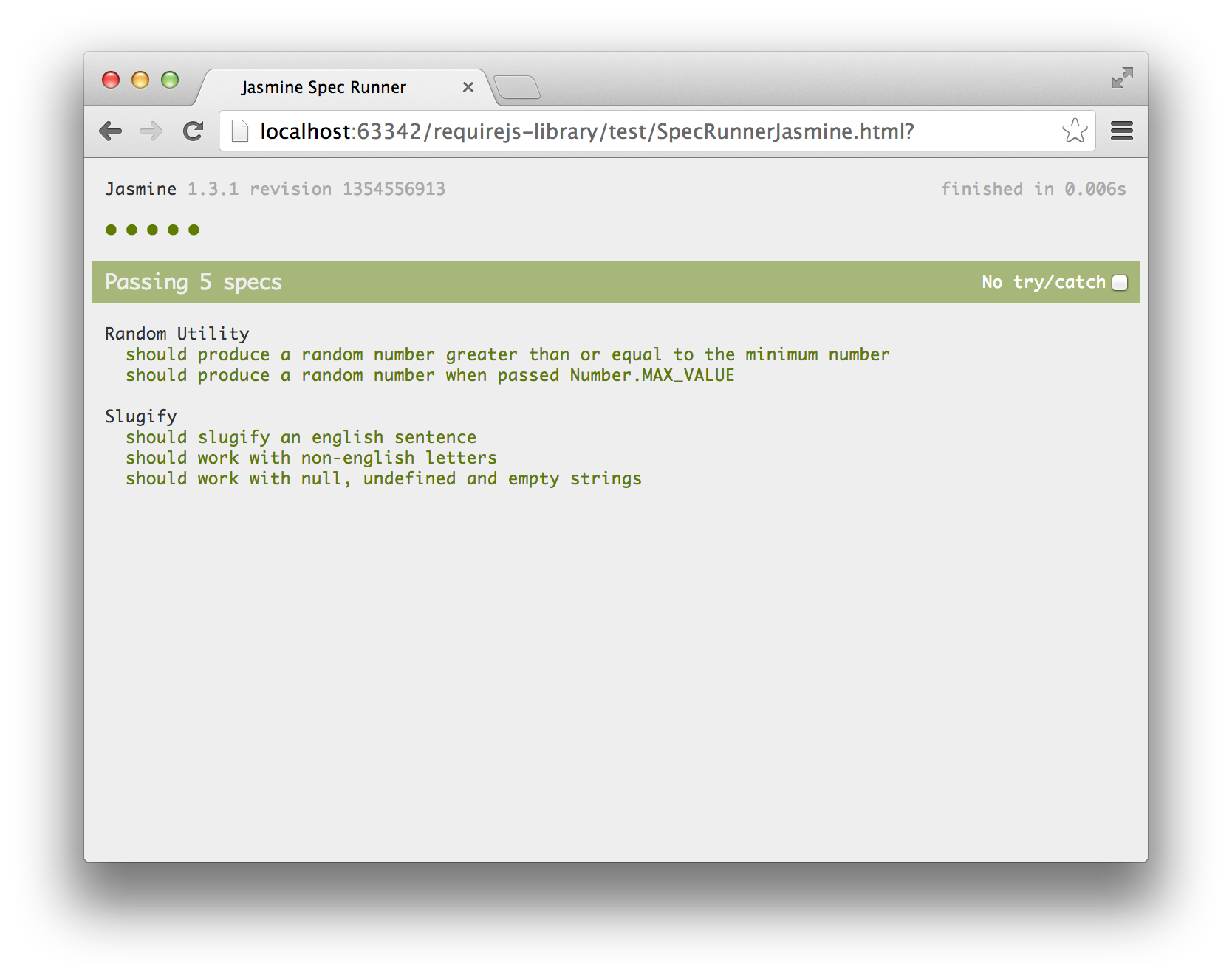
Go to the test folder and run SpecRunnerJasmine.html and you should see the following page:
Only 2 out of 3 specs in the test/spec folder are written for the Jasmine testing framework: slugify.js, random.js.
For your project pick either Jasmine or Mocha + Chai, whichever one you prefer the most. Both testing frameworks
are excellent.
The other file, capitalize.js is written for the Mocha testing framework, using Chai's should assertions.
Run the SpecRunnerMocha.html and you should see the following page:
And lastly, if you prefer to run your tests with Karma, simply run:
npm test
Or if you have installed Karma globally via npm, first run karma start, then karma run. It will perform
a single test run using Jasmine testing framework via PhantomJS headless browser. Both testing framework
and browser are configurable in karma.conf.js.
I have set autoWatch: false by default.
So, if you use something like JetBrains WebStorm 7 for development, then you should keep autoWatch turned off.
Here is the step-by-step guide:
Running JavaScript tests with Karma in WebStorm 7
Structure
demo - examples with Inline, AMD, CommonJS script loading
dist - minified JavaScript file + source map
src/mylib.js - entry-file that pulls all other modules
src/_start.js - adds compatibility for AMD, CommonJS and Browser globals
src/_end.js - serves the same purpose of the initial require() call that data-main does
test/spec - jasmine and mocha specs
test/SpecRunnerJasmine.html - standalone jasmine html spec runner
test/SpecRunnerMocha.html - standalone mocha html spec runner
karma.conf.js — karma test runner configuration
test/test-main.js — configures karma to use Require.js for the tests
Additional Notes
When you are changing library's name from mylib to YOUR_LIBRARY_NAME, update names in the following locations:
If you have any suggestions, or found a bug please open a GitHub issue and I will
get to it as soon as I can.
License
The MIT License (MIT)
Copyright (c) 2014 Sahat Yalkabov
Permission is hereby granted, free of charge, to any person obtaining a copy of
this software and associated documentation files (the "Software"), to deal in
the Software without restriction, including without limitation the rights to
use, copy, modify, merge, publish, distribute, sublicense, and/or sell copies of
the Software, and to permit persons to whom the Software is furnished to do so,
subject to the following conditions:
The above copyright notice and this permission notice shall be included in all
copies or substantial portions of the Software.
THE SOFTWARE IS PROVIDED "AS IS", WITHOUT WARRANTY OF ANY KIND, EXPRESS OR
IMPLIED, INCLUDING BUT NOT LIMITED TO THE WARRANTIES OF MERCHANTABILITY, FITNESS
FOR A PARTICULAR PURPOSE AND NONINFRINGEMENT. IN NO EVENT SHALL THE AUTHORS OR
COPYRIGHT HOLDERS BE LIABLE FOR ANY CLAIM, DAMAGES OR OTHER LIABILITY, WHETHER
IN AN ACTION OF CONTRACT, TORT OR OTHERWISE, ARISING FROM, OUT OF OR IN
CONNECTION WITH THE SOFTWARE OR THE USE OR OTHER DEALINGS IN THE SOFTWARE.
Does sahat/requirejs-library have a project website?
No homepage URL was recorded for sahat/requirejs-library in TopGit's last sync. The README tab above frequently contains screenshots and demo links, or check the repository description on GitHub.
Is sahat/requirejs-library open source?
Yes — sahat/requirejs-library ships under the MIT license, which makes its source code freely readable (and, depending on license terms, forkable and reusable). Source: github.com/sahat/requirejs-library.
What is sahat/requirejs-library?
sahat/requirejs-library (sahat/requirejs-library) is a JavaScript project on GitHub. From the project's own README: Skeleton project for building javascript libraries using Require.js
What license does sahat/requirejs-library use?
sahat/requirejs-library is released under the MIT license. Always verify the LICENSE file directly on GitHub for the authoritative terms — license strings can be edited out of sync with a project's actual stance.
Where do I read more about sahat/requirejs-library?
This TopGit page is a snapshot — the READ ME tab shows the project's own README content (links stripped, images preserved). The GitHub repository at github.com/sahat/requirejs-library is the definitive source.
Read full README in the tab above.
Is requirejs-library worth your time?
ChatGPT, Claude and Perplexity can all read this page. Ask one of them what it makes of requirejs-library.

 /requirejs-library



 Only 2 out of 3 specs in the test/spec folder are written for the Jasmine testing framework:
