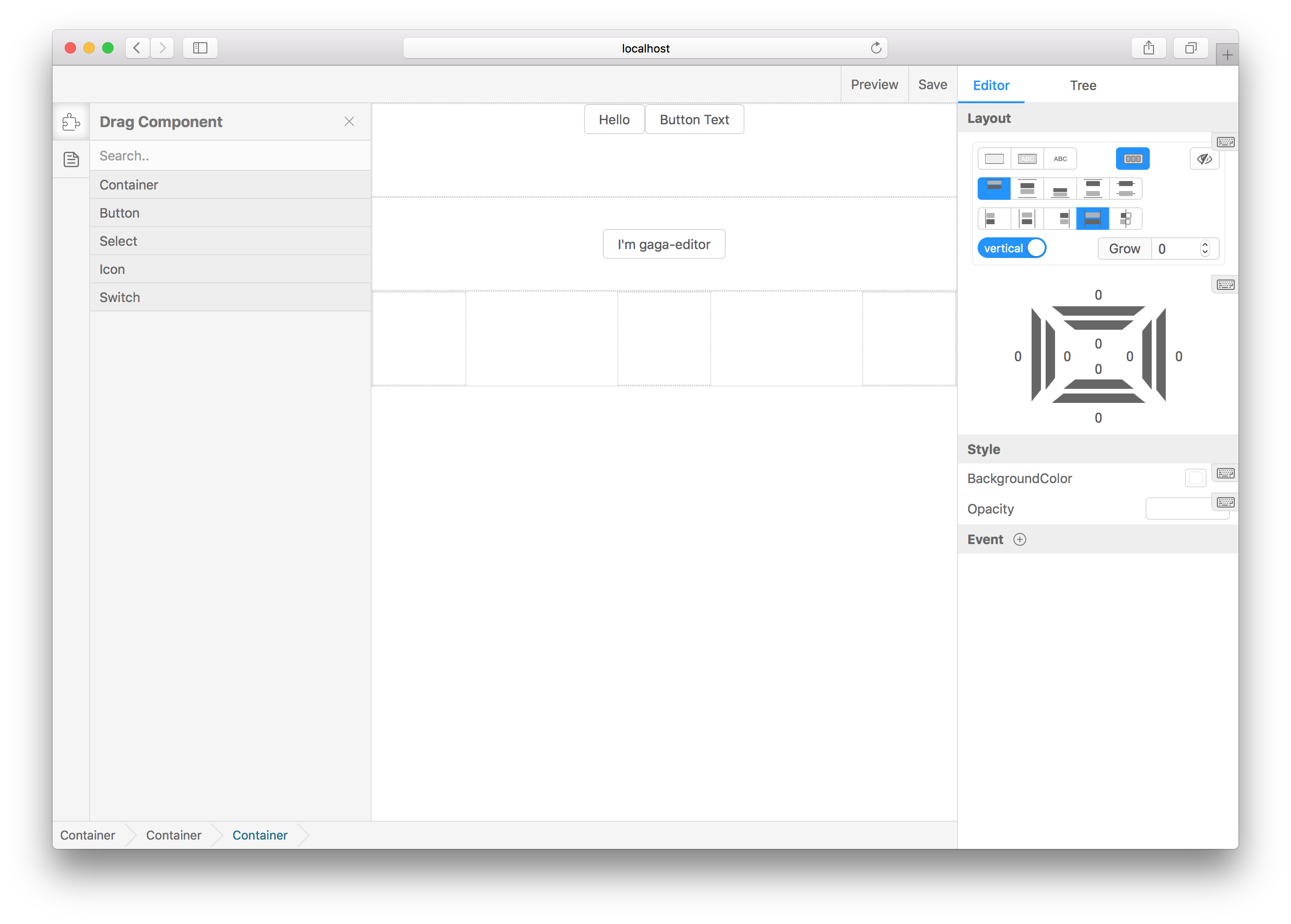
ascoders/gaea-editor — 1.3k★ on GitHub (TypeScript). Design websites in your browser. A smart web editor!
Snapshot summary built from the project's own GitHub metadata — there's no written TopGit review yet. The page will update automatically when a full review is published.
WHY NO REVIEW YET
TopGit writes full reviews for the most-starred, most-requested repositories. This page is a snapshot until then — see the READ ME tab for the original README in full.
You can add any react components to the drag menu, through the following line of code:
import BasicComponents from 'gaea-basic-components';
<Editor componentClasses={[...BasicComponents, CustomComponent1, CustomComponent2]} />;
BasicComponents support container, button, icon, select, switch. And there must be at least one component to set isContainer=true that can be used as outer container.
Generally speaking, with BasicComponents concat is ok, because the component containerBasicComponents offered is a container.
Add editSetting to each component props, to let the editor know how to edit it visualizations:
defaultProps = {
  editSetting: {
    key: 'my-custom-key', // Unique key.
    name: 'Custom one', // The name shown in drag menu.
    isContainer: false, // Can be dragged in.
    editors: [
      {
        field: 'title',
        text: 'Text',
        type: 'string'
      }
    ] // Tell gaea-editor, which props can be edited and how to edit it.
  }
};
More about editors
gaea-editor provides several built-in type editing props. If you need to expand it, you can refer to custom plugin.
common field:
field: which props to edit. EX: valuevisiblestyle.backgroundColor.
text: If exist, will appear in the form label to prompt the user.
The following are the built-in types:
string
Suitable for any string editing scene.
{
    type: 'string',
    text: 'Text',
    field: 'value'
}
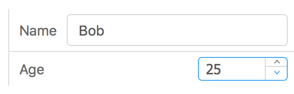
number
Suitable for any number editing scene.
In many cases, it is suggested that inputRange and outputRange be set to the same value.
You can add custom components, custom plugins, save callback, and read saved data.
Props
Type
Description
onSave
(info?: string) => void
When you click the Save button, feed back to you to save the information
defaultValue
object
Editor initial value, you can pass the value of the onSave callback and resume the draft
componentClasses
Array<React.ComponentClass<IGaeaProps>>
React classes. Any react component is supported, but you need some configuration information to tell the editor how to edit it. see custom-component-config
How active is development on ascoders/gaea-editor?
The most recent commit recorded on ascoders/gaea-editor was 4.5 years ago, based on the GitHub push timestamp. The repository has 215 forks — one of the better signals of community interest.
How many stars does ascoders/gaea-editor have?
ascoders/gaea-editor has 1.3k GitHub stars — refresh the page for the live number, or check github.com/ascoders/gaea-editor. TopGit mirrors GitHub's count but does not claim minute-by-minute accuracy.
What language is ascoders/gaea-editor written in?
ascoders/gaea-editor is written primarily in TypeScript. GitHub's language field is based on the largest share of bytes in the default branch.
What license does ascoders/gaea-editor use?
ascoders/gaea-editor is released under the MIT license. Always verify the LICENSE file directly on GitHub for the authoritative terms — license strings can be edited out of sync with a project's actual stance.
What topics is ascoders/gaea-editor associated with?
GitHub's repository topics for ascoders/gaea-editor: "editor", "web-design", "web-editor". TopGit's editorial category is open-source.
Where can I see ascoders/gaea-editor in action?
The project maintains a homepage at https://gaeajs.github.io/gaea-site/. The README tab on this page also usually contains screenshots and a quickstart.
Where do I read more about ascoders/gaea-editor?
This TopGit page is a snapshot — the READ ME tab shows the project's own README content (links stripped, images preserved). The GitHub repository at github.com/ascoders/gaea-editor is the definitive source.
Read full README in the tab above.
Still deciding about gaea-editor?
One click hands the question to an AI along with this page — see what it says about gaea-editor.

 /gaea-editor