denysdovhan/purifier-card is one of the open-source repositories TopGit tracks, currently at 346 stars, written primarily in TypeScript. Air Purifier card for Home Assistant Lovelace UI
Snapshot summary built from the project's own GitHub metadata — there's no written TopGit review yet. The page will update automatically when a full review is published.
WHY NO REVIEW YET
TopGit writes full reviews for the most-starred, most-requested repositories. This page is a snapshot until then — see the READ ME tab for the original README in full.
I still maintain this card. I will be fixing bugs, maitaining dependencies and styles. However, new features won't be actively developed anymore.
If you have an air purifier and are willing to contribute, you are welcome.
Purifier Card
[!NOTE]
Air Purifier card for Home Assistant Lovelace UI
By default, the Home Assistant does not provide any card for controlling air purifiers. This card displays the state and allows to control your air purifier.
Sponsorship
Your generosity will help me maintain and develop more projects like this one.
This card is available in HACS (Home Assistant Community Store).
Just search for Purifier Card in the plugins tab.
Manual
Click to show how to manually add to dashboard resources
Download purifier-card.js file from the latest-release.
Put purifier-card.js file into your config/www folder.
Add a reference to purifier-card.js in Lovelace. There's two way to do that:
Using UI:Configuration → Lovelace Dashboards → Resources → Click Plus button → Set Url as /local/purifier-card.js → Set Resource type as JavaScript Module.
Using YAML: Add the following code to lovelace section.
An attribute which should be used to get AQI value.
unit
string
Optional
An unit of measurement to display.
You can also combine attribute with entity_id to extract an attribute value of specific entity.
stats object
You can use any attribute of purifier or even any entity by entity_id to display by stats section. Not only that, but you can also combine attribute with entity_id to extract an attribute value of specific entity:
Name
Type
Default
Description
entity_id
string
Optional
An entity_id with state, i.e. sensor.purifier_aqi.
attribute
string
Optional
Attribute name of the stat, i.e. filter_left.
value_template
string
Optional
Jinja2 template returning a value. value variable represents the entity_id or attribute state.
unit
string
Optional
Unit of measure, i.e. hours.
subtitle
string
Optional
Friendly name of the stat, i.e. Filter.
shortcuts object
You can define custom scripts for custom actions or add shortcuts for switching presets and percentages via shortcuts option.
Name
Type
Default
Description
name
string
Optional
Friendly name of the shortcut, i.e. Switch to Auto.
icon
string
Optional
Any icon for shortcut button.
service
string
Optional
A service to call, i.e. script.clean_air.
target
object
Optional
A HassServiceTarget, to define a target for the current service call.
service_data
object
Optional
service_data for service call
percentage
object
Optional
A percentage to switch to, i.e. 27, etc. See entity's percentage_step for valid values.
preset_mode
object
Optional
A speed to switch to, i.e. Auto, etc
The card will automatically try to figure out which one of shortcuts is currently active. The shortcut will be highlighted when:
It's a service.
entity's percentage attribute is equal to shortcut's percentage.
entity's preset_mode attribute is equal to shortcut's preset_mode.
Theming
This card can be styled by changing the values of these CSS properties (globally or per-card via [card-mod][card-mod]):
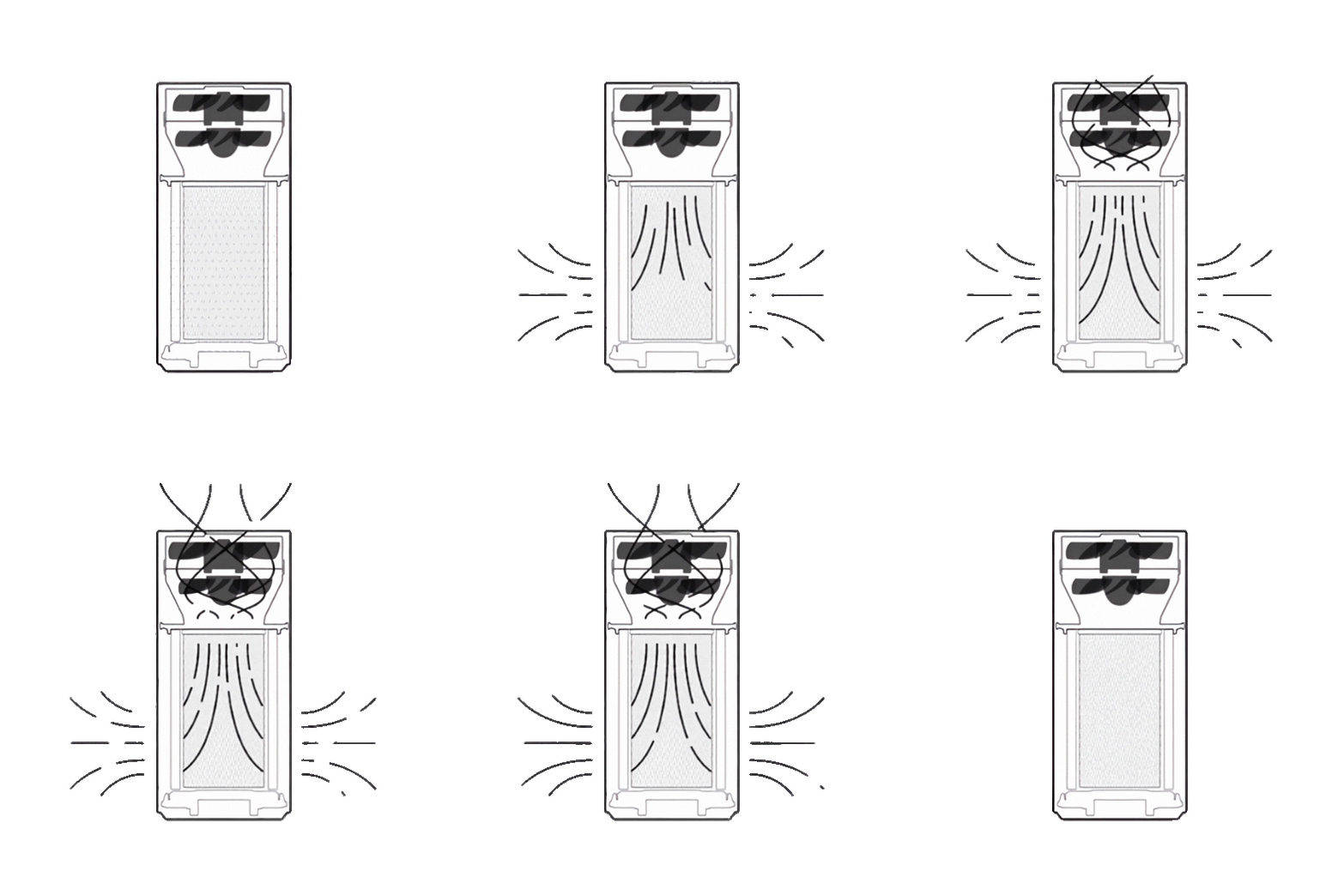
I've added an animation for this card to make it alive:
How did I make this animation? It's a long story…
I took original gif file from here.
Then I tweaked image levels to make the background black and purifier white.
Then I inverted colors on the gif.
Then I've split the gif by frame.
Then I removed the background of the image frame by frame using remove.bg.
Then I upscaled each of those images using icons8.com/upscaler.
Then I put up all of those images back in a single gif.
Profit!
Archive with images from all of these steps can be found here.
Supported languages
This card supports translations. Please, help to add more translations and improve existing ones. Here's a list of supported languages:
English
Українська (Ukrainian)
Türkçe (Turkish)
Français (French)
Norsk (Norwegian)
Polski (Polish)
Български (Bulgarian)
简体中文 (Simplified Chinese)
Deutsch (German)
Català (Catalan)
Русский (Russian)
Italiano (Italian)
繁體中文 (Traditional Chinese)
Čeština (Czech)
Dutch (Netherlands)
Español (Spanish)
Slovenčina (Slovak)
Português (Portuguese)
Your language?
Supported models
This card relies on basic fan services, like toggle, turn_on, turn_off, etc. It should work with any air purifier, however I can physically test it only with my own purifier.
If this card works with your air purifier, please open a PR and your model to the list (in alphabetical order).
Does denysdovhan/purifier-card have a project website?
No homepage URL was recorded for denysdovhan/purifier-card in TopGit's last sync. The README tab above frequently contains screenshots and demo links, or check the repository description on GitHub.
How active is development on denysdovhan/purifier-card?
The most recent commit recorded on denysdovhan/purifier-card was 16 days ago, based on the GitHub push timestamp. The repository has 120 forks — one of the better signals of community interest.
How many stars does denysdovhan/purifier-card have?
denysdovhan/purifier-card has 346 GitHub stars — refresh the page for the live number, or check github.com/denysdovhan/purifier-card. TopGit mirrors GitHub's count but does not claim minute-by-minute accuracy.
Is denysdovhan/purifier-card open source?
Yes — denysdovhan/purifier-card ships under the MIT license, which makes its source code freely readable (and, depending on license terms, forkable and reusable). Source: github.com/denysdovhan/purifier-card.
What topics is denysdovhan/purifier-card associated with?
GitHub's repository topics for denysdovhan/purifier-card: "air-purifier", "custom-cards", "hacs", "hass", "home-assistant", "homeassistant", "lovelace", "purifier", "smart-home". TopGit's editorial category is open-source.
Where do I read more about denysdovhan/purifier-card?
This TopGit page is a snapshot — the READ ME tab shows the project's own README content (links stripped, images preserved). The GitHub repository at github.com/denysdovhan/purifier-card is the definitive source.
Read full README in the tab above.
Curious whether purifier-card is right for you?
Let ChatGPT, Claude, or Perplexity look into it — click below and see what AI actually says about purifier-card.

 /purifier-card