Indexed by TopGit from live GitHub metadata: jdx/demand has 265 stars, written primarily in Rust. prompt library for rust
Snapshot summary built from the project's own GitHub metadata — there's no written TopGit review yet. The page will update automatically when a full review is published.
WHY NO REVIEW YET
TopGit writes full reviews for the most-starred, most-requested repositories. This page is a snapshot until then — see the READ ME tab for the original README in full.
A prompt library for Rust. Based on huh? for Go. Maintained by @jdx and @roele.
Sponsors
Sponsored by
View all sponsors
Try the demos
Run any example from the repository with cargo run --example <name>.
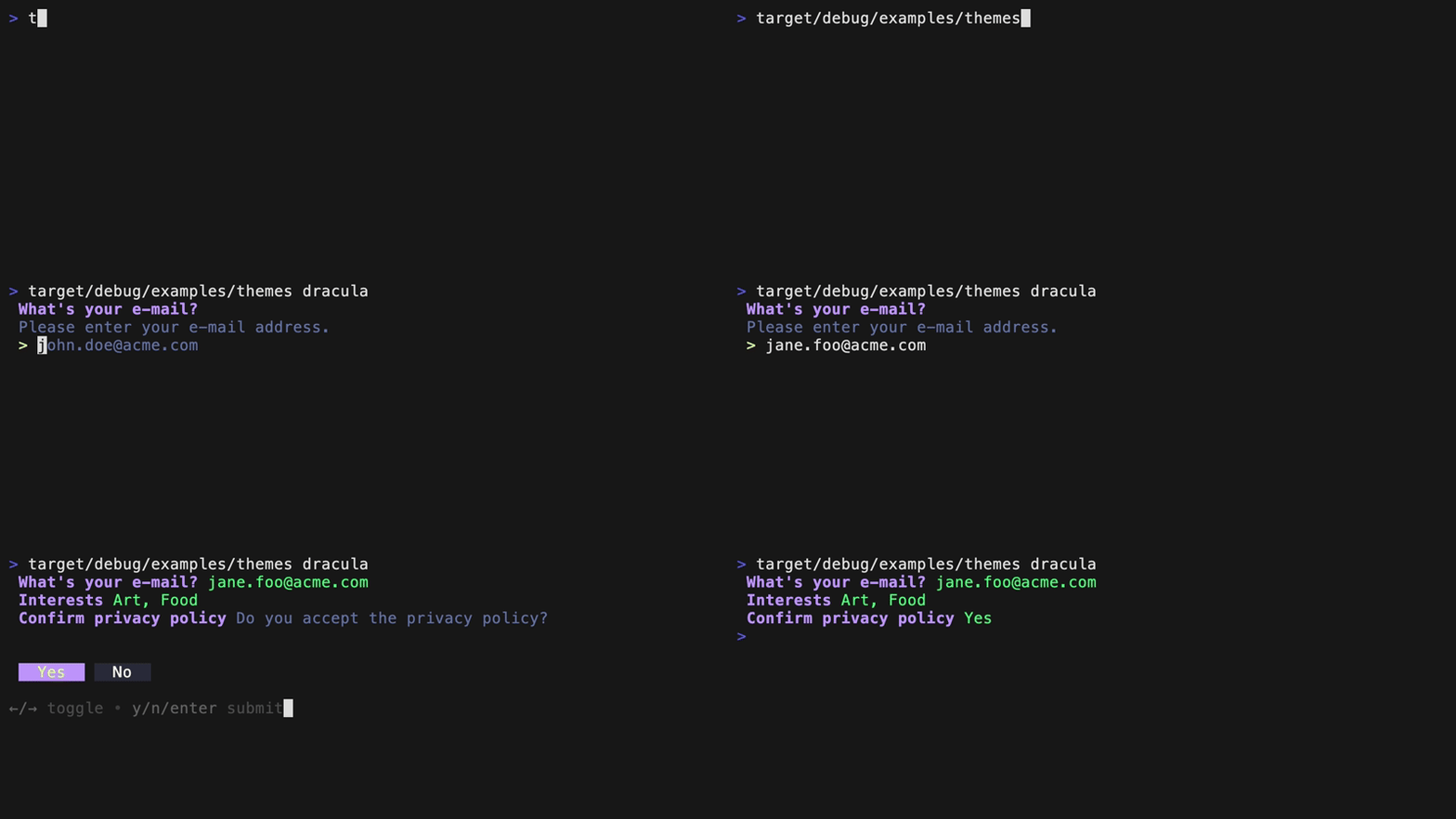
Start with grid_select, input, select, or multiselect; use themes -- dracula
to try a different theme. The animations below show the actual examples.
See the recording guide to regenerate them.
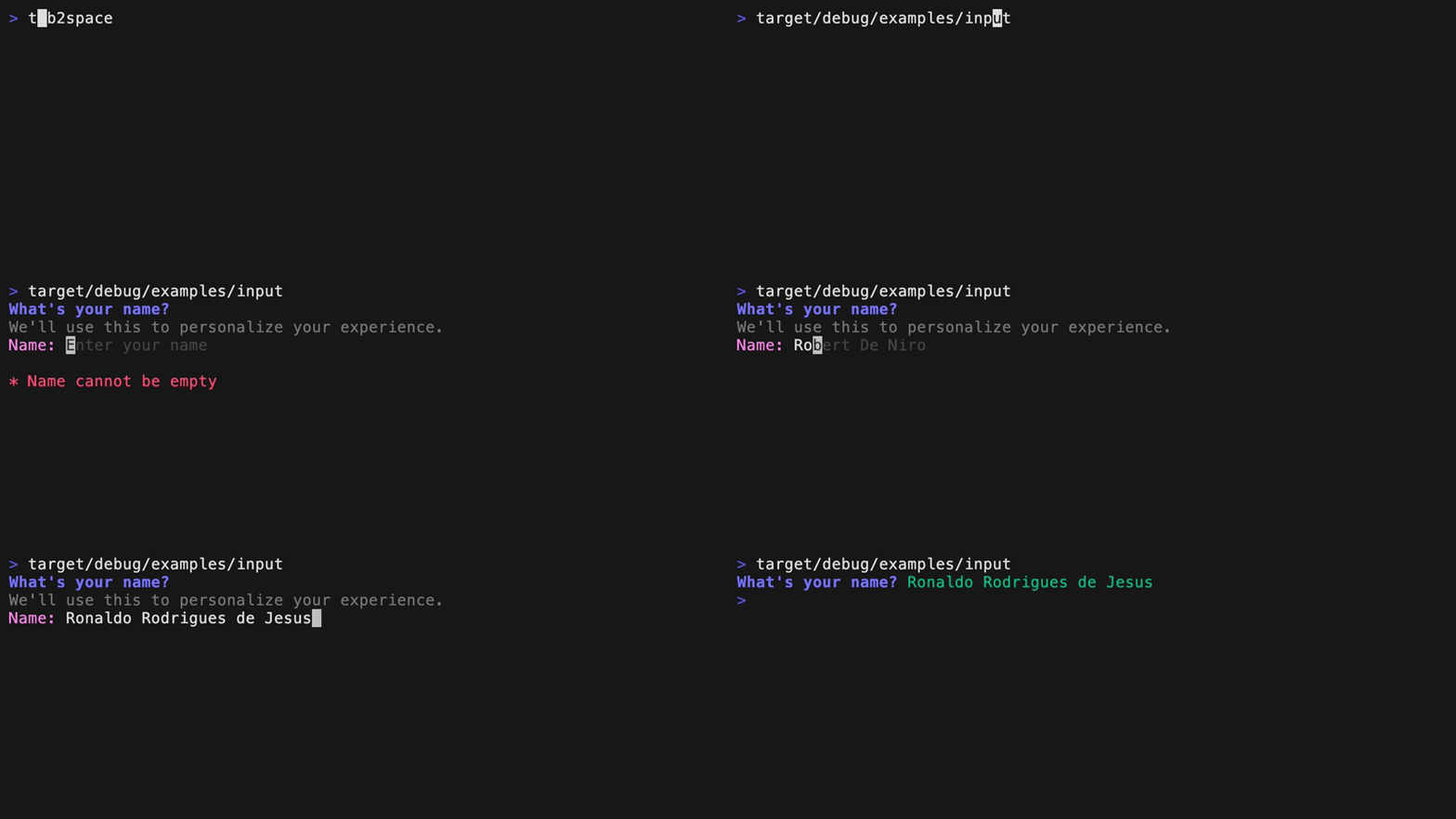
Input
Single-line text input with variable prompt and placeholder
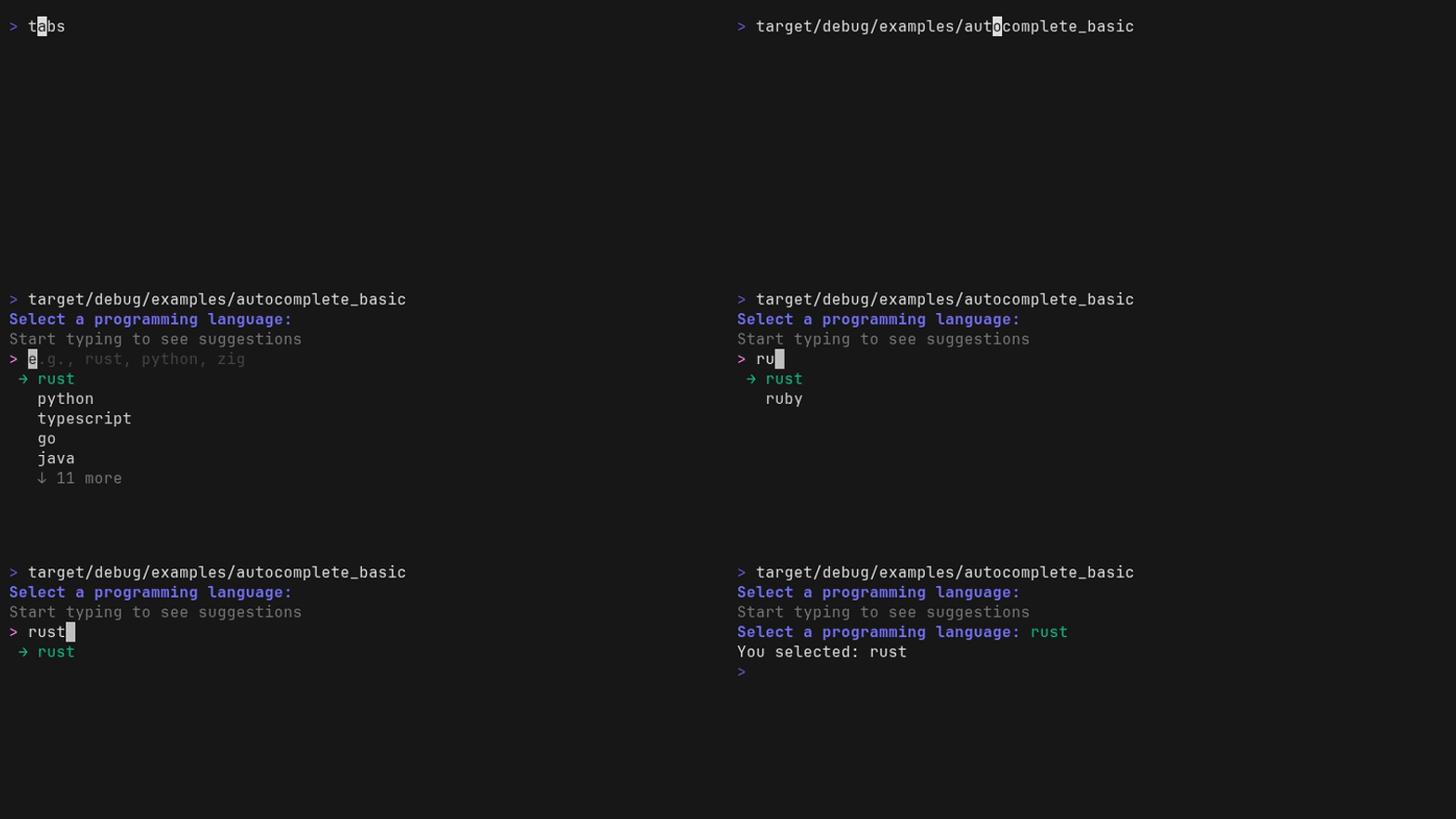
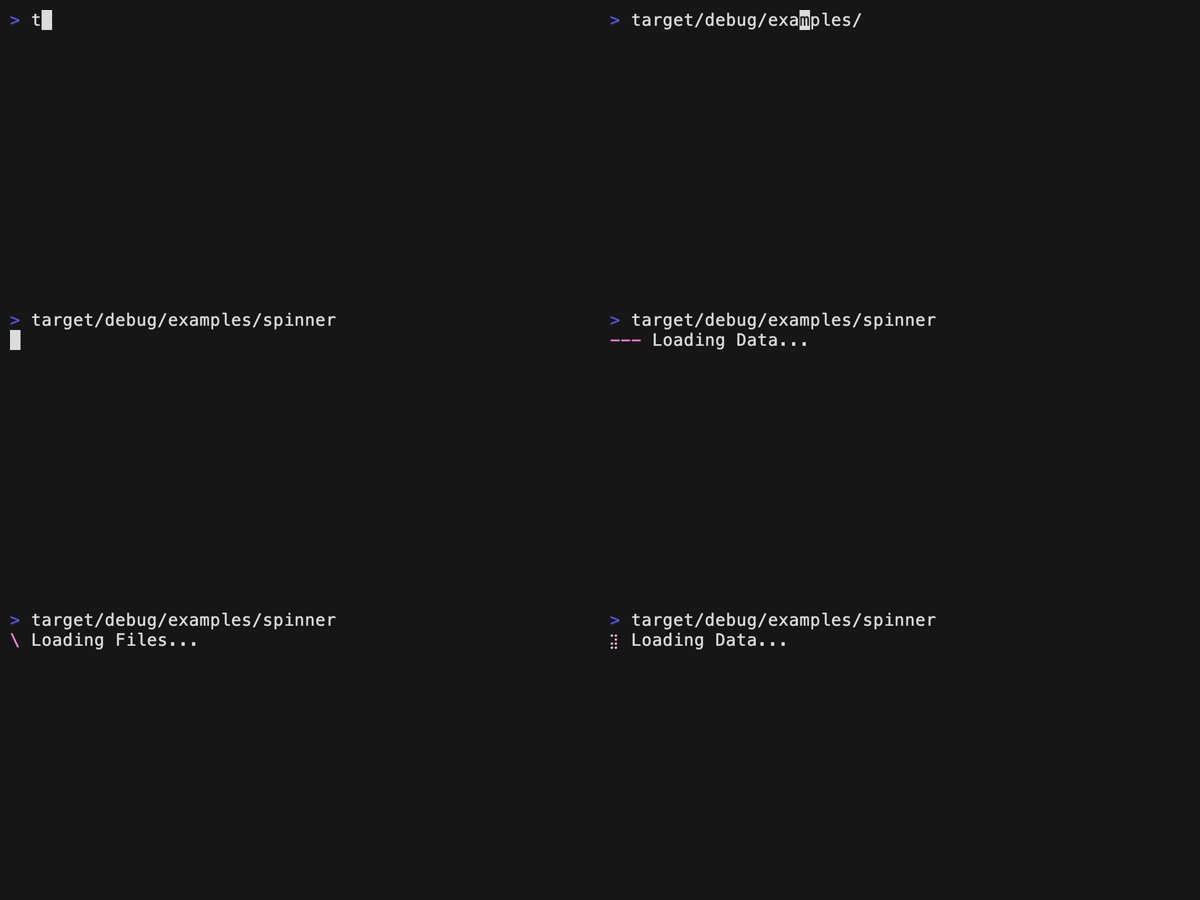
Complete suggestions with TAB
Auto-complete API for custom suggestions
Validate input with a custom closure
Run example with cargo run --example input.
use demand::Input;

fn main() {
    let notempty_minlen = |s: &str| {
        if s.is_empty() {
            return Err("Name cannot be empty");
        }
        if s.len() < 8 {
            return Err("Name must be at least 8 characters");
        }
        Ok(())
    };

    let t = Input::new("What's your name?")
        .description("We'll use this to personalize your experience.")
        .placeholder("Enter your name")
        .prompt("Name: ")
        .suggestions(vec![
            "Adam Grant",
            "Danielle Steel",
            "Eveline Widmer-Schlumpf",
            "Robert De Niro",
            "Ronaldo Rodrigues de Jesus",
            "Sarah Michelle Gellar",
            "Yael Naim",
            "Zack Snyder",
        ])
        .validation(notempty_minlen);
    let i = t.run().expect("error running input");
}
Line editing
Input supports the common emacs-style (GNU Readline default) bindings:
Keys
Action
←/→, ctrl-b/ctrl-f
move one character
alt-b/alt-f
move one word
home/end, ctrl-a/ctrl-e
move to start/end of line
backspace
delete the character before the cursor
delete, ctrl-d
delete the character under the cursor
ctrl-w, alt-backspace
delete the word before the cursor
alt-d
delete the word after the cursor
ctrl-u/ctrl-k
delete to the start/end of the line
ctrl-y
paste the text last deleted with the above
ctrl-t
swap the two characters around the cursor
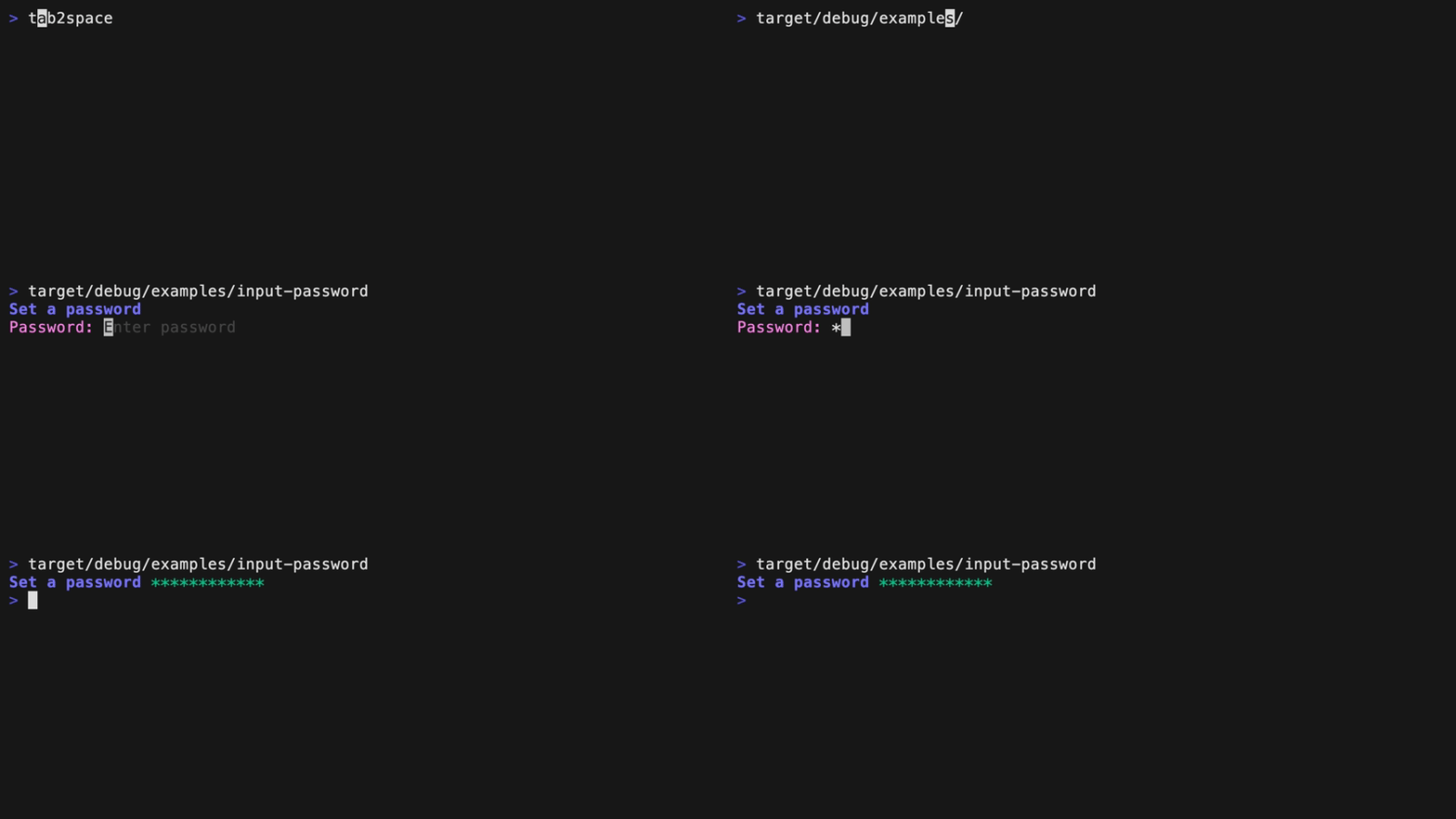
In password inputs, word commands act on the whole line so they don't reveal where the spaces are.
Autocomplete
Run example with cargo run --example autocomplete_basic.
Password
Run example with cargo run --example input-password.
Editor
Multi-line text, entered in the user's $VISUAL / $EDITOR. Press e to open the editor and enter to submit.
Run example with cargo run --example editor.
use demand::Editor;

fn main() {
    let notes = Editor::new("Release notes")
        .description("Summarize what changed in this release.")
        .default_value("## Changes\n\n- \n")
        .extension("md")
        .run()
        .expect("error running editor");
}
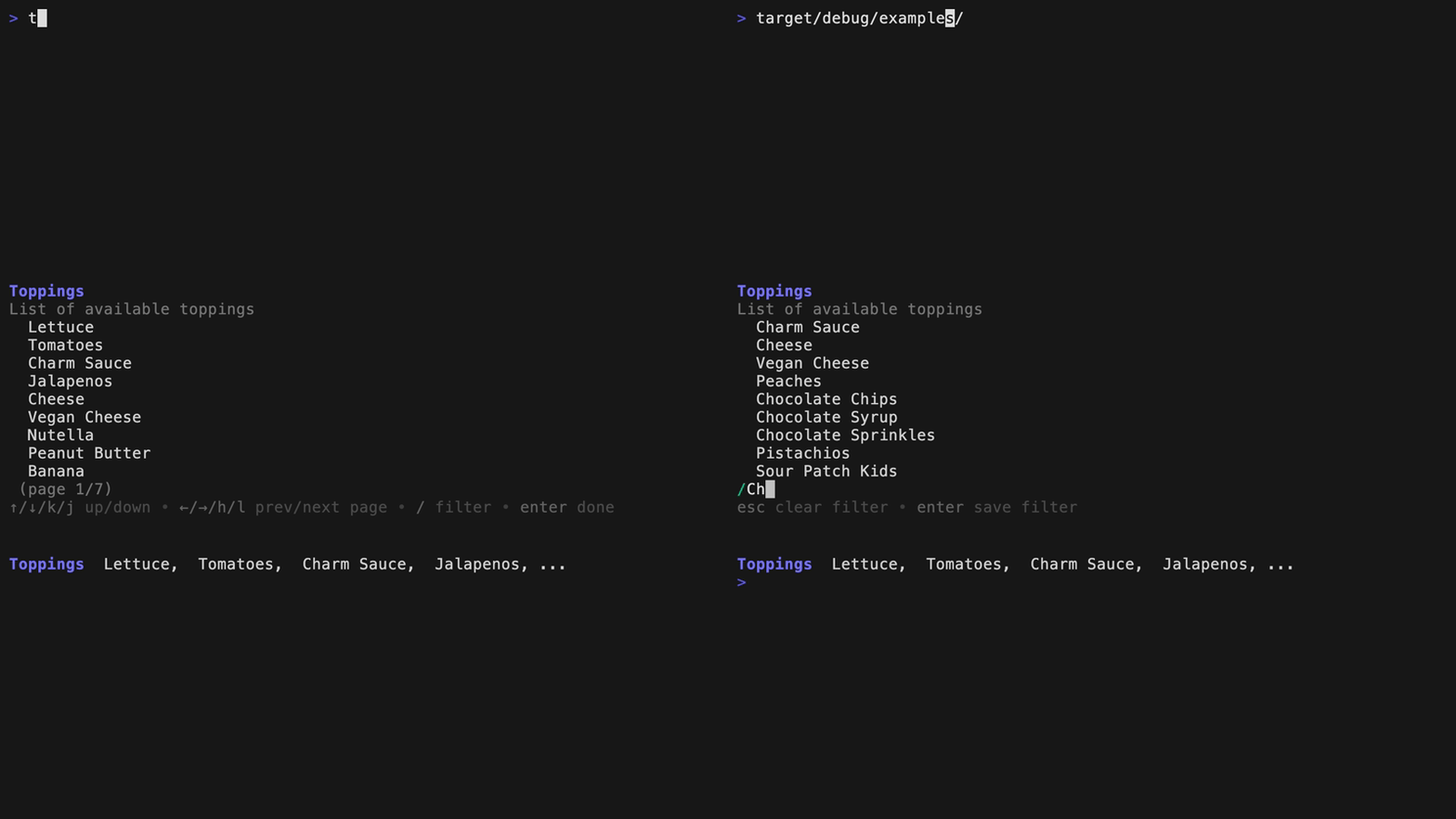
List
Shows a list of options. Run example with cargo run --example list.
use demand::List;

fn main() {
    let list = List::new("Toppings")
        .description("List of available toppings")
        .item("Lettuce")
        .item("Tomatoes")
        .item("Charm Sauce")
        .item("Jalapenos")
        .item("Cheese")
        .item("Vegan Cheese")
        .item("Nutella")
        .item("Peanut Butter")
        .item("Banana")
        .filterable(true);
    list.run().expect("error running list")
}
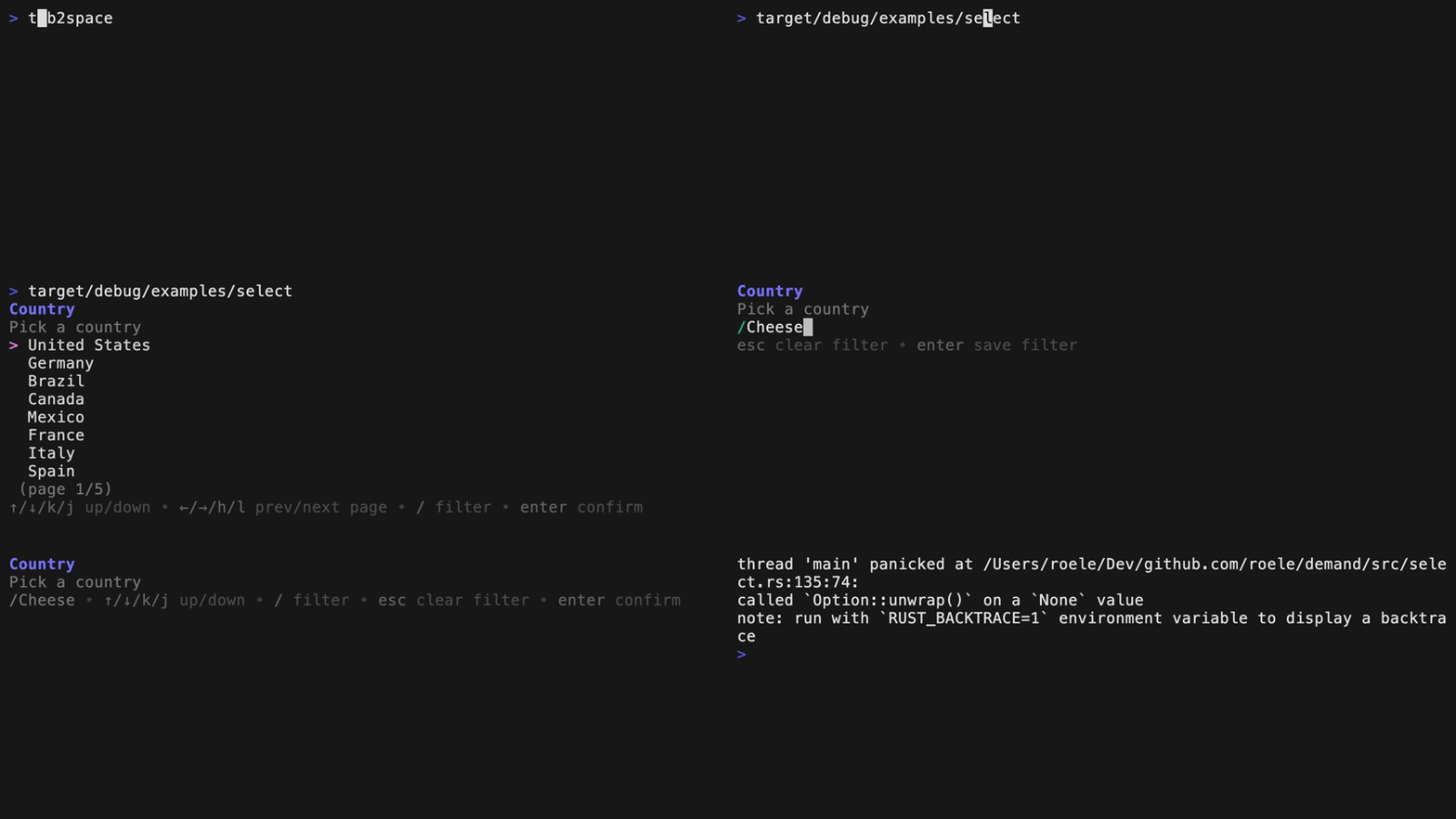
Select
Select from a list of options.
Run example with cargo run --example select.
The abbreviated example below shows a few countries; the runnable demo includes
more options to demonstrate pagination.
use demand::{DemandOption, Select};

fn main() {
    let select = Select::new("Country")
        .description("Pick a country")
        .filterable(true)
        .option(DemandOption::new("US").label("United States"))
        .option(DemandOption::new("DE").label("Germany"))
        .option(DemandOption::new("BR").label("Brazil").selected(true))
        .option(DemandOption::new("CA").label("Canada"))
        .option(DemandOption::new("GB").label("United Kingdom"));
    select.run().expect("error running select");
}
Updating a running select
Select::handle returns a PromptHandle that another thread can use to change the title or description while the select is waiting for input.
On Windows, a change is shown at the next keypress rather than right away.
Run example with cargo run --example select_dynamic.
let mut select = Select::new("Coins inserted: 0")
    .option(DemandOption::new("Complete payment"))
    .option(DemandOption::new("Quit"));
let handle = select.handle();
std::thread::spawn(move || handle.set_title("Coins inserted: 50"));
let choice = select.run()?;
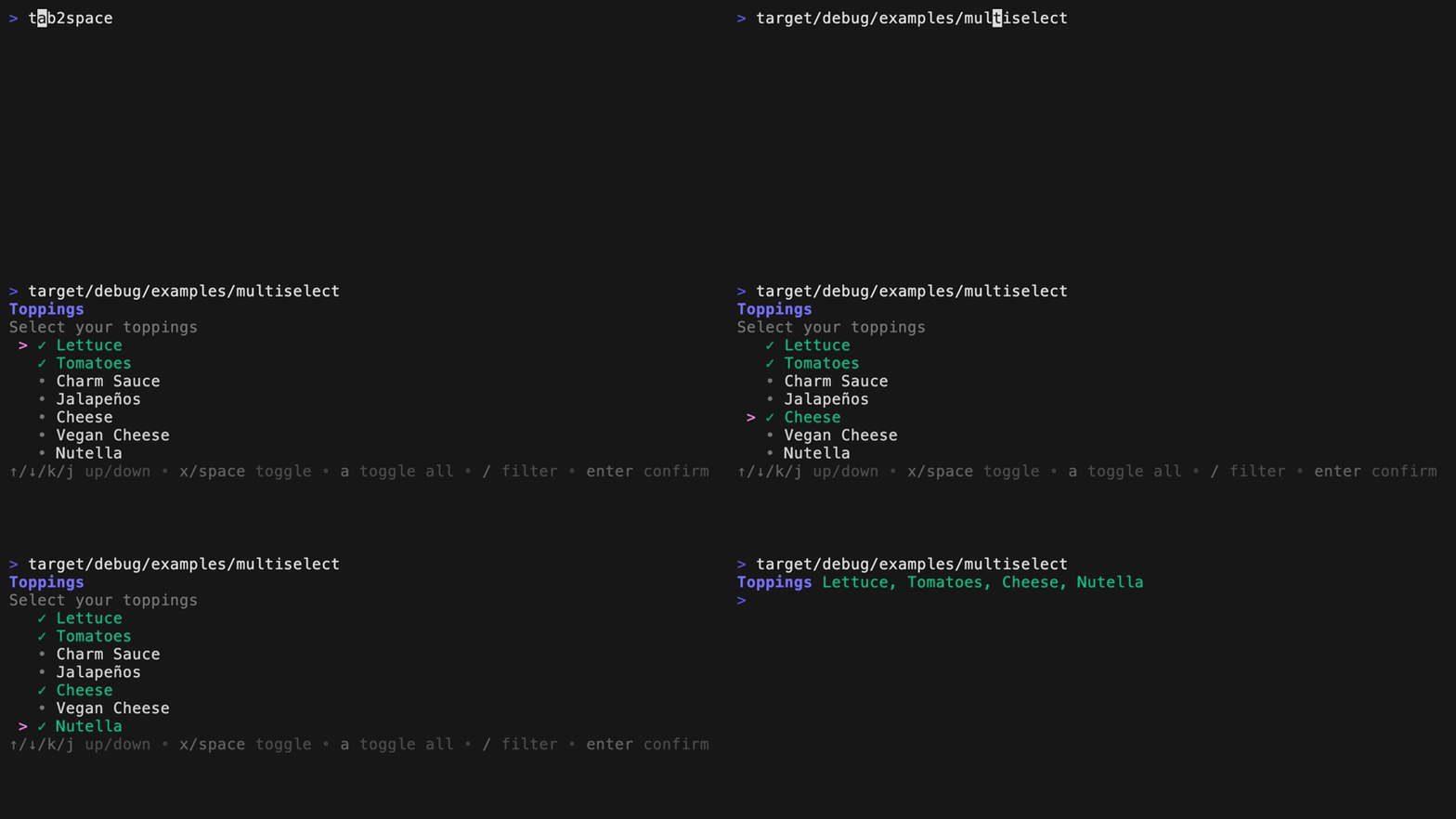
Multiselect
Select multiple options from a list.
Run example with cargo run --example multiselect.
use demand::{DemandOption, MultiSelect};

fn main() {
    let ms = MultiSelect::new("Toppings")
        .description("Select your toppings")
        .min(1)
        .max(4)
        .filterable(true)
        .option(DemandOption::new("Lettuce").selected(true))
        .option(DemandOption::new("Tomatoes").selected(true))
        .option(DemandOption::new("Charm Sauce"))
        .option(DemandOption::new("Jalapenos").label("Jalapeños"))
        .option(DemandOption::new("Cheese"))
        .option(DemandOption::new("Vegan Cheese"))
        .option(DemandOption::new("Nutella"));
    ms.run().expect("error running multi select");
}
Grid Select
Pick one column for each row of a table, e.g. which version to upgrade each
package to. ↑/↓ move between rows, ←/→ move the row's choice between its
cells. Empty cells aren't selectable.
Run example with cargo run --example grid_select.
use demand::{GridRow, GridSelect};

fn main() {
    let columns = ["Current", "Range", "Latest"];
    let grid = GridSelect::new("Pick the packages you want to upgrade")
        .columns(columns)
        .filterable(true)
        .row(GridRow::new("react").cell("^18.2.0").cell("^18.3.1").cell("^19.0.0"))
        .row(GridRow::new("chalk").cell("^4.1.2").empty_cell().cell("^5.0.0"))
        .row(GridRow::new("jest").cell("^27.4.7").cell("^27.5.1"));
    for (package, column) in grid.run().expect("error running grid select") {
        println!("{package}: {}", columns[column]);
    }
}
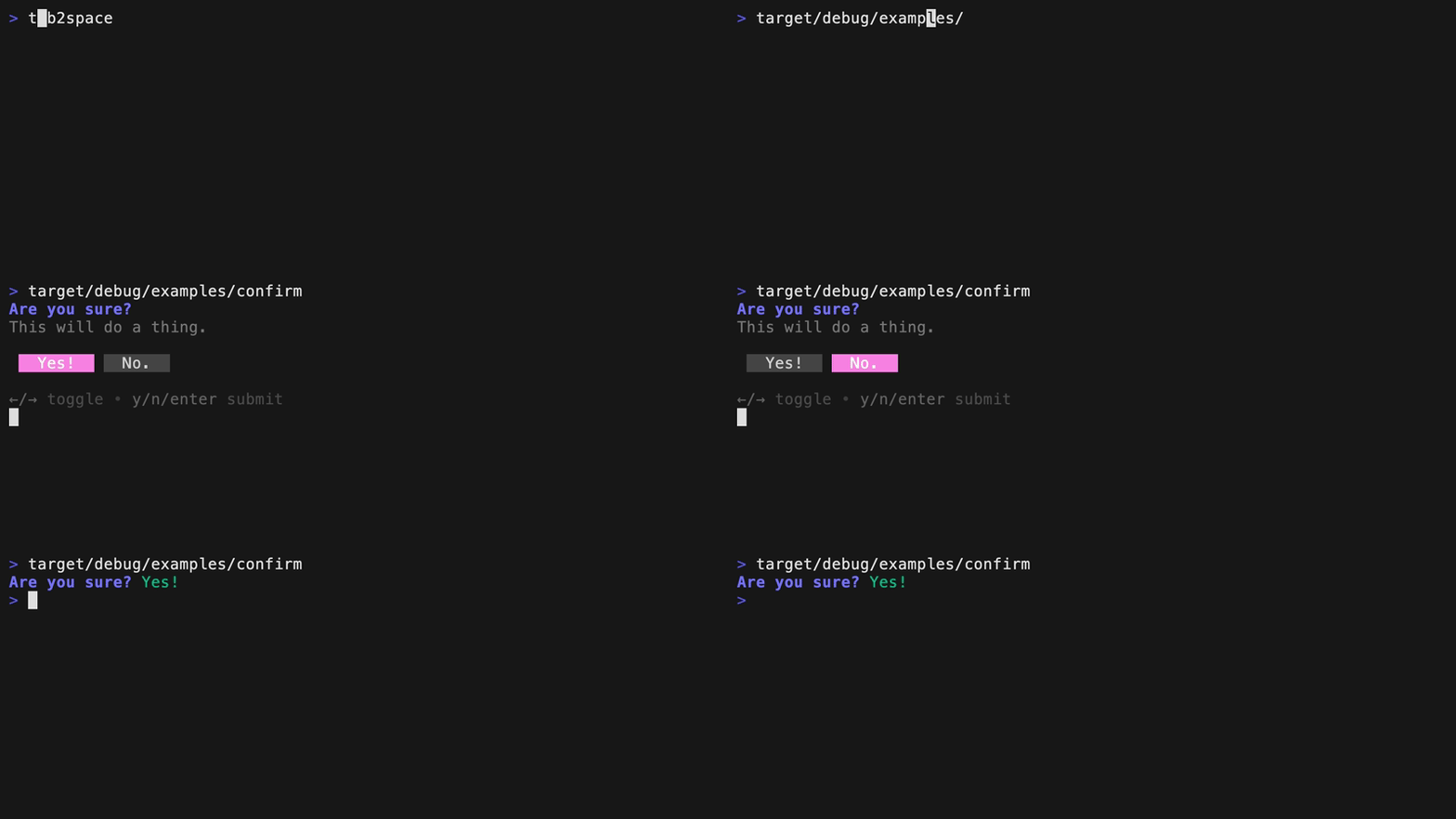
Confirm
Confirm a question with a yes or no.
Run example with cargo run --example confirm.
use demand::Confirm;

fn main() {
    let ms = Confirm::new("Are you sure?")
        .affirmative("Yes!")
        .negative("No.");
    let yes = ms.run().expect("error running confirm");
}
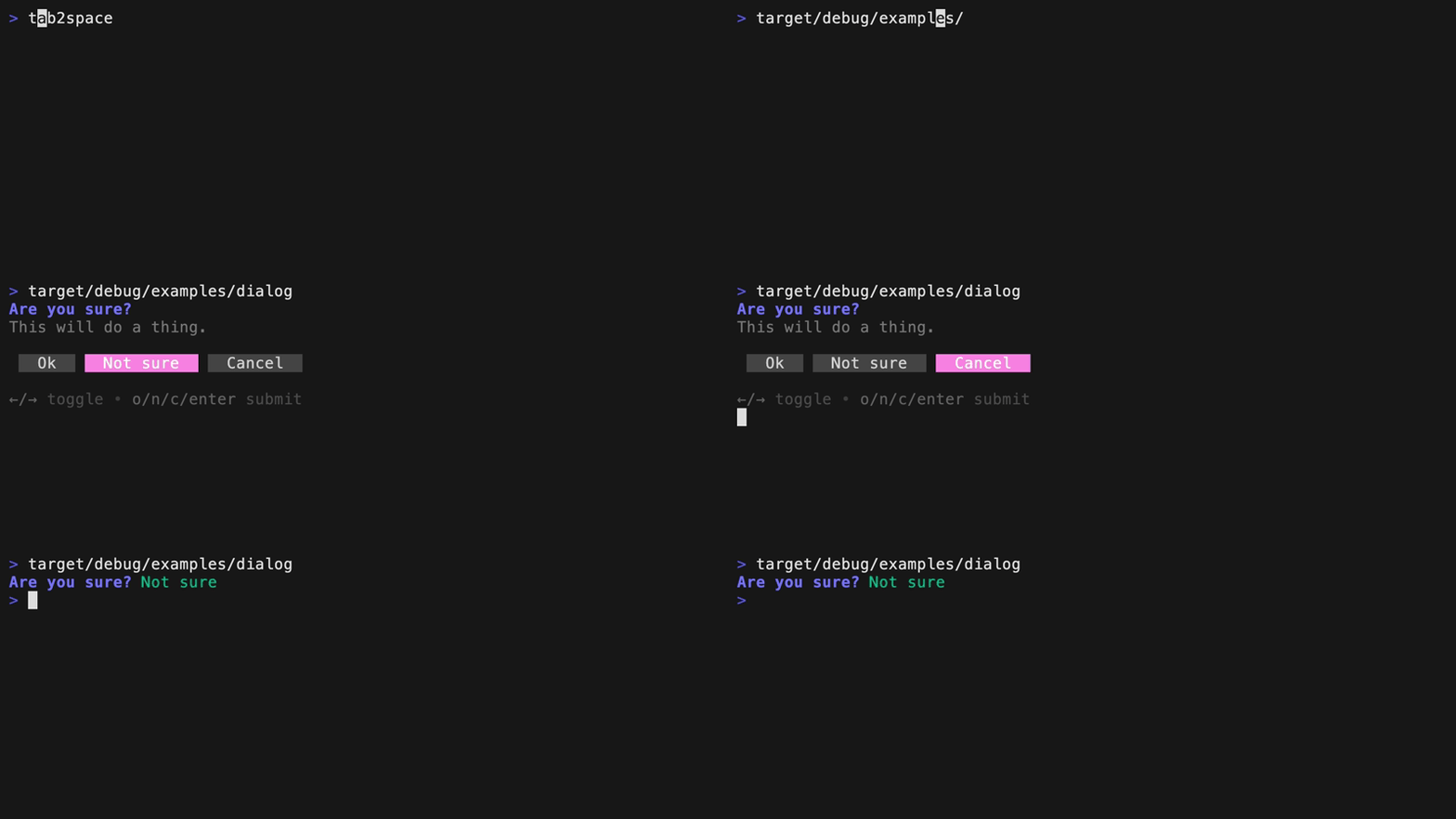
Dialog
Show a dialog with multiple buttons.
Run example with cargo run --example dialog.
use demand::{Dialog, DialogButton};

fn main() {
    let ms = Dialog::new("Are you sure?")
        .description("This will do a thing.")
        .buttons(vec![
            DialogButton::new("Ok"),
            DialogButton::new("Not sure"),
            DialogButton::new("Cancel"),
        ])
        .selected_button(1);
    ms.run().expect("error running confirm");
}
Spinner
Spinners are used to indicate that a process is running.
Run example with cargo run --example spinner.
use std::{thread::sleep, time::Duration};

use demand::{Spinner, SpinnerStyle};

fn main() {
    Spinner::new("Loading Data...")
        .style(SpinnerStyle::line())
        .run(|| {
            sleep(Duration::from_secs(2));
        })
        .expect("error running spinner");
}
Themes
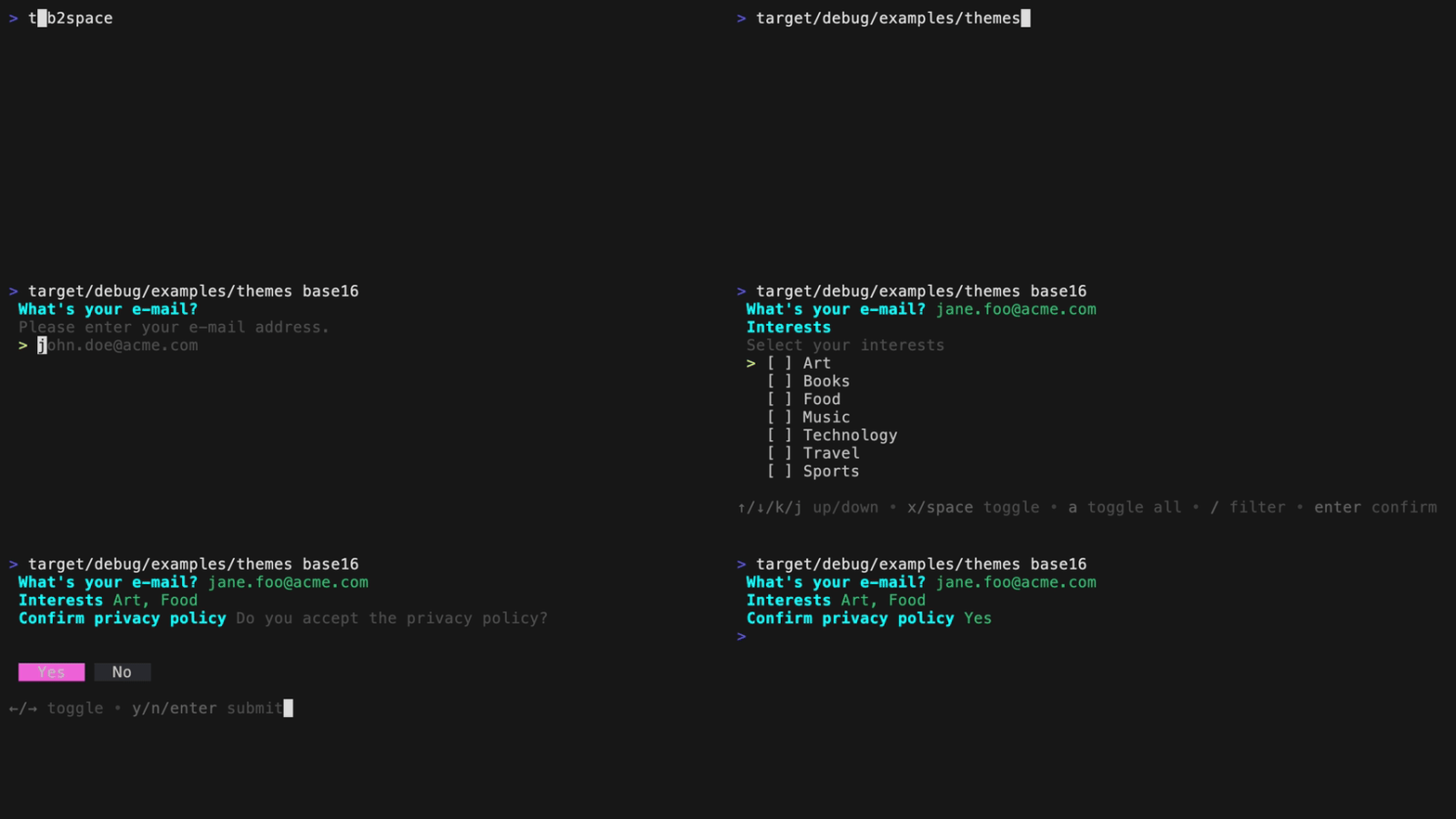
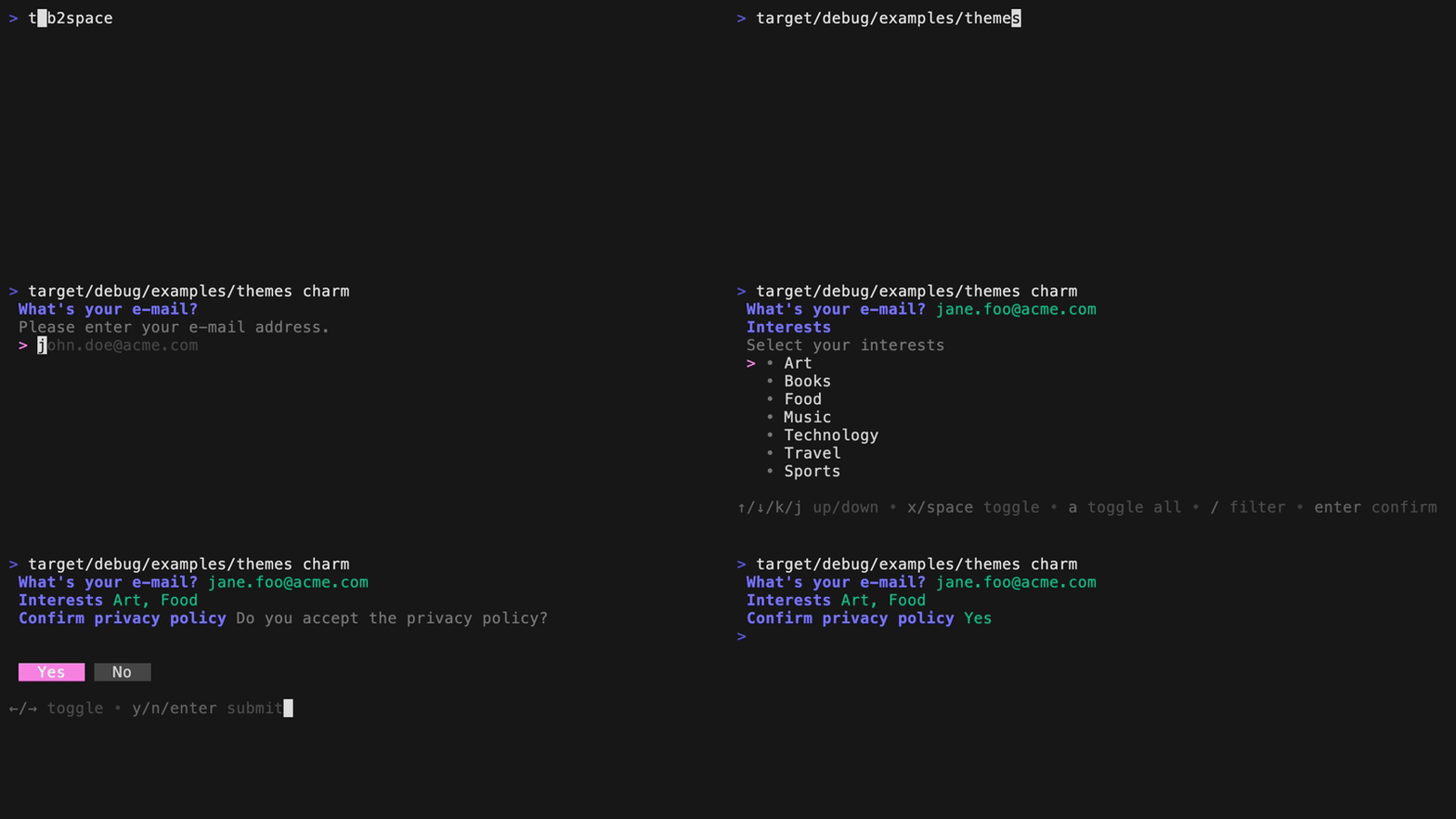
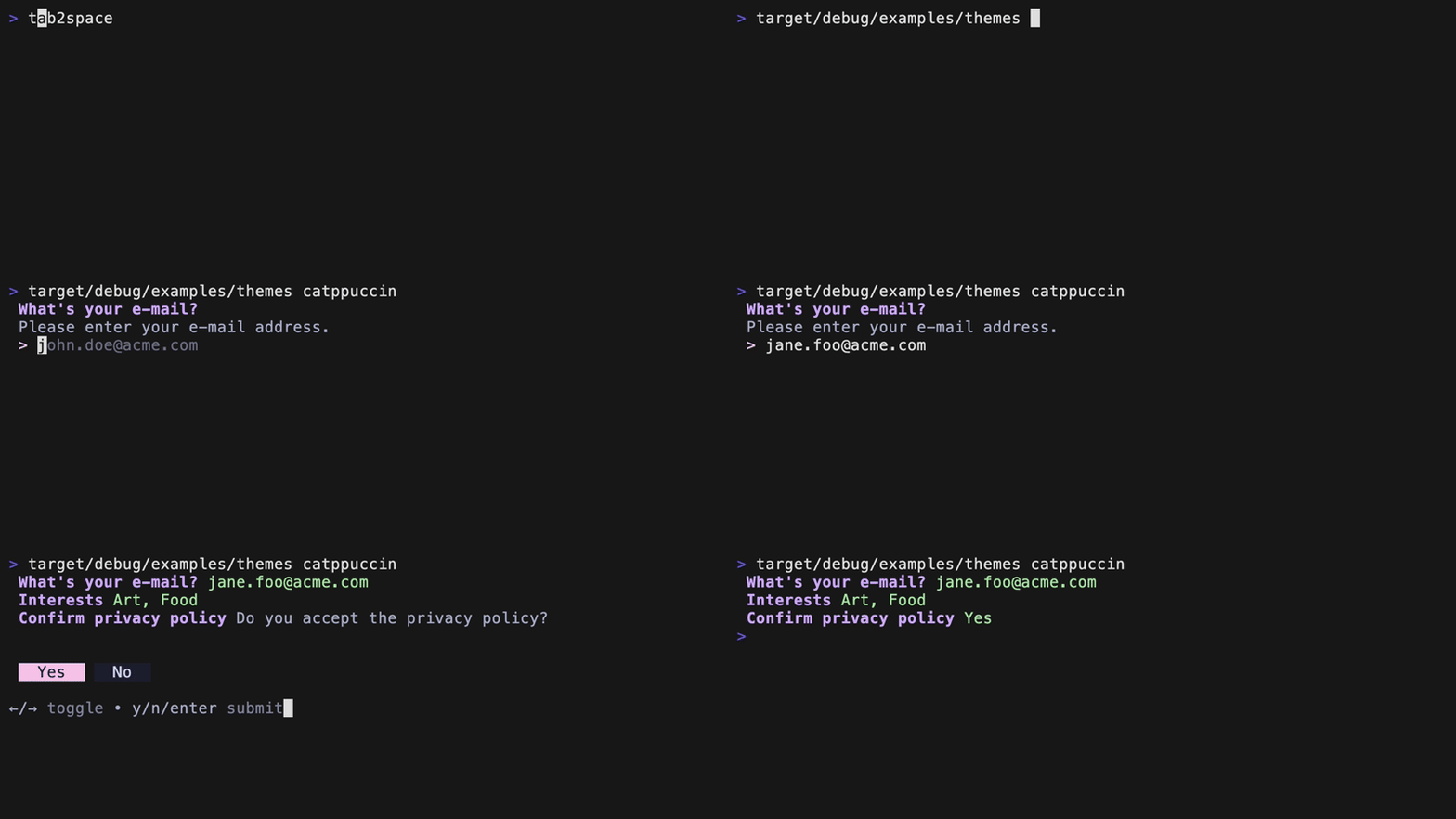
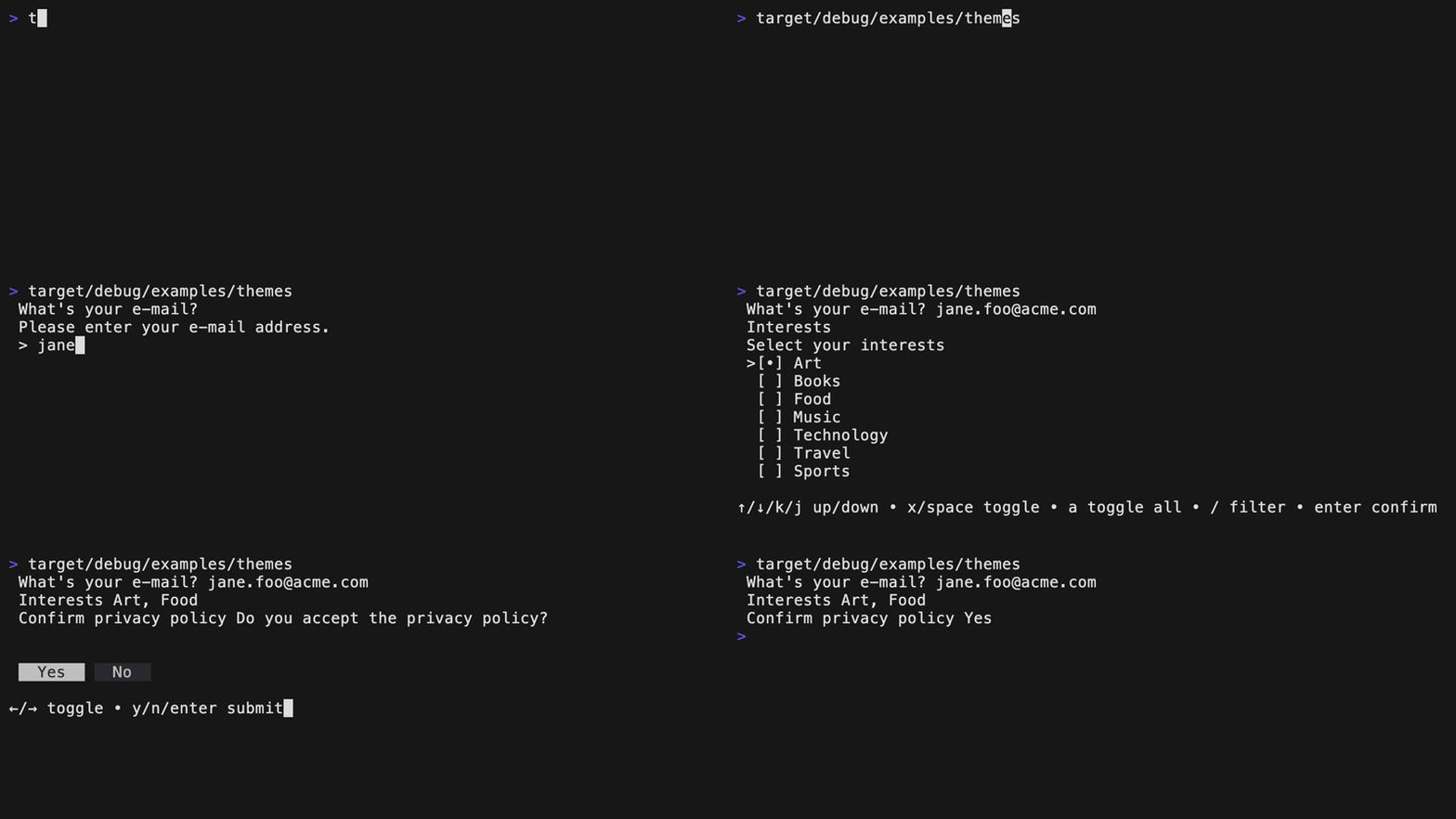
Supply your own custom theme or choose from one of the predefined themes:
Derive a custom theme from the default theme.
let theme = Theme {
    selected_prefix: String::from(" •"),
    selected_prefix_fg: Theme::color_rgb(2, 191, 135),
    unselected_prefix: String::from("  "),
    ..Theme::default()
};

Input::new("What's your e-mail?")
        .description("Please enter your e-mail address.")
        .placeholder("[email protected]")
        .theme(&theme)
        .run()
        .expect("error running input")?;
Base 16
Charm
Default if colors are enabled in the console.
Catppuccin
Dracula
New
Default if colors are NOT enabled in the console.
Theme Editor Example
Run with cargo run --example theme_editor.
"demand"
The name of this library is inspired by a great mistranslation
that soured US-French relations in 1830. In French, the verb "demander" means "to ask".
jdx/demand has 265 GitHub stars — refresh the page for the live number, or check github.com/jdx/demand. TopGit mirrors GitHub's count but does not claim minute-by-minute accuracy.
Is jdx/demand open source?
Yes — jdx/demand ships under the MIT license, which makes its source code freely readable (and, depending on license terms, forkable and reusable). Source: github.com/jdx/demand.
What is jdx/demand?
jdx/demand (jdx/demand) is a Rust project on GitHub. From the project's own README: prompt library for rust
Where can I see jdx/demand in action?
The project maintains a homepage at https://docs.rs/demand. The README tab on this page also usually contains screenshots and a quickstart.
Where do I read more about jdx/demand?
This TopGit page is a snapshot — the READ ME tab shows the project's own README content (links stripped, images preserved). The GitHub repository at github.com/jdx/demand is the definitive source.
Read full README in the tab above.
Want a second opinion on demand?
Ask an AI that can read this page — one click and you get its take on demand.

 /demand