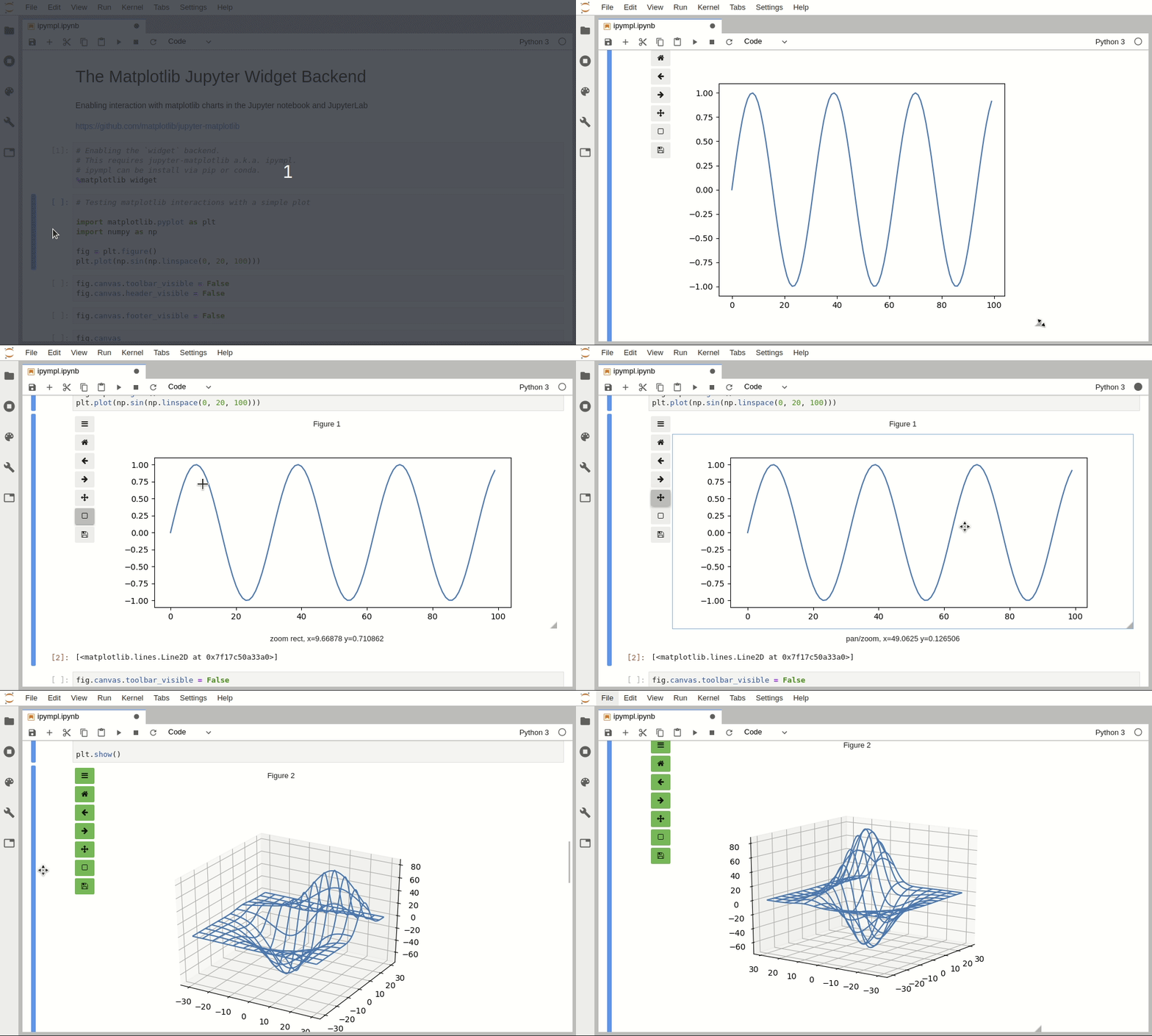
matplotlib/ipympl — an open-source project — sits at 1.7k GitHub stars. Matplotlib Jupyter Integration
Snapshot summary built from the project's own GitHub metadata — there's no written TopGit review yet. The page will update automatically when a full review is published.
WHY NO REVIEW YET
TopGit writes full reviews for the most-starred, most-requested repositories. This page is a snapshot until then — see the READ ME tab for the original README in full.
If you are using JupyterLab 1 or 2, you will need to install the right jupyter-matplotlib version, according to the ipympl and jupyterlab versions you installed.
For example, if you installed ipympl 0.5.1, you need to install jupyter-matplotlib 0.7.0, and this version is only compatible with JupyterLab 1.
We recommend using pixi for development as it handles both Python and Node.js dependencies (matplotlib has compiled dependencies).
# Install dependencies and set up environment
pixi install

# Install the Python package in editable mode
pixi run pip install -e .

# Install JavaScript dependencies and build
pixi run jlpm install
pixi run jlpm build

# Set up JupyterLab extension in development mode
pixi run jupyter labextension develop --overwrite .

# Start development workflow (in separate terminals)
pixi run npm run watch    # Terminal 1: Auto-rebuild on changes
pixi run jupyter lab      # Terminal 2: Run JupyterLab
Alternative: Using conda/mamba
mamba env create --file dev-environment.yml
conda activate ipympl-dev

pip install -e .
jlpm install
jlpm build
jupyter labextension develop --overwrite .

# Start development workflow (in separate terminals)
npm run watch    # Terminal 1: Auto-rebuild on changes
jupyter lab      # Terminal 2: Run JupyterLab
How to see your changes
TypeScript/JavaScript: After a change, the watch command will automatically rebuild. Wait for the build to finish, then refresh your browser and the changes should take effect.
Python: If you make a change to the Python code, restart the notebook kernel to have it take effect.
Classic Jupyter Notebook
If you need to develop for classic Jupyter Notebook (not JupyterLab), also run:
# With pixi:
pixi run jupyter nbextension install --py --symlink --sys-prefix --overwrite ipympl
pixi run jupyter nbextension enable --py --sys-prefix ipympl

# Or with conda/mamba:
jupyter nbextension install --py --symlink --sys-prefix --overwrite ipympl
jupyter nbextension enable --py --sys-prefix ipympl
The most recent commit recorded on matplotlib/ipympl was 14 days ago, based on the GitHub push timestamp. The repository has 234 forks — one of the better signals of community interest.
How many stars does matplotlib/ipympl have?
matplotlib/ipympl has 1.7k GitHub stars — refresh the page for the live number, or check github.com/matplotlib/ipympl. TopGit mirrors GitHub's count but does not claim minute-by-minute accuracy.
What is matplotlib/ipympl?
matplotlib/ipympl (matplotlib/ipympl) is a Jupyter Notebook project on GitHub. From the project's own README: Matplotlib Jupyter Integration
What language is matplotlib/ipympl written in?
matplotlib/ipympl is written primarily in Jupyter Notebook. GitHub's language field is based on the largest share of bytes in the default branch.
What topics is matplotlib/ipympl associated with?
GitHub's repository topics for matplotlib/ipympl: "interactive", "ipywidgets", "jupyter-widgets", "jupyterlab-extension", "matplotlib". TopGit's editorial category is open-source.
Read full README in the tab above.
Curious whether ipympl is right for you?
Let ChatGPT, Claude, or Perplexity look into it — click below and see what AI actually says about ipympl.