As an open-source project, max-mapper/menubar has picked up 6.8k stars on GitHub (TypeScript). ➖ high level way to create menubar desktop applications with electron
Snapshot summary built from the project's own GitHub metadata — there's no written TopGit review yet. The page will update automatically when a full review is published.
WHY NO REVIEW YET
TopGit writes full reviews for the most-starred, most-requested repositories. This page is a snapshot until then — see the READ ME tab for the original README in full.
High level way to create menubar desktop applications with Electron.
This module provides boilerplate for setting up a menubar application using Electron. All you have to do is point it at your index.html and menubar will handle the rest.
✅ Only one dependency, and one peer-dependency.
✅ Works on macOS, Windows and most Linuxes. See details.
✅ 💥 3.6kB minified + gzipped 💥
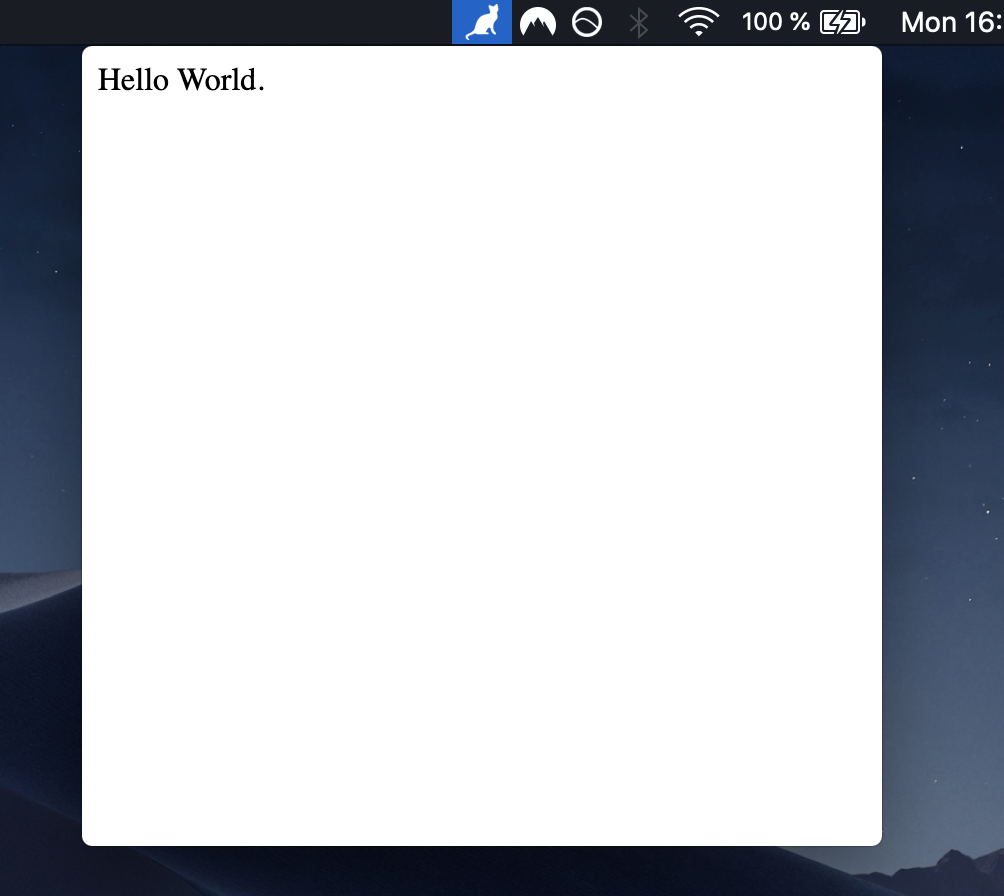
macOS Mojave 10.14
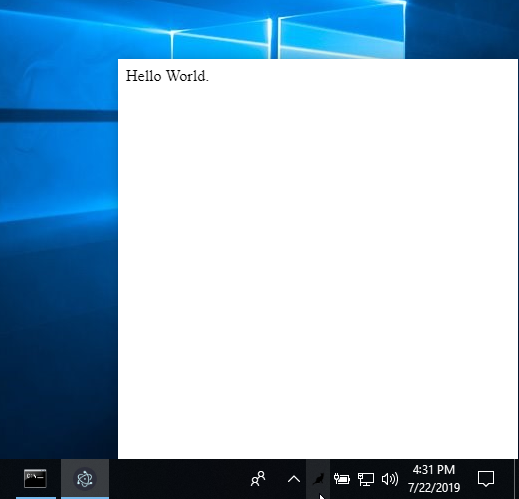
Windows 10
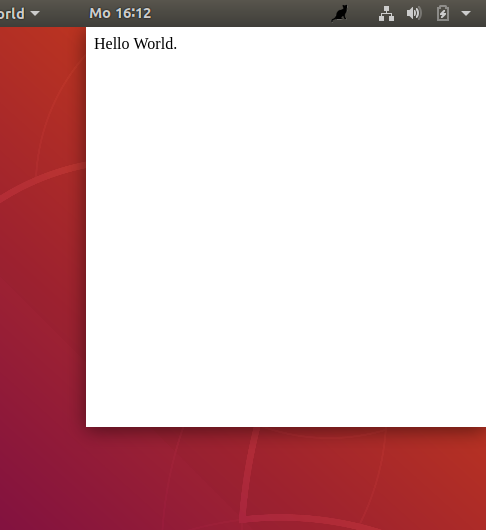
Ubuntu 18.04
Installation
yarn add menubar
Usage
Starting with your own new project, run these commands:
Fill index.html with some HTML, and myApp.js like this:
const { menubar } = require('menubar');

const mb = menubar();

mb.on('ready', () => {
  console.log('app is ready');
  // your app code here
});
Then use electron to run the app:
$ electron myApp.js
Alternatively, see examples/hello-world folder for a simple working example.
Menubar Class
The return value of menubar() is a Menubar class instance, which has these properties:
app: the Electron App instance,
window: the Electron Browser Window instance,
tray: the Electron Tray instance,
positioner: the Electron Positioner instance,
setOption(option, value): change an option after menubar is created,
getOption(option): get an menubar option,
showWindow(): show the menubar window,
hideWindow(): hide the menubar window
See the reference API docs.
menubar() Options
You can pass an optional options object into the menubar({ ... }) function:
dir (default process.cwd()) - the app source directory
index (default file:// + opts.dir + index.html) - The URL to load the menubar's browserWindow with. The url can be a remote address (e.g. http://) or a path to a local HTML file using the file:// protocol.
browserWindow - BrowserWindow options to be passed to the BrowserWindow constructor, see Electron docs. Some interesting fields to passed down are:
x (default undefined) - the x position of the window
y (default undefined) - the y position of the window
width (default 400) - window width
height (default 400) - window height
alwaysOnTop (default false) - if true, the window will not hide on blur
icon (default opts.dir + IconTemplate.png) - the png icon to use for the menubar. A good size to start with is 20x20. To support retina, supply a 2x sized image (e.g. 40x40) with @2x added to the end of the name, so icon.png and [email protected] and Electron will automatically use your @2x version on retina screens.
tooltip (default empty) - menubar tray icon tooltip text
tray (default created on-the-fly) - an electron Tray instance. if provided opts.icon will be ignored
preloadWindow (default false) - Create BrowserWindow instance before it is used -- increasing resource usage, but making the click on the menubar load faster.
loadUrlOptions - (default undefined) The options passed when loading the index URL in the menubar's browserWindow. Everything browserWindow.loadURL supports is supported; this object is simply passed onto browserWindow.loadURL
showOnAllWorkspaces (default true) - Makes the window available on all OS X workspaces.
windowPosition (default trayCenter and trayBottomCenter on Windows) - Sets the window position (x and y will still override this), check positioner docs for valid values.
showDockIcon (default false) - Configure the visibility of the application dock icon.
showOnRightClick (default false) - Show the window on 'right-click' event instead of regular 'click'
See the reference API docs.
Events
The Menubar class is an event emitter:
ready - when menubar's tray icon has been created and initialized, i.e. when menubar is ready to be used. Note: this is different than Electron app's ready event, which happens much earlier in the process
create-window - the line before new BrowserWindow() is called
before-load - after create window, before loadUrl (can be used for require("@electron/remote/main").enable(webContents))
after-create-window - the line after all window init code is done and url was loaded
show - the line before window.show() is called
after-show - the line after window.show() is called
hide - the line before window.hide() is called (on window blur)
after-hide - the line after window.hide() is called
after-close - after the .window (BrowserWindow) property has been deleted
focus-lost - emitted if always-on-top option is set and the user clicks away
Compatibility with Electron
menubar
Electron
Notes
9.x.x
>= 9.x.x
Continuously type-checked against Electron 35.x.x - 43.x.x in CI
8.x.x
8.x.xx
7.x.x
7.x.xx
6.x.x
>= 4.x.x < 7.x.x
Not recommended for security reasons
<= 5.x.x
<= 3.x.x
Please, please don't use these old versions
API Docs
See the reference API docs.
Tips
Use mb.on('after-create-window', callback) to run things after your app has loaded. For example you could run mb.window.openDevTools() to open the developer tools for debugging, or load a different URL with mb.window.loadURL()
Use mb.on('focus-lost') if you would like to perform some operation when using the option browserWindow.alwaysOnTop: true
To restore focus of previous window after menubar hide, use mb.on('after-hide', () => { mb.app.hide() } ) or similar
To create a native menu, you can use tray.setContextMenu(contextMenu), and pass this custom tray to menubar: const mb = menubar({ tray });. See this example for more information.
To avoid a flash when opening your menubar app, you can disable backgrounding the app using the following: mb.app.commandLine.appendSwitch('disable-backgrounding-occluded-windows', 'true');
No homepage URL was recorded for max-mapper/menubar in TopGit's last sync. The README tab above frequently contains screenshots and demo links, or check the repository description on GitHub.
Does max-mapper/menubar have any tags?
TopGit's last sync did not record any GitHub topics for max-mapper/menubar. GitHub topics appear in the right sidebar of a repository page; that's the authoritative place to check.
How active is development on max-mapper/menubar?
The most recent commit recorded on max-mapper/menubar was 3 months ago, based on the GitHub push timestamp. The repository has 362 forks — one of the better signals of community interest.
How many stars does max-mapper/menubar have?
max-mapper/menubar has 6.8k GitHub stars — refresh the page for the live number, or check github.com/max-mapper/menubar. TopGit mirrors GitHub's count but does not claim minute-by-minute accuracy.
What language is max-mapper/menubar written in?
max-mapper/menubar is written primarily in TypeScript. GitHub's language field is based on the largest share of bytes in the default branch.
What license does max-mapper/menubar use?
max-mapper/menubar is released under the BSD-2-Clause license. Always verify the LICENSE file directly on GitHub for the authoritative terms — license strings can be edited out of sync with a project's actual stance.
Where do I read more about max-mapper/menubar?
This TopGit page is a snapshot — the READ ME tab shows the project's own README content (links stripped, images preserved). The GitHub repository at github.com/max-mapper/menubar is the definitive source.
Read full README in the tab above.
Still deciding about menubar?
One click hands the question to an AI along with this page — see what it says about menubar.

 /menubar