scenee/FloatingPanel is a Swift project with 5.8k stars. A clean and easy-to-use floating panel UI component for iOS
Snapshot summary built from the project's own GitHub metadata — there's no written TopGit review yet. The page will update automatically when a full review is published.
WHY NO REVIEW YET
TopGit writes full reviews for the most-starred, most-requested repositories. This page is a snapshot until then — see the READ ME tab for the original README in full.
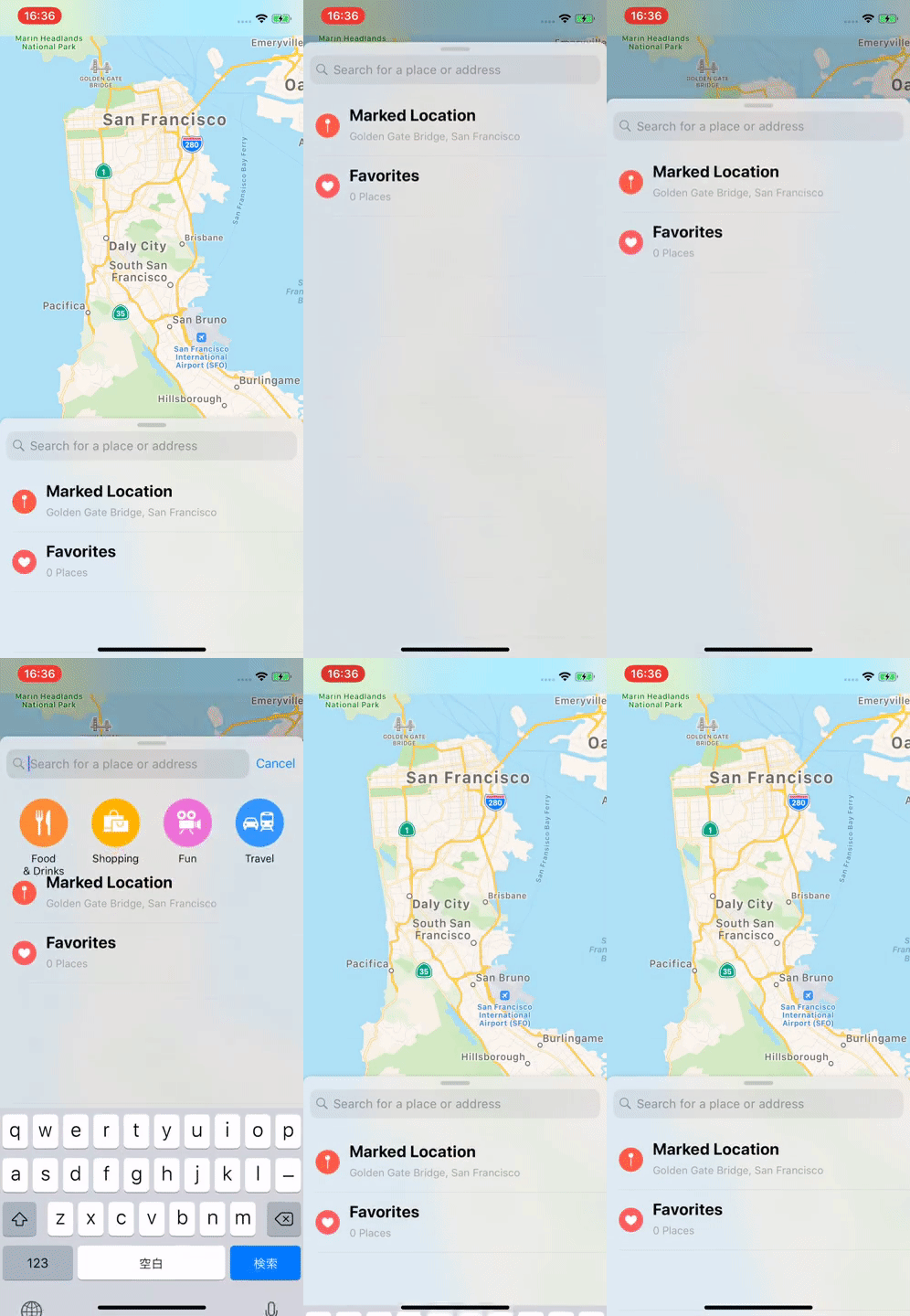
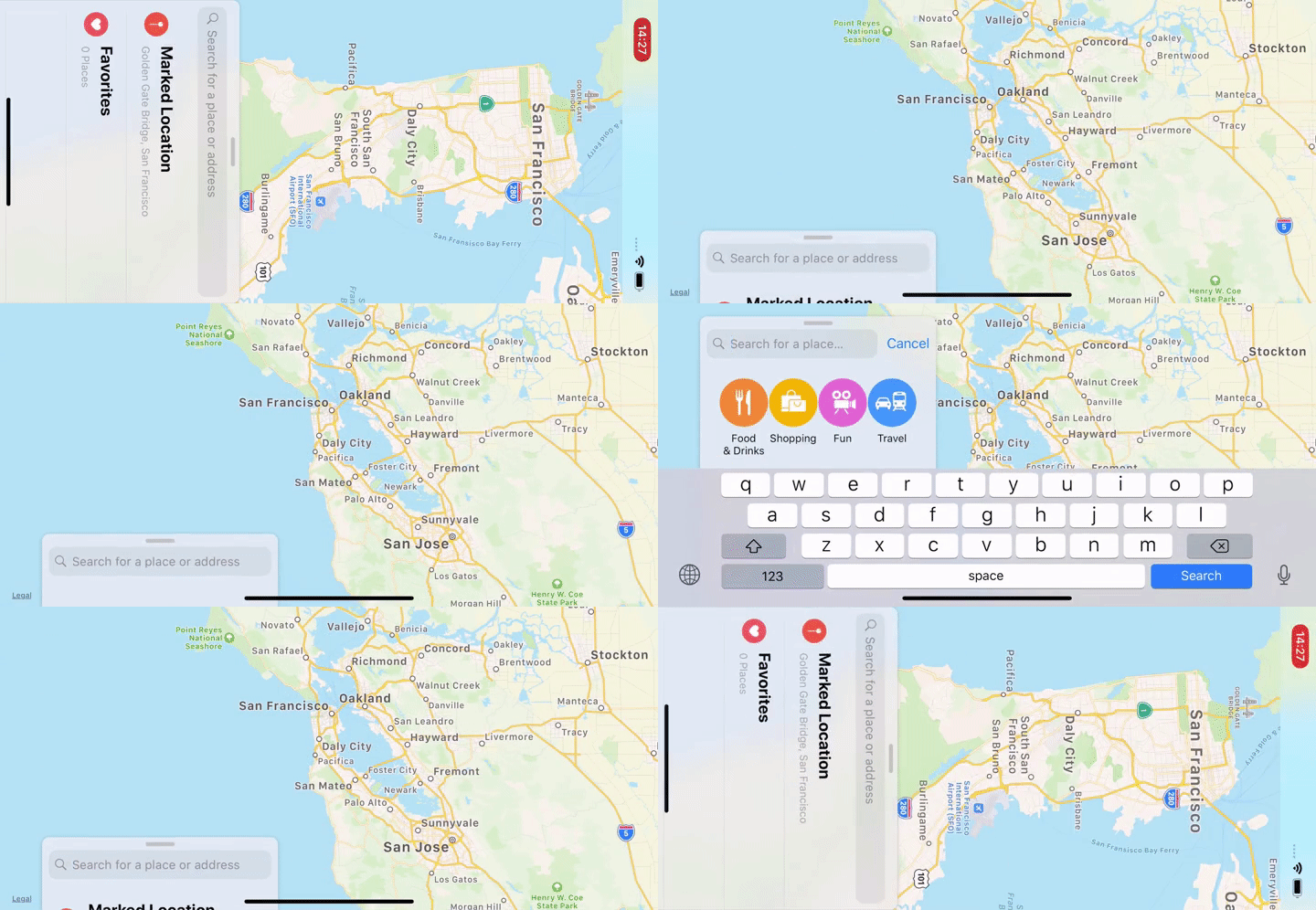
FloatingPanel is a simple and easy-to-use UI component designed for a user interface featured in Apple Maps, Shortcuts and Stocks app.
The user interface displays related content and utilities alongside the main content.
Table of Contents
Click here.
Table of Contents
Features
Requirements
Documentation
Installation
Swift Package Manager
Using Xcode
Using Package.swift
CocoaPods
Getting Started with SwiftUI
Adding a floating panel within a view
Presenting a floating panel modally within a view
Displaying multiple panels
Next step
Getting Started with UIKit
Adding a floating panel as a child view controller
Presenting a floating panel modally
Next step
Maintainer
License
Features
Simple container view controller
Fluid behavior using numeric springing
Scroll view tracking
Removal interaction
Multi panel support
Modal presentation
Support for 4 positions (top, left, bottom, right)
1 or more magnetic anchors(full, half, tip and more)
Layout support for all trait environments(i.e. Landscape orientation)
Common UI elements: surface, backdrop and grabber handle
Free from common Auto Layout and gesture handling issues
Compatible with Objective-C
SwiftUI API support
Examples can be found here:
Maps like Apple Maps.app.
Maps-SwiftUI like Apple Maps.app using SwiftUI.
Stocks like Apple Stocks.app.
Samples
SamplesObjC
SamplesSwiftUI
Requirements
FloatingPanel is written in Swift 5.0+ and compatible with iOS 15.0+.
Documentation
API reference on Swift Package Index
FloatingPanel SwiftUI API Guide
FloatingPanel API Guide
FloatingPanel 2.0 Migration Guide
Installation
Swift Package Manager
Using Xcode
Just follow this documentation.
Using Package.swift
In your Package.swift Swift Package Manager manifest, add the following dependency to your dependencies argument:
And then add import FloatingPanel in your source code.
CocoaPods
FloatingPanel is available through CocoaPods. To install
it, simply add the following line to your Podfile:
pod 'FloatingPanel'
Getting Started with SwiftUI
Adding a floating panel within a view
@State private var layout = MyFloatingPanelLayout()
@State private var state: FloatingPanelState?

var view: some View {
  MainView()
      .floatingPanel { proxy in
          ScrollView {
              VStack(spacing: 20) {
                  ForEach(items) { item in
                      ItemRow(item)
                  }
              }
              .padding()
          }
          .floatingPanelScrollTracking(proxy: proxy)
      }
      .floatingPanelState($state)
      .floatingPanelLayout(layout)
      .floatingPanelBehavior(MyCustomBehavior())
      .floatingPanelSurfaceAppearance(.transparent)
}
Presenting a floating panel modally within a view
Please define a custom coordinator object to present a floating panel as a modality.
struct HomeView: View {
  var view: some View {
    MainView()
        .floatingPanel(
          coordinator: MyPanelCoordinator.self
        ) { proxy in
          ...
        }
  }
}

class MyPanelCoordinator: FloatingPanelCoordinator {
    ...
    func setupFloatingPanel<Main, Content>(
        mainHostingController: UIHostingController<Main>,
        contentHostingController: UIHostingController<Content>
    ) where Main: View, Content: View {
        // Set the delegate object
        controller.delegate = delegate

        // Set up the content
        contentHostingController.view.backgroundColor = .clear
        controller.set(contentViewController: contentHostingController)

        /* =============== HERE ==================== */
        // NOTE:
        // Present the floating panel on the next run loop cycle
        // to ensure proper view hierarchy setup.
        Task { @MainActor in
            mainHostingController.present(controller, animated: false)
        }
    }
    ...
}
Displaying multiple panels
Multiple floating panels can be displayed in the same view hierarchy. To customize the layout and behavior for each Floating Panel individually, place modifiers directly below each panel.
For more details, see the FloatingPanel SwiftUI API Guide
Getting Started with UIKit
Adding a floating panel as a child view controller
import UIKit
import FloatingPanel

class ViewController: UIViewController, FloatingPanelControllerDelegate {
    var fpc: FloatingPanelController!

    override func viewDidLoad() {
        super.viewDidLoad()
        // Initialize a `FloatingPanelController` object.
        fpc = FloatingPanelController()

        // Assign self as the delegate of the controller.
        fpc.delegate = self // Optional

        // Set a content view controller.
        let contentVC = ContentViewController()
        fpc.set(contentViewController: contentVC)

        // Track a scroll view(or the siblings) in the content view controller.
        fpc.track(scrollView: contentVC.tableView)

        // Add and show the views managed by the `FloatingPanelController` object to self.view.
        fpc.addPanel(toParent: self)
    }
}
Presenting a floating panel modally
let fpc = FloatingPanelController()
let contentVC = ...
fpc.set(contentViewController: contentVC)

fpc.isRemovalInteractionEnabled = true // Optional: Let it removable by a swipe-down

self.present(fpc, animated: true, completion: nil)
You can show a floating panel over UINavigationController from the container view controllers as a modality of .overCurrentContext style.
[!NOTE]
FloatingPanelController has the custom presentation controller. If you would like to customize the presentation/dismissal, please see Transitioning.
Next step
For more details, see the FloatingPanel API Guide.
TopGit's last sync did not record any GitHub topics for scenee/FloatingPanel. GitHub topics appear in the right sidebar of a repository page; that's the authoritative place to check.
How active is development on scenee/FloatingPanel?
The most recent commit recorded on scenee/FloatingPanel was 1 month ago, based on the GitHub push timestamp. The repository has 536 forks — one of the better signals of community interest.
How many stars does scenee/FloatingPanel have?
scenee/FloatingPanel has 5.8k GitHub stars — refresh the page for the live number, or check github.com/scenee/FloatingPanel. TopGit mirrors GitHub's count but does not claim minute-by-minute accuracy.
What is scenee/FloatingPanel?
scenee/FloatingPanel (scenee/FloatingPanel) is a Swift project on GitHub. From the project's own README: A clean and easy-to-use floating panel UI component for iOS
What language is scenee/FloatingPanel written in?
scenee/FloatingPanel is written primarily in Swift. GitHub's language field is based on the largest share of bytes in the default branch.
Read full README in the tab above.
Still deciding about FloatingPanel?
One click hands the question to an AI along with this page — see what it says about FloatingPanel.

 /FloatingPanel