Awesome iOS: Curated Swift & Objective-C Libraries
 /awesome-ios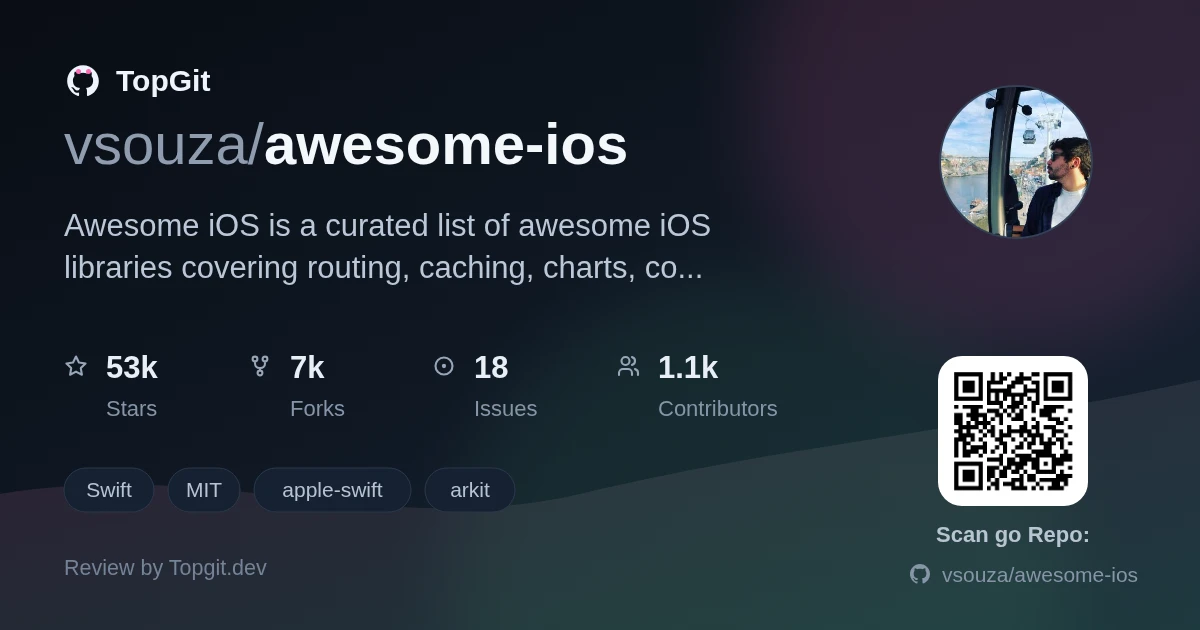
Awesome iOS is a link-only directory of iOS and Swift libraries, sorted into categories like ARKit, routing, caching, and architecture patterns. Reach for it when starting a new feature and you want a fast shortlist instead of scrolling GitHub search one topic at a time; skip it if you need the list itself to vouch for which entries are still maintained, since most are a bare one-line description you still have to click through and verify.
What is Awesome iOS?
Awesome iOS is a curated, community-maintained list of Objective-C and Swift resources for the Apple developer ecosystem, hosted as a single long README on GitHub. It groups entries by category — architecture, analytics, ARKit, charting, and more — each with a short link and one-line description from the project itself. There's no app, search bar, or ranking; it's a plain markdown table of contents you scroll or Ctrl-F through.
What categories and topics are covered?
- ✓Analytics and crash reporting: entries for tools like Bugsnag, Sentry, Segment, and Countly, each described in a single line rather than compared.
- ✓App architecture: a dedicated section spans Clean Architecture, VIPER, and MVVM-style examples, including The Composable Architecture.
- ✓ARKit and AR tooling: a small cluster of libraries for placing virtual objects and combining AR with GPS/CoreLocation data.
- ✓Navigation and deep linking: routing frameworks such as JLRoutes, RxFlow, and URLNavigator sit together under App Routing.
- ✓Developer-experience tools: Code Injection and Code Quality sections cover hot reloading, retain-cycle detection, and a Linter subsection for style enforcement.
- ✓Fundamentals: a Books section links to programming references like The Swift Programming Language and Advanced Swift, not just code.
- ✓UI building blocks: Charts, Color, and Cache sections list rendering, theming, and persistence libraries side by side.
When and how developers use this list
- •Before writing a feature from scratch, checking the matching category — say Charts or Authentication — for existing options.
- •Comparing architecture patterns when starting a new app, since VIPER, MVVM, and Composable Architecture examples sit in one place.
- •Picking a crash-reporting or analytics SDK by skimming the one-line descriptions in the Analytics section instead of Googling each vendor.
- •Onboarding onto an unfamiliar iOS codebase and using the category names as a glossary of what a given third-party dependency does.
- •Finding a book recommendation for Swift or Objective-C fundamentals rather than another library.
Strengths
- ✓Categories map to real problems — Cache, Charts, Code Injection, App Routing — so you land on a relevant shortlist without guessing search terms.
- ✓The Architecture Patterns section alone saves time comparing VIPER, MVVM, and Composable Architecture examples side by side.
- ✓Community contribution is structured through a CONTRIBUTING file and a Code of Conduct rather than an informal pull-request free-for-all.
- ✓Books sit alongside code, so it doubles as a reading list, not only a library index.
Limitations to be aware of
- △The list opens with a 'Premium Resources' section pointing to a paid third-party guide — worth skipping past to get to the actual category index.
- △Entries carry a one-line description and nothing else: no last-updated date, no note on whether a library still builds on current Xcode, no popularity signal beyond what you find by clicking through.
- △Coverage is uneven — some sections like Analytics and Architecture Patterns run long, while others such as App Store or Apple TV list only a couple of entries.
- △Objective-C-era libraries sit next to SwiftUI-era ones in the same category with no flag for which paradigm they target, so you still have to open each repo to check.
Other iOS resource collections to know
Frequently asked questions
GitHub doesn't surface a maintenance date in the metadata provided here, but Awesome iOS still accepts community pull requests under its CONTRIBUTING guide, and its categories mix older Objective-C tools with current SwiftUI-era ones. The surest way to judge freshness is to open a linked repo and check its own commit history.
Awesome iOS covers both Objective-C and Swift, the two native languages for Apple's iOS platform, with categories that mix libraries written in either one.
Awesome iOS doesn't publish detailed inclusion criteria in the sections provided here — additions go through a pull request reviewed against the project's CONTRIBUTING guide and Code of Conduct rather than an automated or scored process.
Awesome iOS accepts contributions — new libraries go in through a pull request that follows the project's CONTRIBUTING guide and Code of Conduct.
Awesome iOS is a reading list of links with one-line descriptions; CocoaPods is a package manager that actually installs and version-locks a dependency into your Xcode project. You still need CocoaPods, or Swift Package Manager, to bring in a library that Awesome iOS only points you toward.
Awesome iOS does include a handful of SwiftUI-focused entries — a Clean Architecture example built for SwiftUI plus Combine, and a navigation library aimed at deep-linkable SwiftUI apps — though most of the list still targets UIKit-era code.
Who should try it — and who should skip
Try Awesome iOS if you're an iOS or Swift developer who wants a category-sorted starting point before searching GitHub from scratch — it's fastest for architecture decisions and niche needs like ARKit or blockchain wallets, where a plain search buries the handful of relevant repos. Skip it if you want ranked or benchmarked recommendations; you'll get a name and a sentence, and the vetting is on you. It's a bookmark, not a build tool.
Related repositories
Is awesome-ios worth your time?
ChatGPT, Claude and Perplexity can all read this page. Ask one of them what it makes of awesome-ios.