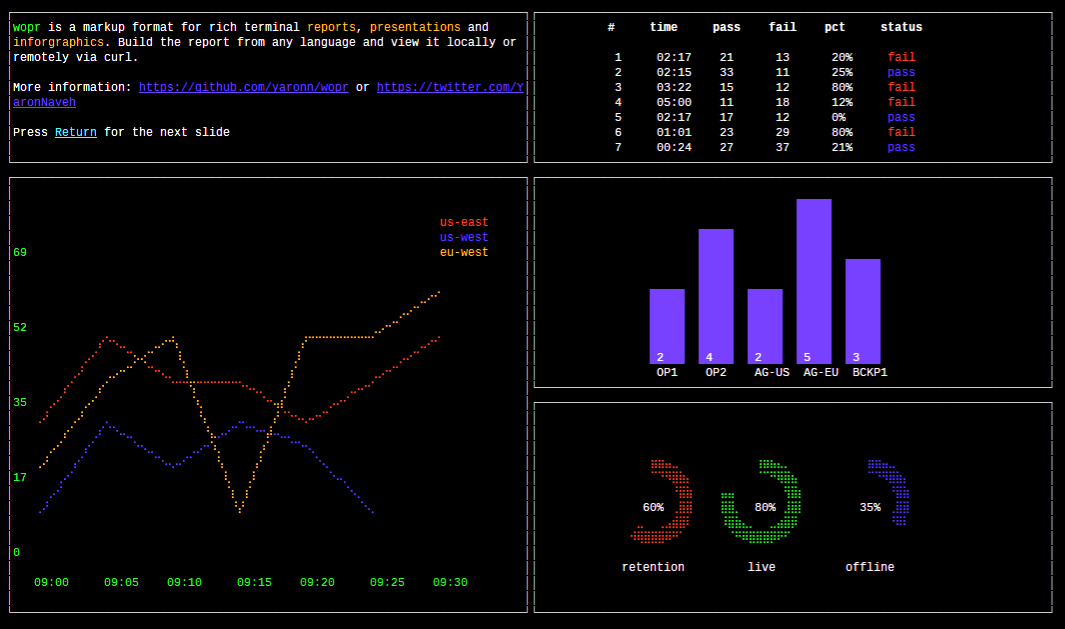
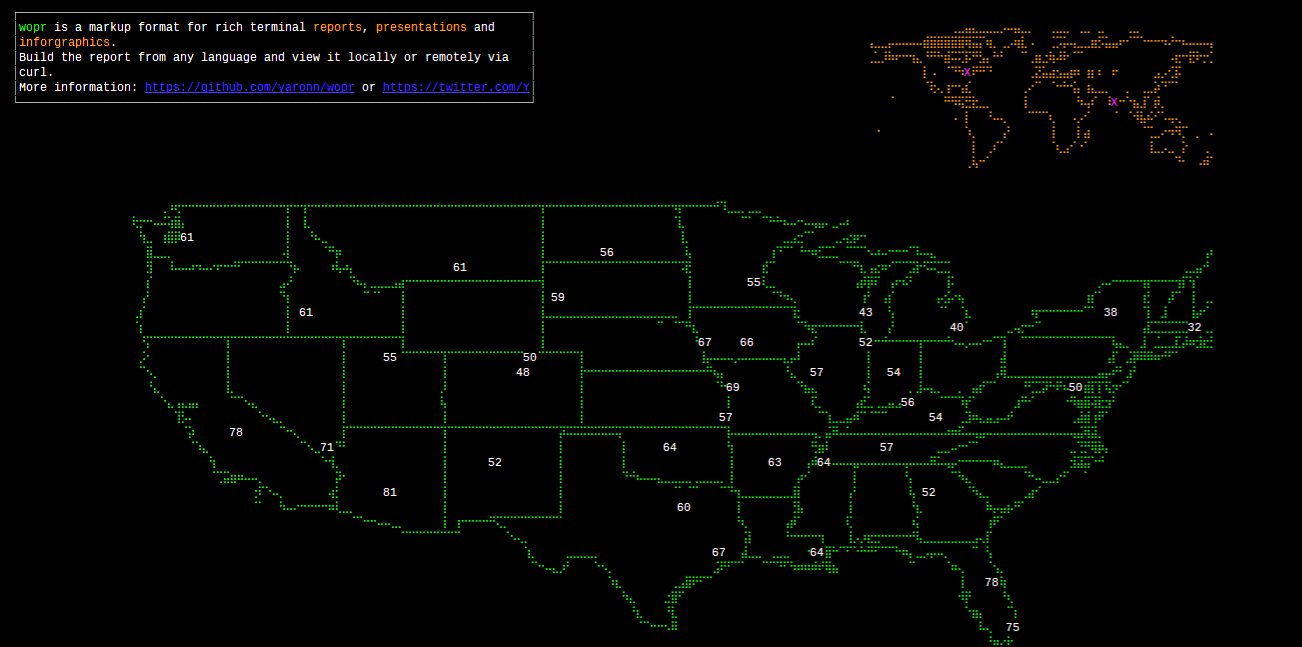
yaronn/wopr is a JavaScript project with 3.1k stars. A simple markup language for creating rich terminal reports, presentations and infographics
Snapshot summary built from the project's own GitHub metadata — there's no written TopGit review yet. The page will update automatically when a full review is published.
WHY NO REVIEW YET
TopGit writes full reviews for the most-starred, most-requested repositories. This page is a snapshot until then — see the READ ME tab for the original README in full.
Here, the bar widget is in the first column and row (0-based indexing) and spans three columns and rows.
The box element is in the same page but in a different position.
Widgets
The available widgets are the ones that exist in the blessed and blessed-contrib projects.
You can infer the xml representation of a javascript widget using a simple convention. Assume that you would instantiate some blessed widget with this javascript:
You can also look at the demo xml to get more samples.
##Viewing Reports##
Depending on how you use a report, you have a few ways to view it. On Windows you will probably only be able to use the third option and need to install the fonts for best view.
If you experience firewall issues replace tty.zone with ec2-23-21-64-152.compute-1.amazonaws.com.
Tip: If you use a url shortener (e.g. bit.ly) add the -L flag to curl to follow redirects.
Option 3: via the local viewer
Save the report xml to report.xml and then:
$> npm install -g wopr
$> wopr report.xml
Note the local viewer does not send anything online and does not require network.
Tip: Maximize the terminal before viewing the report for best viewing experience Tip: If you CTRL+C in the middle or rendering your cursoe might disappear. Restore it by running again and letting the render complete or with $> echo '\033[?25h'
View customization
When using the online reports, you might need to adjust the slides size based on your font / resolution or use non-xterm terminal. tty.zone supports the following query params:
It is best to escape all special characters (e.g. ? &) as seen in the above samples, since some shells will require this (zsh).
Pages
When viewing a report with the local viewer you can advance slides with the Return or Space keys.
When using the online viewer you have 2 options:
Option 1: Manually advance slides with Return or Space:
p=0; while true; do curl tty.zone/$((p++))\?cols=$((COLUMNS)); read; done
Option 2: Slides advance automatically every 5 seconds:
curl -N tty.zone/\[0-2\]\?auto\&cols=$((COLUMNS))
Where 0 is the index of the first slide and 2 of the last slide. Keep the brackets in the url (they are not to express optional argument) and escape them as in the above sample.
Tip: disable curl buffering with the -N flag
You can also view a specific slide (#4 in this case):
The most recent commit recorded on yaronn/wopr was 2.4 years ago, based on the GitHub push timestamp. The repository has 81 forks — one of the better signals of community interest.
How many stars does yaronn/wopr have?
yaronn/wopr has 3.1k GitHub stars — refresh the page for the live number, or check github.com/yaronn/wopr. TopGit mirrors GitHub's count but does not claim minute-by-minute accuracy.
Is yaronn/wopr open source?
TopGit's metadata for yaronn/wopr does not record a license. Most public repositories on GitHub ARE open source, but the exact terms vary — verify by opening the LICENSE file directly.
What is yaronn/wopr?
yaronn/wopr (yaronn/wopr) is a JavaScript project on GitHub. From the project's own README: A simple markup language for creating rich terminal reports, presentations and infographics
Where do I read more about yaronn/wopr?
This TopGit page is a snapshot — the READ ME tab shows the project's own README content (links stripped, images preserved). The GitHub repository at github.com/yaronn/wopr is the definitive source.
Read full README in the tab above.
Want a second opinion on wopr?
Ask an AI that can read this page — one click and you get its take on wopr.
 /wopr
/wopr